


Skeletons games! Tower defense
Use LDPlayer to Play Skeletons games! Tower defense on PC
Skeletons games! Tower defense is a Strategy game developed by Red Pilot Studio, and LDPlayer is the best platform for playing Skeletons games! Tower defense on Windows PC, offering powerful features for an immersive experience.
When playing Skeletons games! Tower defense on your computer, if you find repetitive actions or tasks time-consuming and boring, don't worry, the macro feature can solve your problem! Simply click the screen record function to record your actions, then leave it to the macro to handle. The macro feature automates your actions completely, allowing you to effortlessly win the game with minimal effort!! Start downloading and playing Skeletons games! Tower defense on your computer now!
Screenshots and Videos of Skeletons games! Tower defense on PC
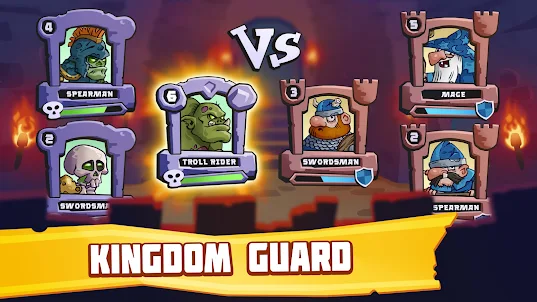
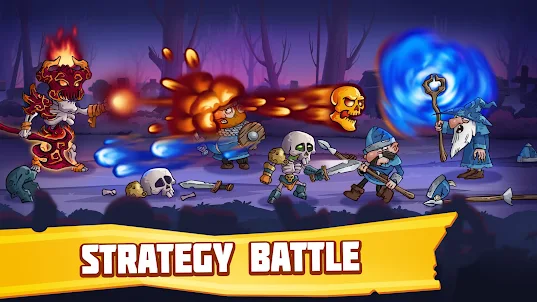

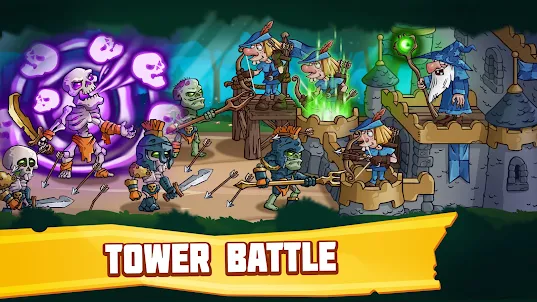
Why Play Skeletons games! Tower defense on PC with LDPlayer?
How to Download Skeletons games! Tower defense on PC?
Download and install LDPlayer on your computer
Locate the Play Store in LDPlayer's system apps, launch it, and sign in to your Google account
Enter "Skeletons games! Tower defense" into the search bar and search for it
Choose and install Skeletons games! Tower defense from the search results
Once the download and installation are complete, return to the LDPlayer home screen
Click on the game icon on the LDPlayer home screen to start enjoying the exciting game
If you've already downloaded the APK file from another source, simply open LDPlayer and drag the APK file directly into the emulator.
If you've downloaded an XAPK file from another source, please refer to the tutorial for installation instructions.
If you've obtained both an APK file and OBB data from another source, please refer to the tutorial for installation instructions.