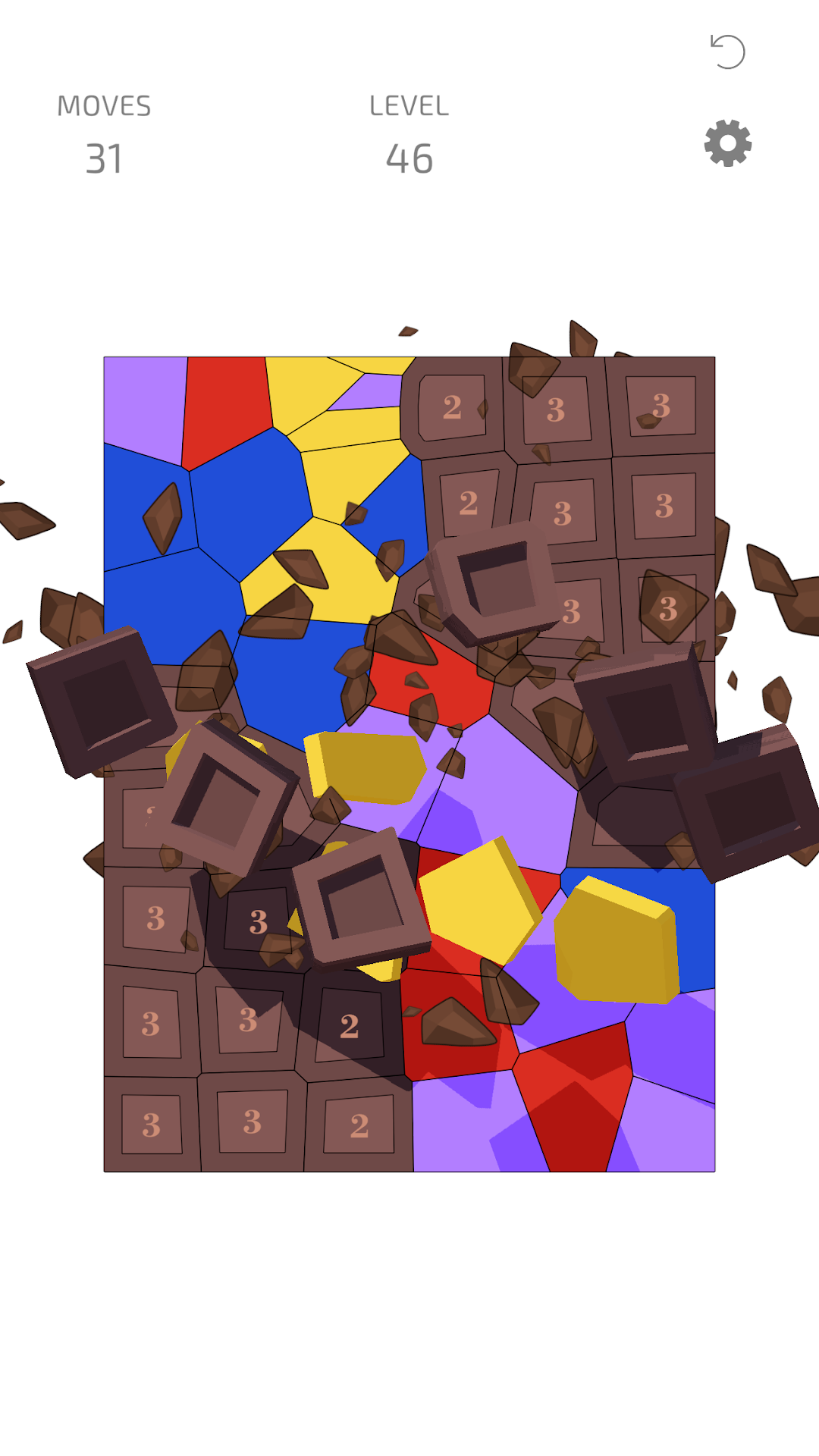
Voro is a Puzzle application developed by VOODOO, but with the best Android emulator-LDPlayer, you can download and play Voro on your computer.
Running Voro on your computer allows you to browse clearly on a large screen, and controlling the application with a mouse and keyboard is much faster than using touchscreen, all while never having to worry about device battery issues.
With multi-instance and synchronization features, you can even run multiple applications and accounts on your PC.
And file sharing makes sharing images, videos, and files incredibly easy.
Download Voro and run it on your PC. Enjoy the large screen and high-definition quality on your PC!
Are you tired of the same old squares, cubes, blocks, and bubbles?Discover "Voro”, a completely original, unique, fresh, and engaging puzzle game that redefines the genre.
What sets Voro apart?
* Innovative Gameplay: Dive into a novel concept with gameplay unlike anything you've experienced before.
* Elegant Simplicity: Explore an abstract, geometric world, free from unnecessary distractions.
* Intuitive Controls: Effortlessly drag tiles with a single finger.
* Easy to Learn: Grasp the simple gameplay in just a few seconds – it's intuitive and accessible.
* Endless Replayability: With each session, you'll find new challenges and reasons to come back for more.
Experience a New Twist:
Say goodbye to conventional puzzles! Voro challenges you with free-form shapes and non-traditional geometry, offering a unique twist that keeps your mind engaged.
Enjoy the freedom of moving tiles across the board in a fluid, organic way, as you delve into a world where colors blend and strategies evolve. Voro brings countless hours of fresh and engaging fun, stimulating both sides of your brain.
Ready to Challenge Yourself?
Embark on this captivating journey with Voro and enjoy a puzzle experience like no other. Let your brain revel in the joy of discovery and strategy!