


Doctor: Pet Care
Use LDPlayer to Play Doctor: Pet Care on PC
Doctor: Pet Care is a Role Playing game developed by Peppy Studio, and LDPlayer is the best platform for playing Doctor: Pet Care on Windows PC, offering powerful features for an immersive experience.
When playing Doctor: Pet Care on PC, as a new player looking to start with a fresh account, the multi-instance and sync features are extremely useful for rerolls. You can use them to run multiple instances and begin the synchronization process. Bind your account until you draw the desired heroes.
In addition, operation recorder is great for games that require you to level up and complete tasks! Run the sync and record your actions, then repeat the main instance's actions in real-time. By doing so, you can run 2 or more accounts simultaneously. You can always get the heroes you want before others by faster rerolls and more efficient summoning! Start downloading and playing Doctor: Pet Care on your computer now!
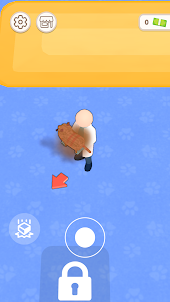
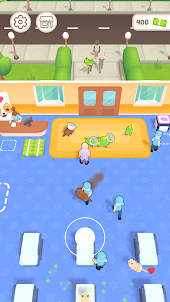
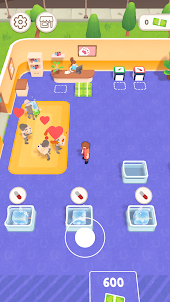
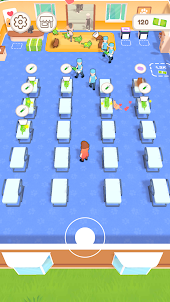
Screenshots and Videos of Doctor: Pet Care on PC
Why Play Doctor: Pet Care on PC with LDPlayer?
How to Download Doctor: Pet Care on PC?
Download and install LDPlayer on your computer
Locate the Play Store in LDPlayer's system apps, launch it, and sign in to your Google account
Enter "Doctor: Pet Care" into the search bar and search for it
Choose and install Doctor: Pet Care from the search results
Once the download and installation are complete, return to the LDPlayer home screen
Click on the game icon on the LDPlayer home screen to start enjoying the exciting game
If you've already downloaded the APK file from another source, simply open LDPlayer and drag the APK file directly into the emulator.
If you've downloaded an XAPK file from another source, please refer to the tutorial for installation instructions.
If you've obtained both an APK file and OBB data from another source, please refer to the tutorial for installation instructions.