Home/

Games/

Role Playing/

Warframe Mobile

Warframe Mobile
4.0100+

Warframe Mobile

Play on PC with LDPlayer
recommend
Digital Extremes
How to Download&Play Warframe Mobile on PC?
Last Updated: 2022-10-19
Warframe Mobile
Share:
  • Overview

  • FAQ

  • Game Guides

Use LDPlayer to Play Warframe Mobile on PC

Warframe Mobile release date

The release date hasn't yet been confirmed


Run Warframe Mobile on PC
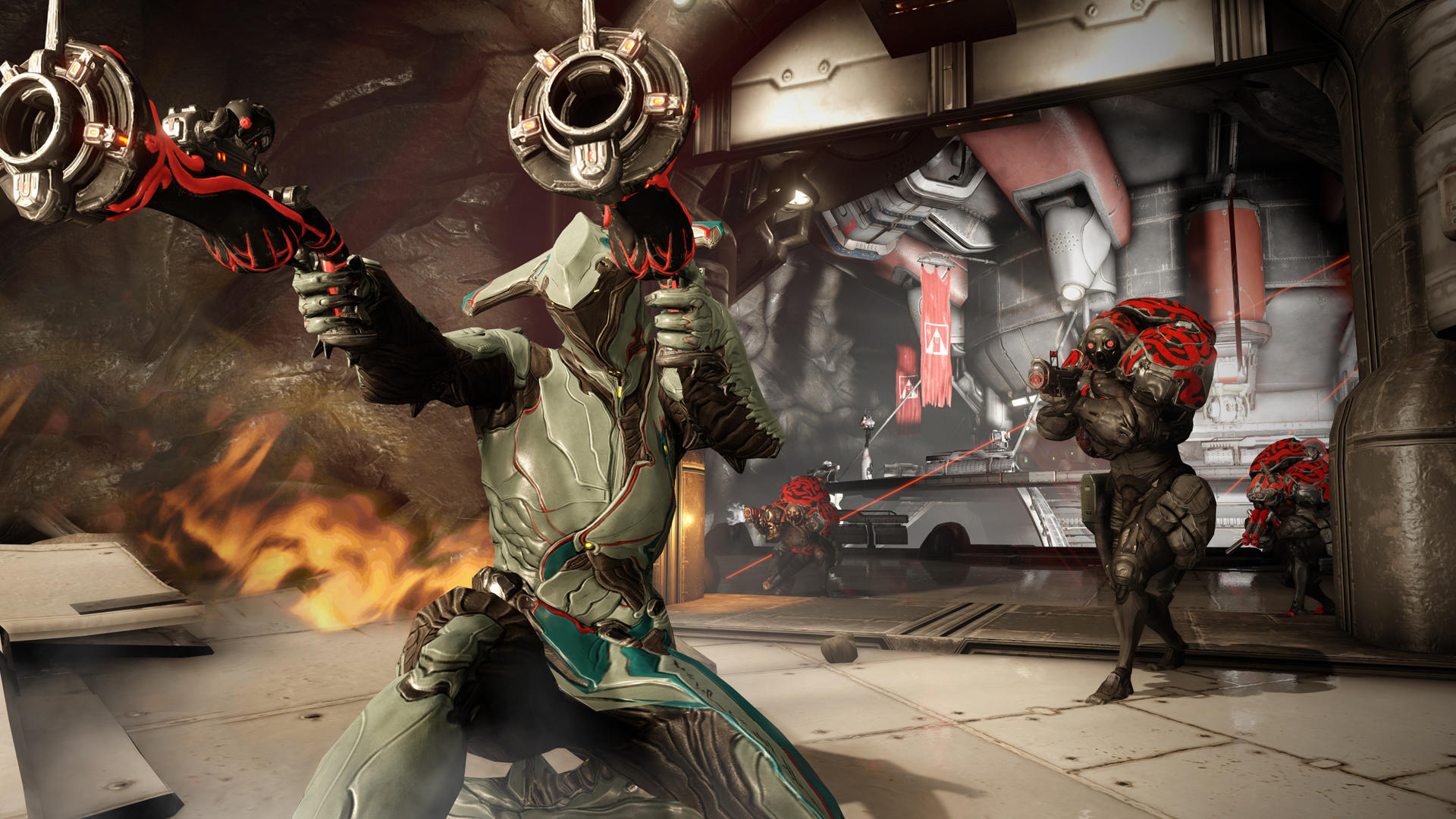
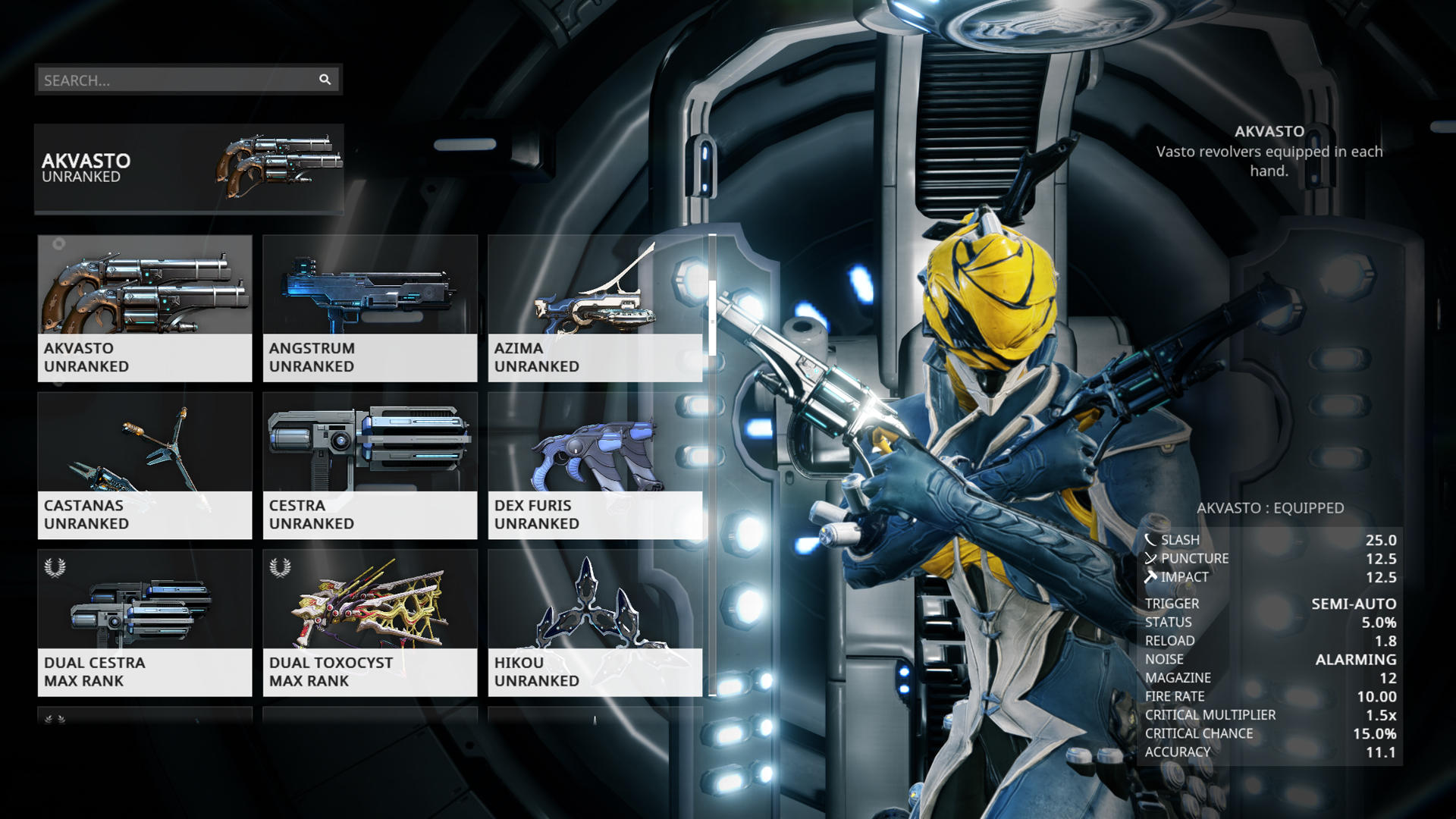
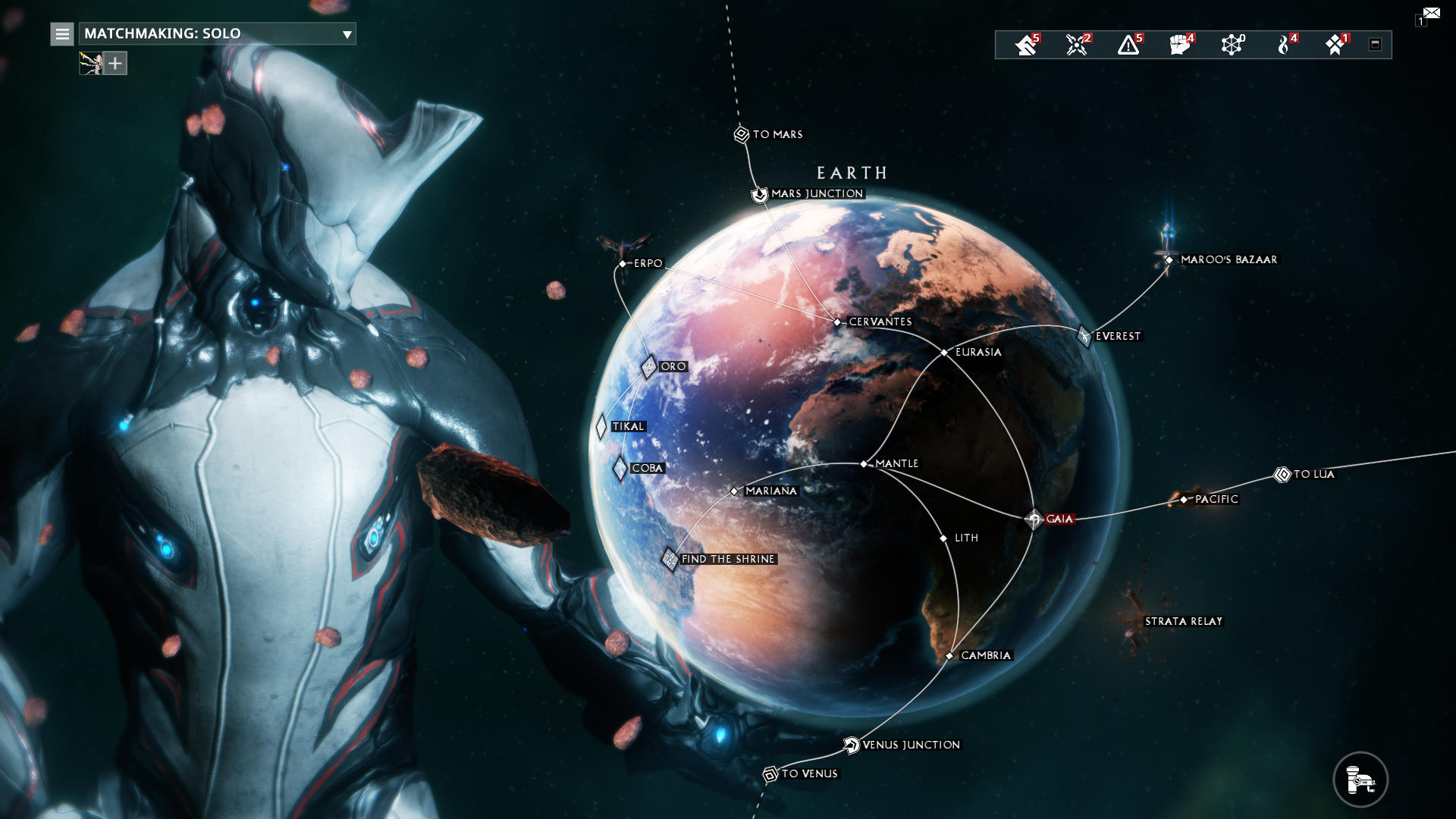
Digital Extreme's most popular free-to-play shooter game is the Warframe Mobile, and you will be controlling a race member named Tenno. These are the warriors, and they are utilizing the Warframes called advanced weapon units in the game. Since this is an MMORPG game, it will make you collect more equipment and match them to your desires, and so much more exploration is also available in the game to make you more interested in the game.


Shooting and Actions
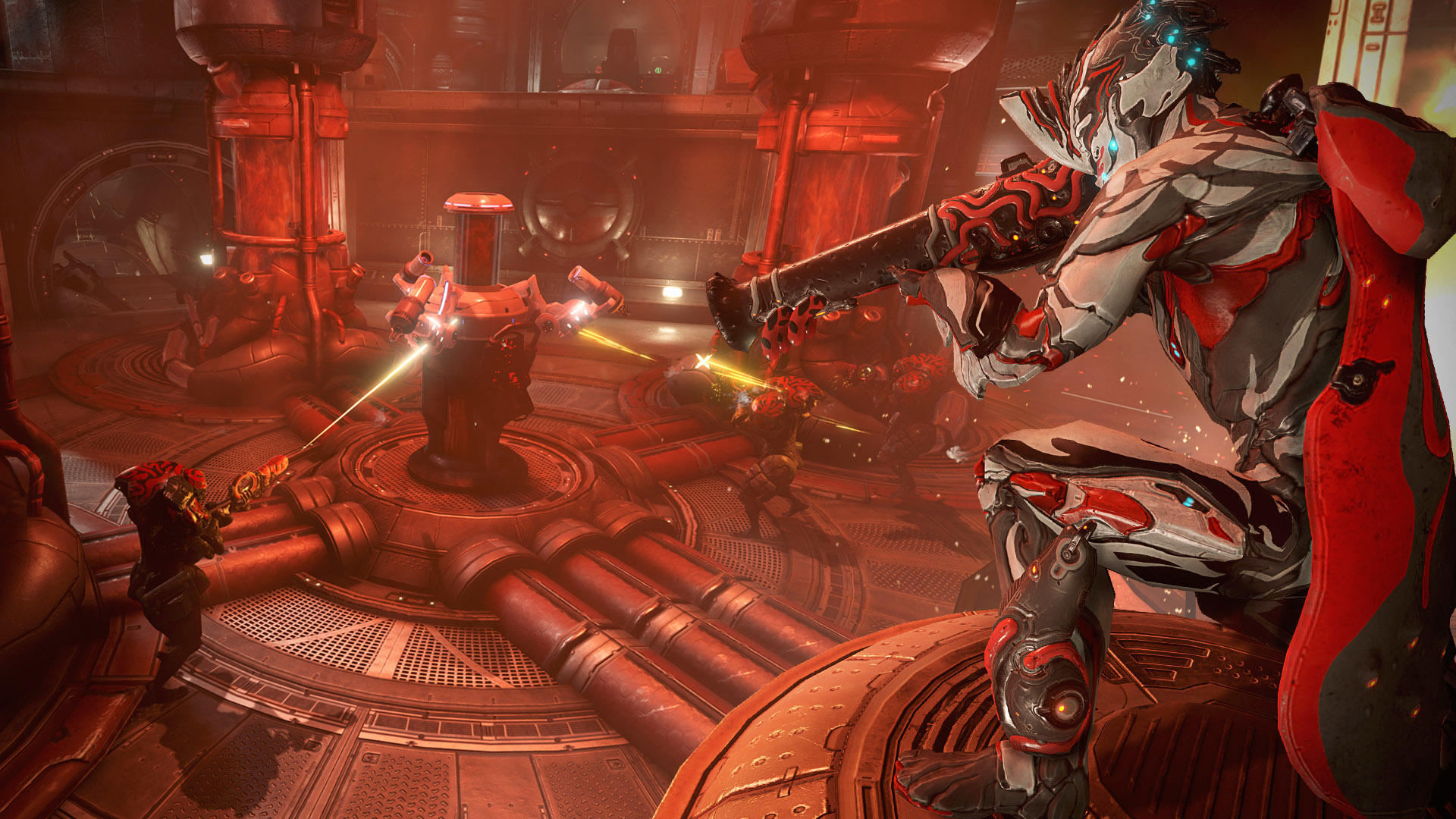
There will be backstab, wall walking, close combat, sliding and many more things to deal with in this game, and there will also be some long-range attacks. The combat must be handled with some instant controls, which makes you dig into more pleasure with some controlling enemies. Everything that comes in the combat is going to offer you the most thriller from the game, and there will be so many strategies that you will have to use for victory.
A correct positioning, a well useful strategy use and the best hit will make you succeed in the game with some more effects, and LDPlayer 9 will be the best emulator to play this game with the best controls achieved.


So Much More Heroes to Select
Heroes come in a range of variety here, and they are not the same from one to another. Each one of them will hold superpowers, and every Tenno hero has to be positioned well according to their attributes to achieve the best performance in the game. As a player, you are all free to select a hero as you want, and there will be a unique experience offered to you from each hero.
 

Open up

Screenshots and Videos of Warframe Mobile PC

Experience a wider field of view, exquisite game graphics, and cooler combat skills and effects by downloading and playing Warframe Mobile on PC with LDPlayer. Enjoy the ultimate gaming experience with LDPlayer.

Why Play Warframe Mobile on PC with LDPlayer?

LDPlayer offers unique emulator features including multi-instance support, macros, operation recorder, and other functions not available on mobile devices.

Multi-Instance & Sync

Remote Control

Operation Recorder

Multi-Instance & SyncRemote ControlOperation Recorder

Effortlessly clone multiple instances and initiate synchronization until you draw the desired hero before binding your account, enhancing efficiency in rerolls in Warframe Mobile.

  • High FPS

    With support for high FPS, Warframe Mobile's game graphics are smoother, and actions are more seamless, enhancing the visual experience and immersion of playing Warframe Mobile.
  • Keyboard & Mouse

    In Warframe Mobile, players frequently perform actions such as character movement, skill selection, and combat, where keyboard and mouse offer more convenient and responsive operation.

How to Download&Play Warframe Mobile on PC?

  • 1

    Download and install LDPlayer on your computer

  • 2

    Locate the Play Store in LDPlayer's system apps, launch it, and sign in to your Google account

  • 3

    Enter "Warframe Mobile" into the search bar and search for it

  • 4

    Choose and install Warframe Mobile from the search results

  • 5

    Once the download and installation are complete, return to the LDPlayer home screen

  • 6

    Click on the game icon on the LDPlayer home screen to start enjoying the exciting game

More From Digital Extremes