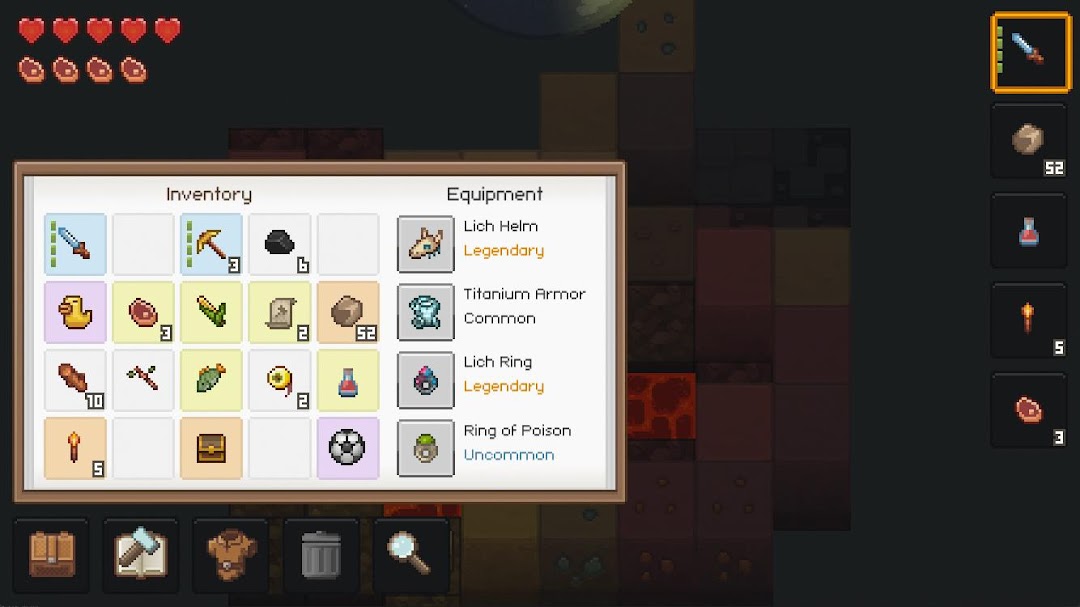
PixelTerra is a Role Playing game developed by SKVGames, and LDPlayer is the best platform for playing PixelTerra on Windows PC, offering powerful features for an immersive experience.
When playing PixelTerra on PC, as a new player looking to start with a fresh account, the multi-instance and sync features are extremely useful for rerolls. You can use them to run multiple instances and begin the synchronization process. Bind your account until you draw the desired heroes.
In addition, operation recorder is great for games that require you to level up and complete tasks! Run the sync and record your actions, then repeat the main instance's actions in real-time. By doing so, you can run 2 or more accounts simultaneously. You can always get the heroes you want before others by faster rerolls and more efficient summoning! Start downloading and playing PixelTerra on your computer now!
The world of PixelTerra is quite dangerous so you need to build a shelter, find some food supply and get ready to protect yourself from monsters in order to survive at least a couple of days. Then you can only hope that the walls of your shelter will be strong enough to withstand the onslaught.In this game you will see:
● More than 100 recipes in the craftbook
● Dungeons with treasures
● Customized world generation and adaptive difficulty
● Loot with random properties
● Day/Night cycle + weather effects
● Hunting and fishing
● Animal and crop farming
● Trading with aborigines
Tips for the beginner:
● If you don’t like Survival mode, you can turn off strong monsters and starvation in the settings.
● Also you can slow down game speed If you play for the first time or constantly die.
● Do not try to build a good shelter right away. Hide yourself first in the stone arrays.
New blocks, items and recipes are permanently added in the game to make it more diversified and interesting to play.
The gameplay contains elements of roguelike and rpg games.