RoadMapper is a Tools application developed by Lex Leontiev, but with the best Android emulator-LDPlayer, you can download and play RoadMapper on your computer.
Running RoadMapper on your computer allows you to browse clearly on a large screen, and controlling the application with a mouse and keyboard is much faster than using touchscreen, all while never having to worry about device battery issues.
With multi-instance and synchronization features, you can even run multiple applications and accounts on your PC.
And file sharing makes sharing images, videos, and files incredibly easy.
Download RoadMapper and run it on your PC. Enjoy the large screen and high-definition quality on your PC!
Welcome to RoadMapper - an intuitive task management app designed to streamline your organization and help you achieve your goals. It offers a simple and user-friendly interface that allows you to focus on important tasks and effectively plan your day.Key Features:
1. Easy Planning: RoadMapper provides a pair of screens to simplify your workflow. The "Today" screen enables you to add tasks that you plan to accomplish specifically on the current day. The "Goals" screen allows you to create goals and add tasks that will contribute to their achievement.
2. Visual Progress Tracking: On the "Goals" screen, each goal is highlighted with a color that also serves as a progress indicator. As you complete tasks within a goal, the progress bar fills up, visually displaying your progress and helping you easily track how close you are to achieving your goal.
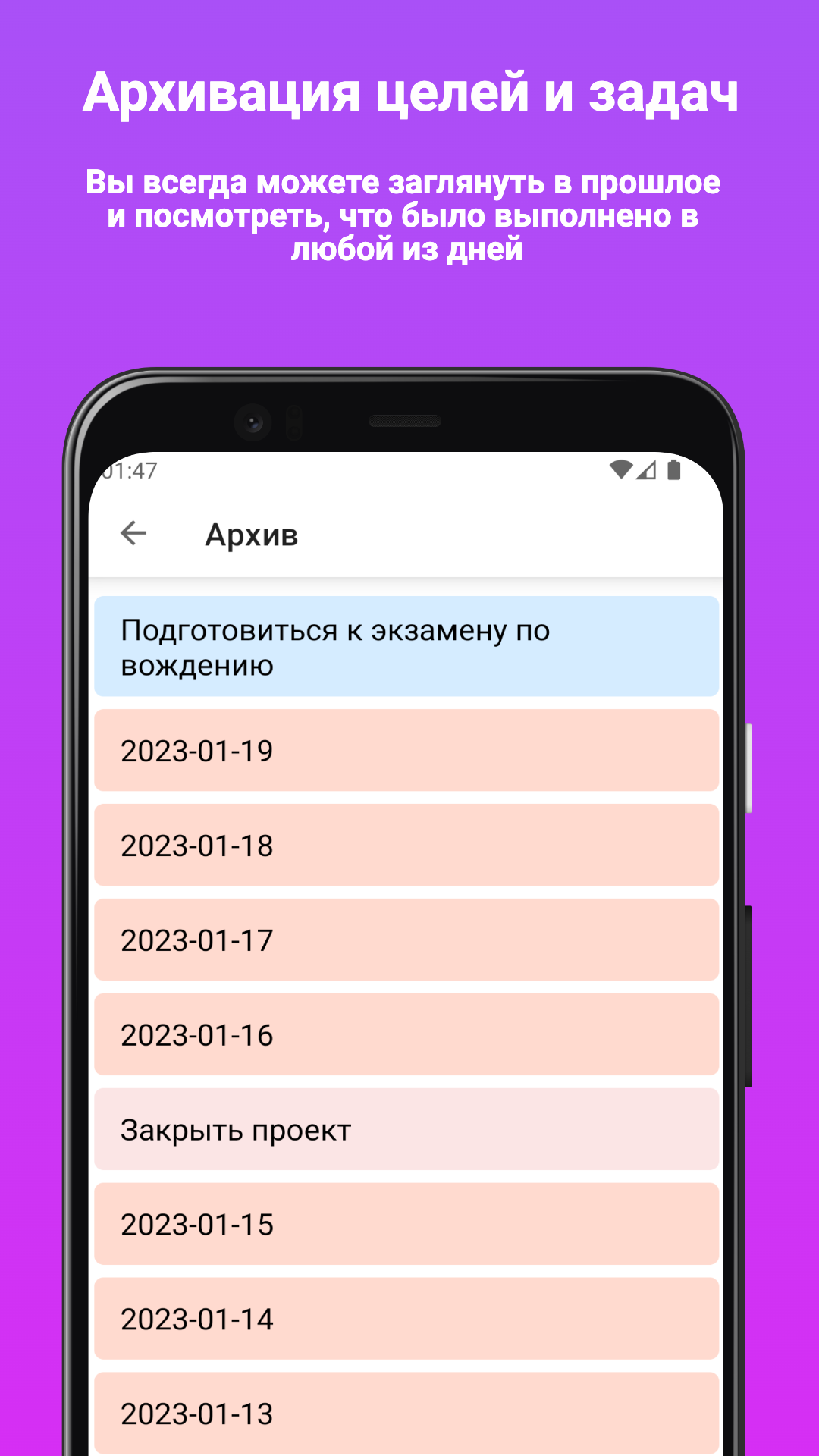
3. Archiving Completed Goals: Once you complete all the tasks within a goal, you can archive it. Archived goals will disappear from the "Goals" screen and move to the archive. However, you can easily unarchive them if there are additional tasks to be completed.
4. Timeline of Completed Tasks: Completed tasks are saved in a comprehensive timeline, allowing you to view them in chronological order of completion.
5. Integration of Goals and Tasks: When creating a task on the "Today" screen, you can effortlessly associate it with a specific goal if it is part of it. This helps maintain clarity and focus on goal attainment.
6. Security and Easy Recovery: RoadMapper offers local backup and restore functionality, ensuring your data is always safe and can be recovered when needed.
7. Keep Only the Relevant Tasks in Sight: At the end of each day, completed tasks from the "Today" screen are moved to the archive. A goal with the date of the past day is generated for them, allowing you to revisit and review what was accomplished on any given day.
8. Personalization and Dark Theme: The app supports both light and dark themes, following your system settings.
RoadMapper will help you become more organized and efficient in achieving your goals. Manage your time and plan your day with ease and convenience. Don't miss a single task and keep moving forward with RoadMapper!