Bump is a Tools application developed by BumpTech, but with the best Android emulator-LDPlayer, you can download and play Bump on your computer.
Running Bump on your computer allows you to browse clearly on a large screen, and controlling the application with a mouse and keyboard is much faster than using touchscreen, all while never having to worry about device battery issues.
With multi-instance and synchronization features, you can even run multiple applications and accounts on your PC.
And file sharing makes sharing images, videos, and files incredibly easy.
Download Bump and run it on your PC. Enjoy the large screen and high-definition quality on your PC!
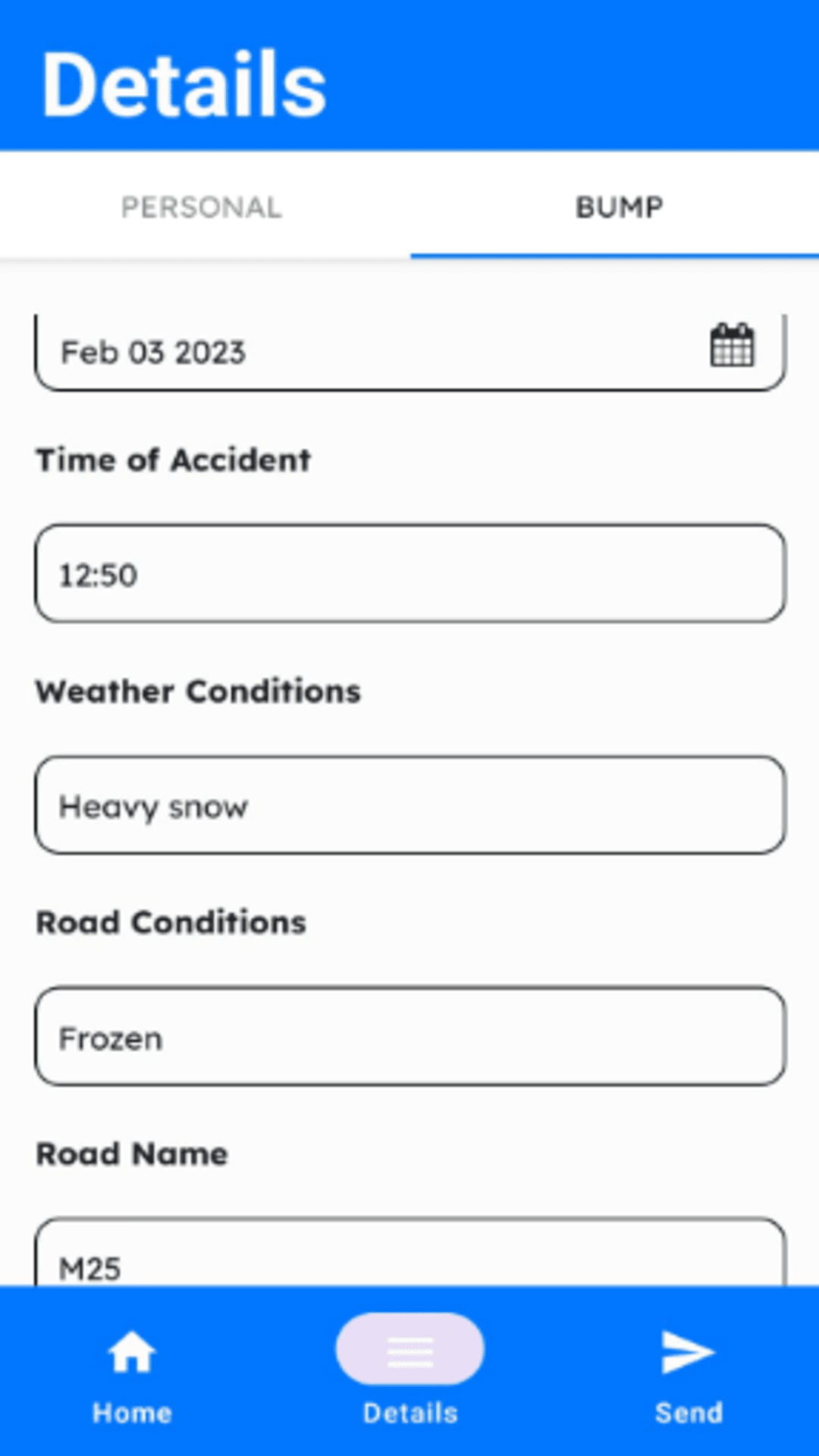
Bump is made by the drivers, for the drivers - it's an all-in-one tool for notating details and recording pictures/videos when you get into a car accident. By having everything in one place, you are guaranteed to never forget any information.In addition, you can send all the necessary information to witnesses and other drivers involved with the tap of a single button, or compile into a pdf or document if you wish. The clean interface and minimalistic style will make it really simple to pull off - you can't go wrong with it!
We don't save any data elsewhere - all of it is on your phone - don't worry about that