Elite Sniper War: 3D Siege
Hunt your target in Sniper War Shooting & become an epic 3D sniper legend!
Elite Sniper War: 3D Siege is developed and provided by Red Shift Games. LDPlayer offers the download service only.

Overview

FAQ
Use LDPlayer to Play Elite Sniper War: 3D Siege on PC
Elite Sniper War: 3D Siege is a Action game developed by Red Shift Games, and LDPlayer is the best platform for playing Elite Sniper War: 3D Siege on PC, offering powerful features to immerse you in the game.
When playing Elite Sniper War: 3D Siege on computer, you can adjust frame rate settings for smooth gameplay and stunning visuals.
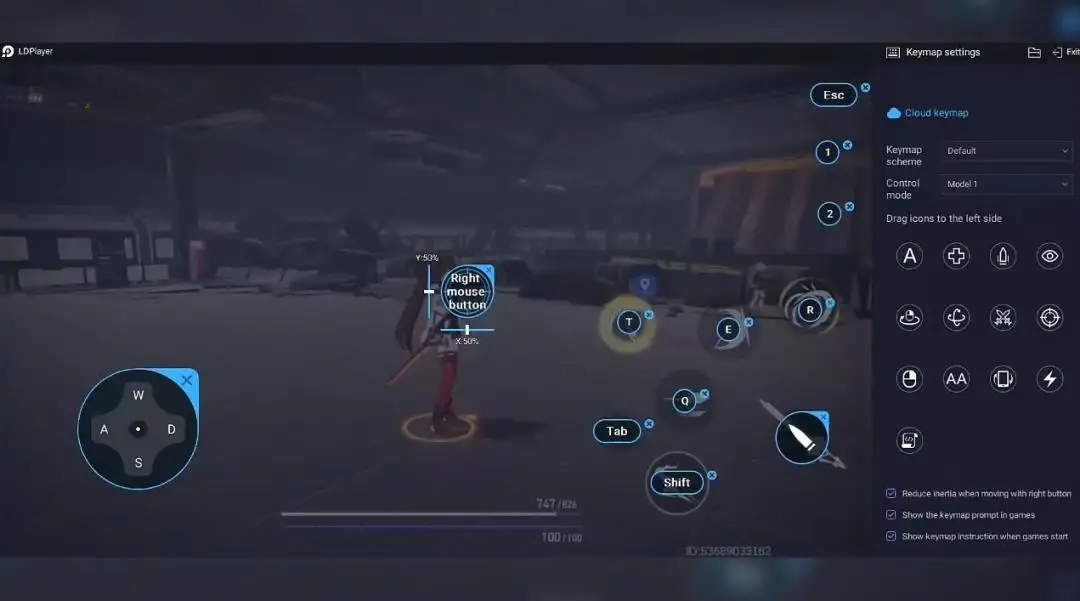
LDPlayer also provides pre-configured keyboard mapping for convenient control of the entire game. Continuous optimization of keyboard mapping enhances key sensitivity and skill accuracy. Additionally, LDPlayer offers special buttons like shoot, hide mouse, and continuous key press for an enhanced gaming experience.
If you prefer using a gamepad, the automatic gamepad detection allows you to customize controls with just a few clicks, enabling you to freely maneuver your hero. Start downloading and playing Elite Sniper War: 3D Siege on your computer now!
Do you dream of becoming a Sharp Shooter?Welcome to our Elite Sniper War Game and dive into the thrilling world of Stealth Sniping Missions. It's a Sniper shooter game that's as fun as it is easy to play, with stunning graphics and various 3D sniper assassin guns. You'll find yourself in the middle of epic war games, in front of armed soldiers & snipers to cop within this gun shooting game.
Master the art of sniping in this intense 3D sniper game
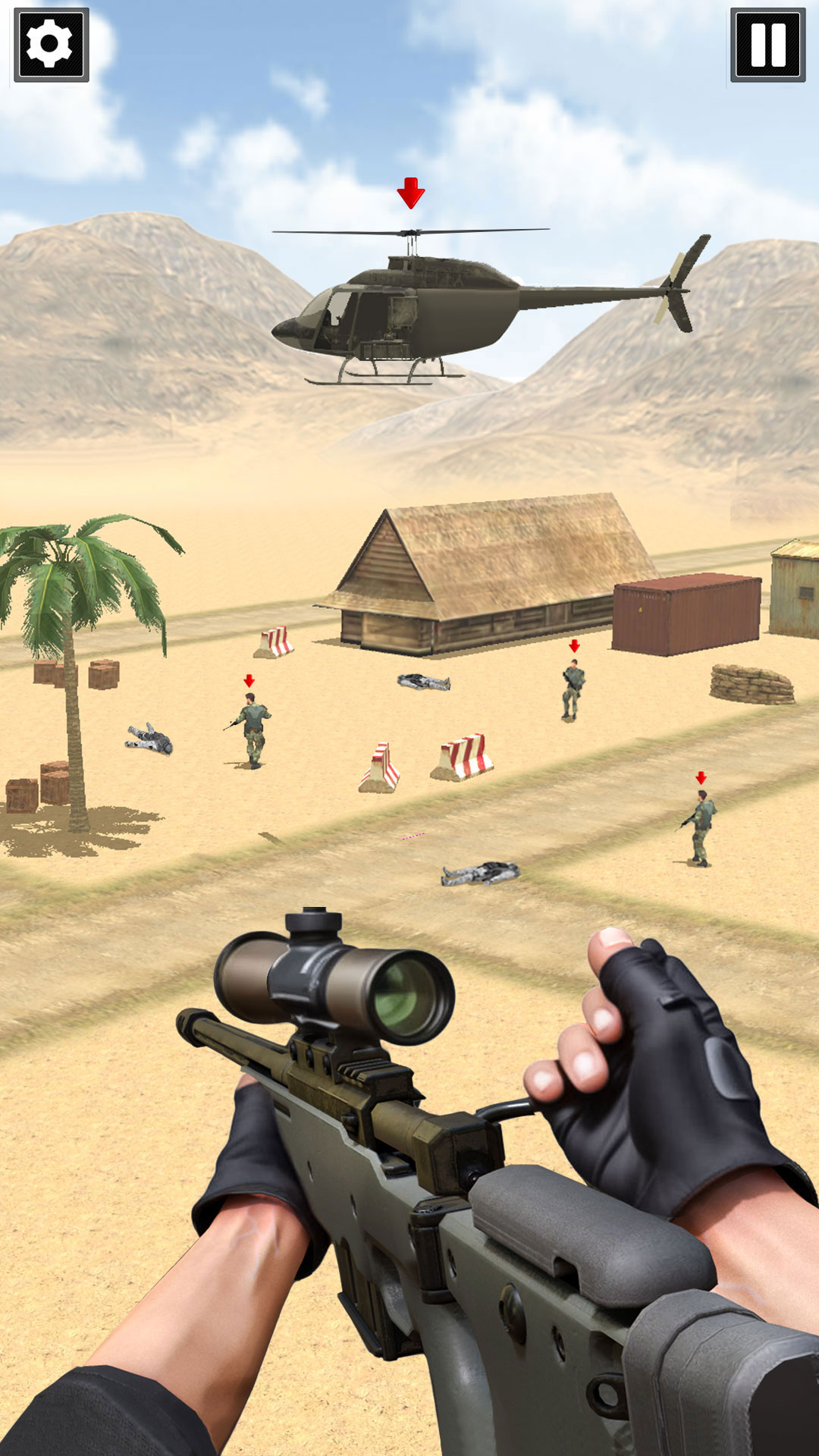
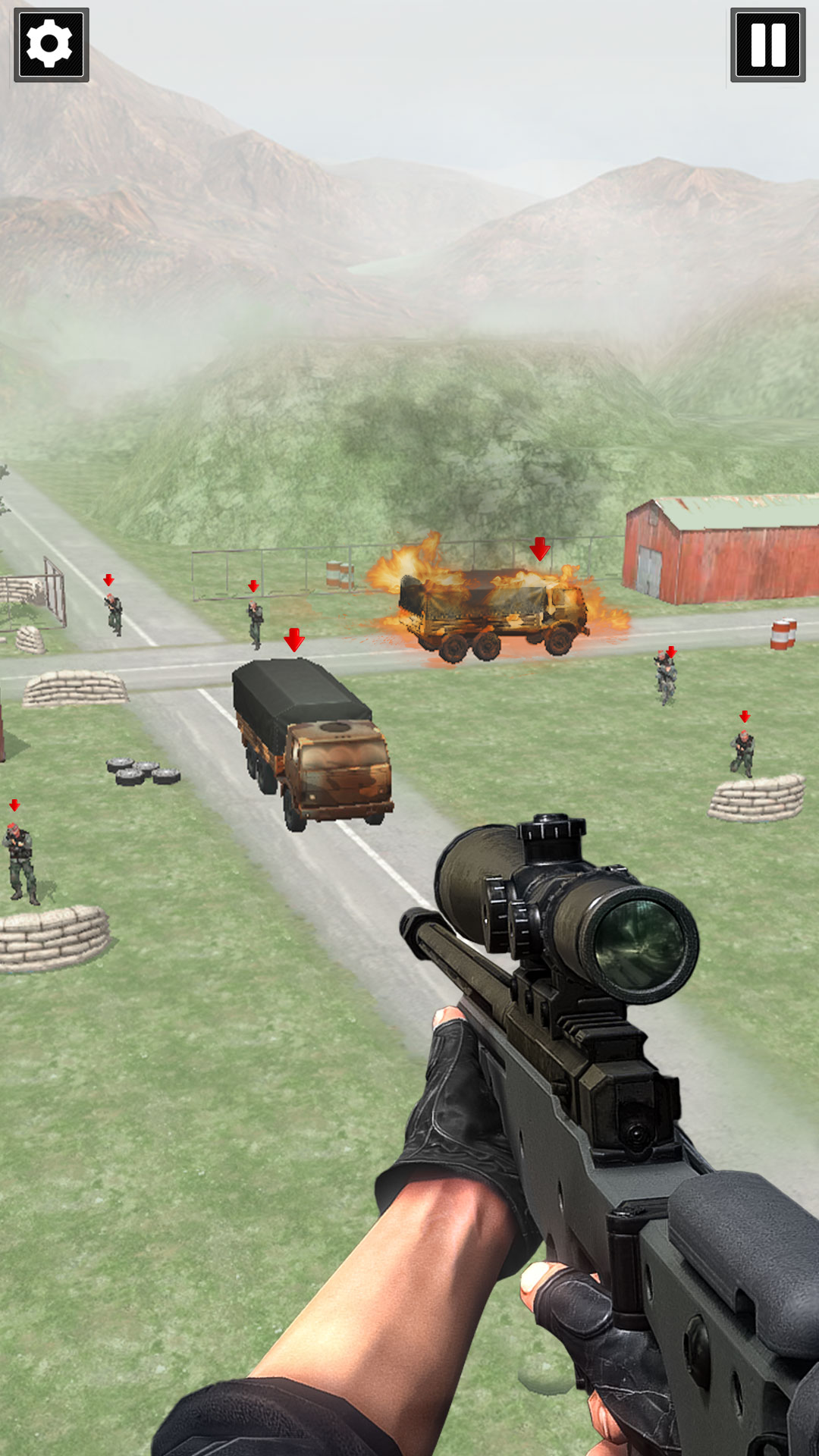
Be a sniper ghost, unseen and unheard in this Elite Sniper War Game. Capture enemy military bases, and protect your own. Use your 3D sniper rifles to defeat the enemy and save innocent people. Infiltrate the criminal’s guarded bases and eliminate the target. Sometimes, your target isn't just the enemy soldiers, but the red-highlighted choppers, vehicles, or gas tankers.
Snipe as a first-person shooter and strike first with your 3D sniper assassin rifle. As you level up as a sharpshooter, you'll face tough targets and have to neutralize them before they shoot you.
Elite Sniper is one of the free shooting games that offers challenging levels to boost your sniper shooting ability. Conquer the enemy's territory, become a legendary elite sniper, and master the battlefield.
Sniper Shooter - How to Play:
Aim and Shoot: Swipe to aim your sniper rifle. Tap the screen to fire a shot. Precision is key!
Stealth Mode: Sneak through enemy territory. Avoid detection by timing your movements and using cover effectively.
Upgrade Weapons: Earn rewards to unlock better rifles, scopes, and silencers. Customize your loadout!
Complete Missions: Take on thrilling missions – from rooftop assassinations to jungle ambushes.
Features:
Perfect sniping by executing kills from incredible distances.
Thrilling Sniper Stealth Shooting Missions.
Deadly Accuracy to take down enemies with precision.
Survive the battlefield like a seasoned military.
Realistic Sniper Game Sounds Effects.
This Sniper Game has stunning visuals with a detailed 3d environment.
Download now and become the legendary elite sniper shooter in 3D Siege War!
Screenshots and Videos of Elite Sniper War: 3D Siege PC


Why Play Elite Sniper War: 3D Siege on PC with LDPlayer?
 Ultra-Wide Screen
 Keyboard Mapping
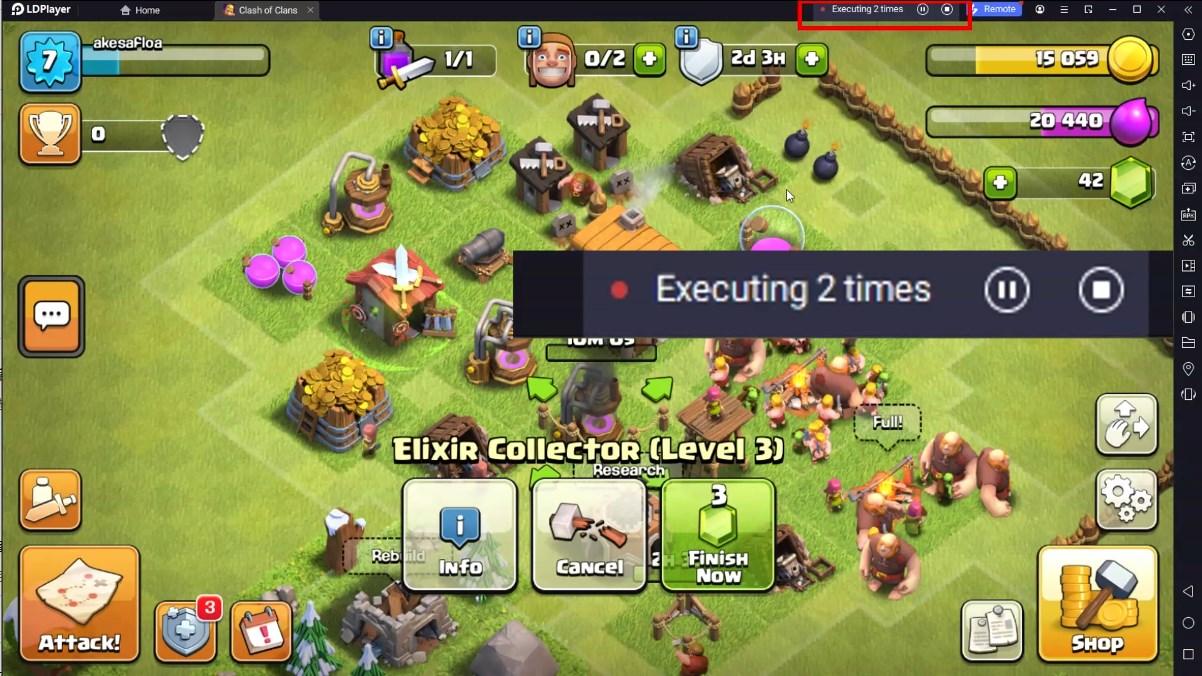
 One-Click Macro
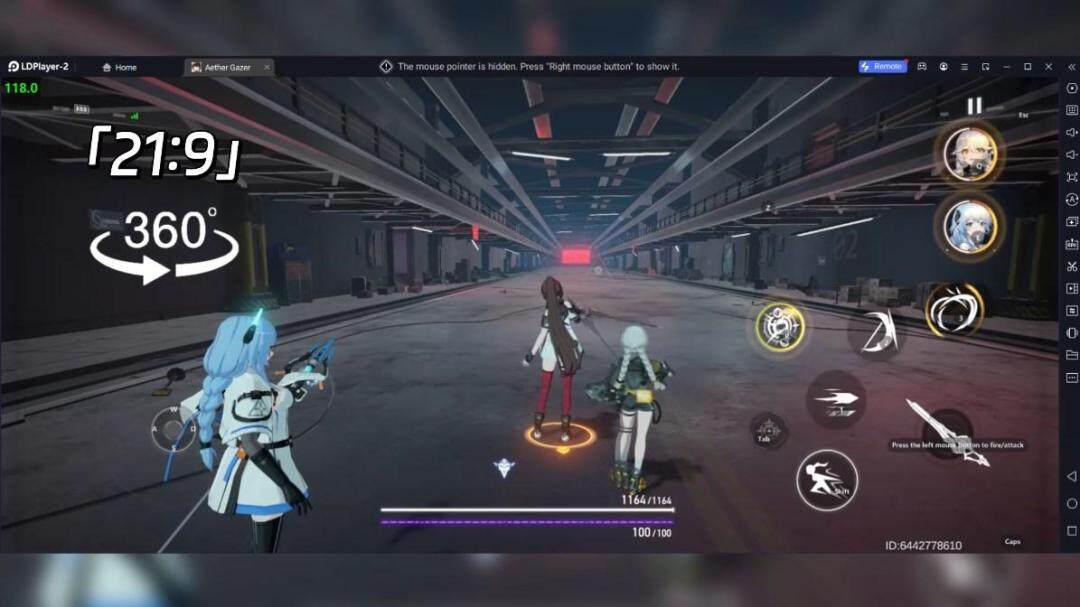

Utilizing the expansive screen, it offers a panoramic, all-encompassing view of the game in Elite Sniper War: 3D Siege, leaving no blind spots. Players can observe game details with crystal clarity and react instantaneously.

High FPS
With support for high FPS, Elite Sniper War: 3D Siege's game graphics are smoother, and actions are more seamless, enhancing the visual experience and immersion of playing Elite Sniper War: 3D Siege.
Extended Battery Life
When running Elite Sniper War: 3D Siege on your computer, you need not worry about low battery or device overheating issues. Enjoy playing for as long as you desire.
How to Download&Play Elite Sniper War: 3D Siege on PC?
 1
1Download and install LDPlayer on your computer
 2
2Locate the Play Store in LDPlayer's system apps, launch it, and sign in to your Google account
 3
3Enter "Elite Sniper War: 3D Siege" into the search bar and search for it
 4
4Choose and install Elite Sniper War: 3D Siege from the search results
 5
5Once the download and installation are complete, return to the LDPlayer home screen
 6
6Click on the game icon on the LDPlayer home screen to start enjoying the exciting game