Daily Mahjong Match
Daily Mahjong Match: classic tile matching and board puzzle game!
Daily Mahjong Match is developed and provided by Big Cake. LDPlayer offers the download service only.

Overview

FAQ
Use LDPlayer to Play Daily Mahjong Match on PC
Daily Mahjong Match is a Board application developed by Big Cake, but with the best Android emulator-LDPlayer, you can download and play Daily Mahjong Match on your computer.
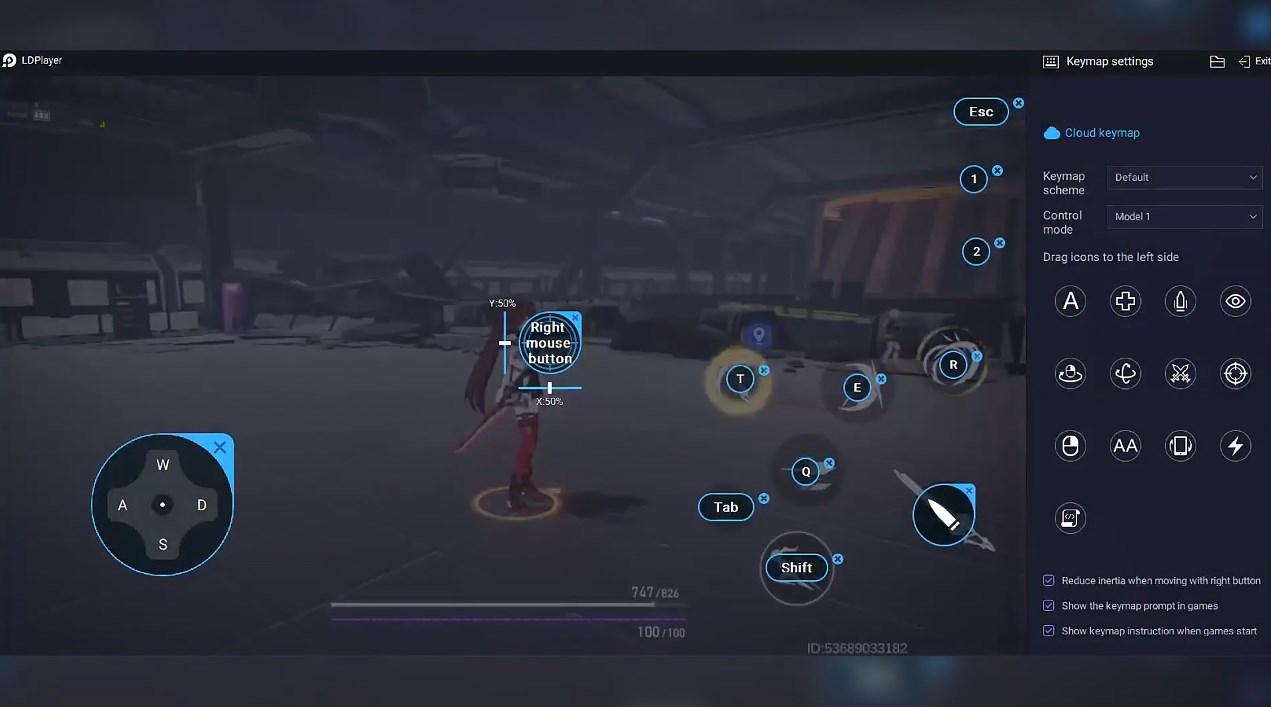
Running Daily Mahjong Match on your computer allows you to browse clearly on a large screen, and controlling the application with a mouse and keyboard is much faster than using touchscreen, all while never having to worry about device battery issues.
With multi-instance and synchronization features, you can even run multiple applications and accounts on your PC.
And file sharing makes sharing images, videos, and files incredibly easy.
Download Daily Mahjong Match and run it on your PC. Enjoy the large screen and high-definition quality on your PC!
Daily Mahjong Match is a fun and relaxing classic tile matching game. You can enjoy hours of matching tiles game and sharpen your logic skills. 🀄 As a mahjong solitaire game, Daily Mahjong Match not only helps you relax but also keeps your mind active and sharp. 🧠⭐ How to Play:
Choose a difficulty level from Easy, Medium, and Hard.
Tap matching pairs! Find out mahjong tiles with identical images from the board and tap to eliminate them.
Scan each row carefully! Pairs can be vertical or horizontal.
Watch for empty cells! There can also be empty cells between the 2 matching pairs. Please unleash your observation skills to the fullest!
Drag a mahjong tile vertically or horizontally to match it with another! Adjacent tiles can be moved together but will be blocked by separated tiles.
Clear the board! Try to clear the mahjong tiles on the board to achieve the highest score.
⭐ Features:
Simple Gameplay: Just tap mahjong tiles and eliminate them all!
Diverse Themes: Each different beautiful Mahjong-inspired theme brings a unique atmosphere.
Useful Props: Hints to help you go further and win!
No timer, no pressure!
No Wi-Fi needed! Play ANYWHERE, ANYTIME!
If you're a fan of Mahjong Club, Vita Mahjong, Mahjong for Seniors, Number Match, Match Ten, or any other matching or puzzle game, Daily Mahjong Match is the ultimate game for you.
Daily Mahjong Match offers a perfect blend of relaxation and challenge. 💫 Test your observation skills and complete each game with ease as you immerse yourself in the art of matching!
💥 Are you ready to enter the world of endless Mahjong fun? Download and play now!
💌 Your feedback matters a lot to us! If you have any questions, please email us to: android.joypiece@gmail.com 💌
Screenshots and Videos of Daily Mahjong Match PC


Why Play Daily Mahjong Match on PC with LDPlayer?
 Multi-Instance & Sync
 Remote Control
 Custom Controls
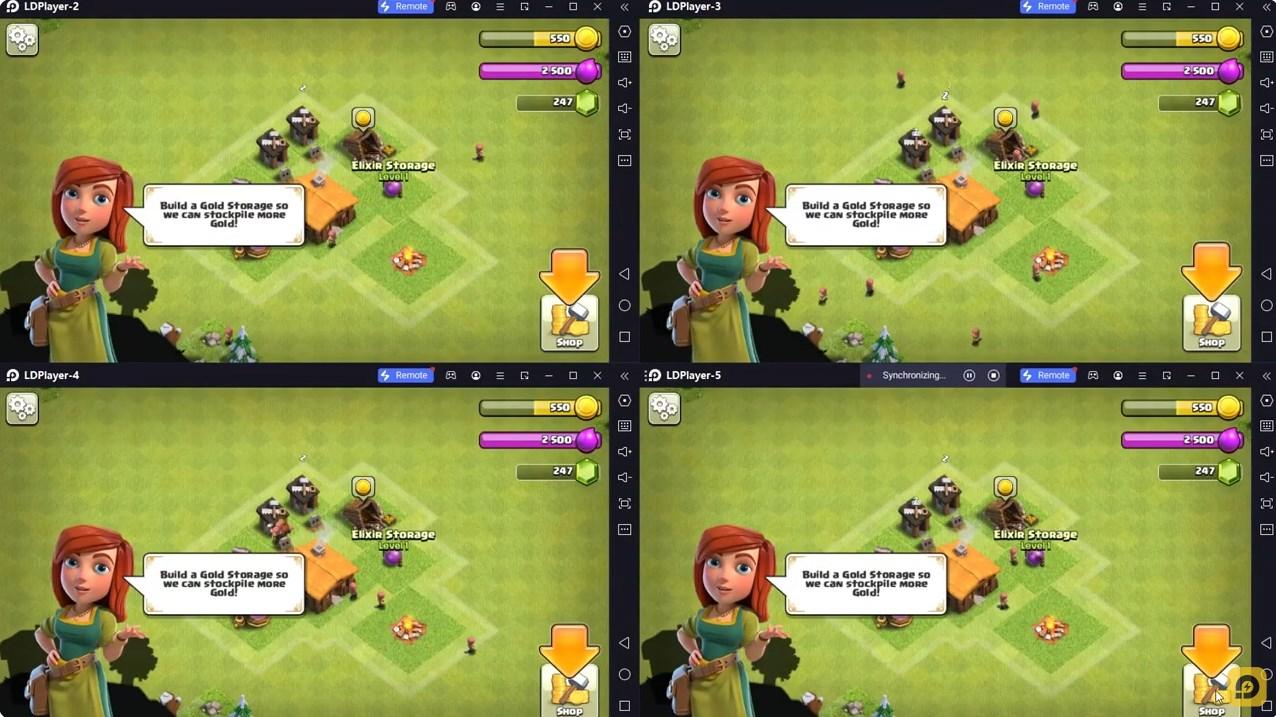
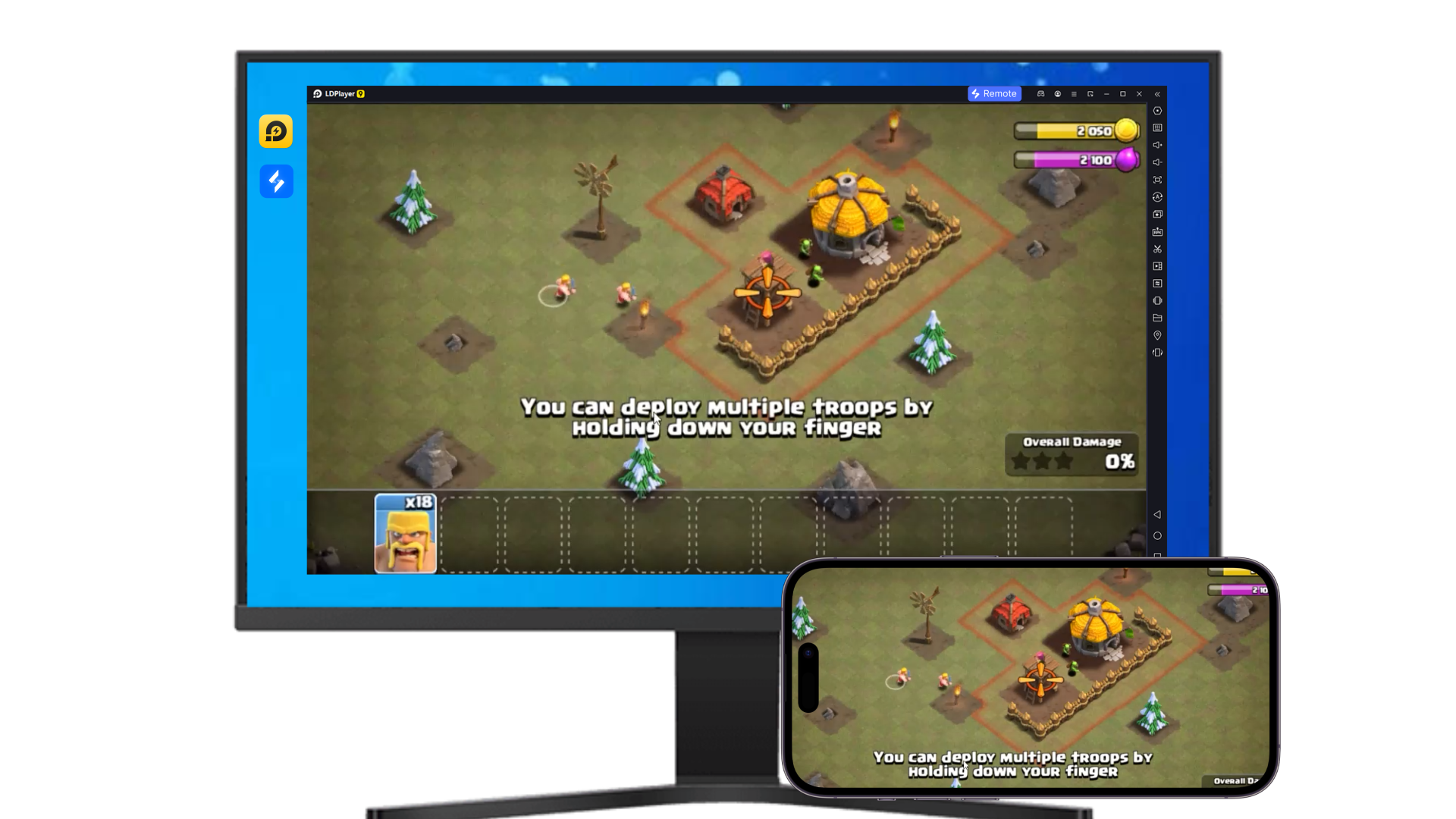

Effortlessly clone multiple instances and initiate synchronization until you draw the desired hero before binding your account, enhancing efficiency in rerolls in Daily Mahjong Match.

High FPS
With support for high FPS, Daily Mahjong Match's game graphics are smoother, and actions are more seamless, enhancing the visual experience and immersion of playing Daily Mahjong Match.
Video Recorder
Easily capture your performance and gameplay process in Daily Mahjong Match, aiding in learning and improving driving techniques, or sharing gaming experiences and achievements with other players.
How to Download&Play Daily Mahjong Match on PC?
 1
1Download and install LDPlayer on your computer
 2
2Locate the Play Store in LDPlayer's system apps, launch it, and sign in to your Google account
 3
3Enter "Daily Mahjong Match" into the search bar and search for it
 4
4Choose and install Daily Mahjong Match from the search results
 5
5Once the download and installation are complete, return to the LDPlayer home screen
 6
6Click on the game icon on the LDPlayer home screen to start enjoying the exciting game