Overview

FAQ
Use LDPlayer to Play Block Puzzle on PC
Block Puzzle is a Puzzle application developed by Big Cake, but with the best Android emulator-LDPlayer, you can download and play Block Puzzle on your computer.
Running Block Puzzle on your computer allows you to browse clearly on a large screen, and controlling the application with a mouse and keyboard is much faster than using touchscreen, all while never having to worry about device battery issues.
With multi-instance and synchronization features, you can even run multiple applications and accounts on your PC.
And file sharing makes sharing images, videos, and files incredibly easy.
Download Block Puzzle and run it on your PC. Enjoy the large screen and high-definition quality on your PC!
Block Puzzle - Free and Classic puzzle games, match colors and clear blocks!Block Puzzle is a free and addictive relaxing puzzle experience for break or a way to sharpen your mind! 🧩It's the perfect choice when you want to test your strategy and take some time for yourself. 🏆Come to play Block Puzzle and sharpen your mind!
Block Puzzle is the ultimate block puzzle game for all block puzzle enthusiasts. 👑If you want to relax and fall asleep sooner after a hard day at work, this is your perfect choice! 😎Think strategically and create COMBO*1, COMBO*2, COMBO*3, at most COMBO*7 to show off your block streak master skills!
💡Highlights💡
⁃ Beautiful, easy and simple, no pressure and no time limit.
⁃ Easy to play, Classic brick game for all ages!
⁃ Challenging to break your highest score.
⁃ Multiple beautiful background pictures.
⁃ Useful tools to help you break the highest score.
⁃ Perfect brain training game & perfect for killing time.
🌟How To Play?🌟
⁃ Match and clear as many colored blocks as possible!
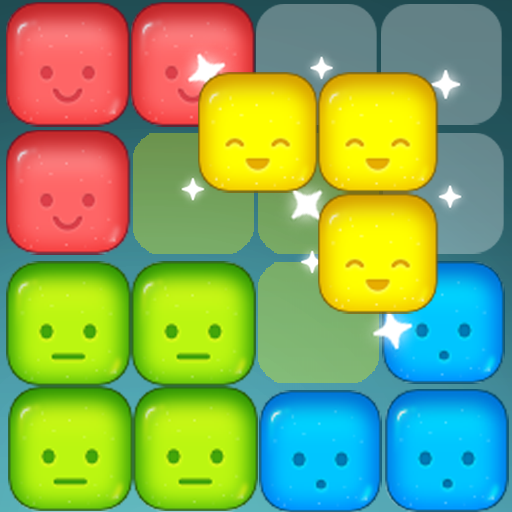
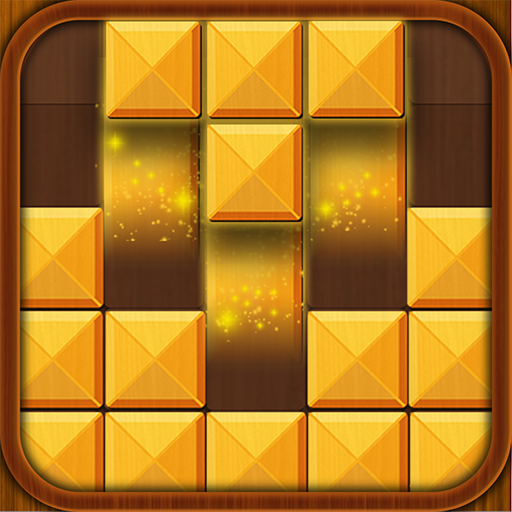
⁃ Fill blocks in a vertical or horizontal line to clear them.
⁃ Offline Fun, Anytime: No Wifi? No problem! Play anywhere, anytime, and dive into endless block blast fun.
⁃ Casual Yet Challenging: Relax or strategize to beat your high score.
Classic gameplay meets brightly color block puzzle games! Ready to test your skills, train your brain, and enjoy hours of stress-free fun?
Our Block Puzzle game can be played offline and combines elements of 1010 brain games, Sudoku block games, match 3 cube games, and woody puzzle games, helping you train your brain.🧠 Use your wisdom and strategy to clear color blocks, enjoy the Block Puzzle challenges now!
❤️Who's the best brick breaker? Come and play this game and become a block puzzle master now!
Screenshots and Videos of Block Puzzle PC


Why Play Block Puzzle on PC with LDPlayer?
 Multi-Instance & Sync
 Remote Control
 Custom Controls




Effortlessly clone multiple instances and initiate synchronization until you draw the desired hero before binding your account, enhancing efficiency in rerolls in Block Puzzle.

High FPS
With support for high FPS, Block Puzzle's game graphics are smoother, and actions are more seamless, enhancing the visual experience and immersion of playing Block Puzzle.
Video Recorder
Easily capture your performance and gameplay process in Block Puzzle, aiding in learning and improving driving techniques, or sharing gaming experiences and achievements with other players.
How to Download&Play Block Puzzle on PC?
 1
1Download and install LDPlayer on your computer
 2
2Locate the Play Store in LDPlayer's system apps, launch it, and sign in to your Google account
 3
3Enter "Block Puzzle" into the search bar and search for it
 4
4Choose and install Block Puzzle from the search results
 5
5Once the download and installation are complete, return to the LDPlayer home screen
 6
6Click on the game icon on the LDPlayer home screen to start enjoying the exciting game