Complete Ear Trainer is a Music application developed by Binary Guilt Software, but with the best Android emulator-LDPlayer, you can download and play Complete Ear Trainer on your computer.
Running Complete Ear Trainer on your computer allows you to browse clearly on a large screen, and controlling the application with a mouse and keyboard is much faster than using touchscreen, all while never having to worry about device battery issues.
With multi-instance and synchronization features, you can even run multiple applications and accounts on your PC.
And file sharing makes sharing images, videos, and files incredibly easy.
Download Complete Ear Trainer and run it on your PC. Enjoy the large screen and high-definition quality on your PC!
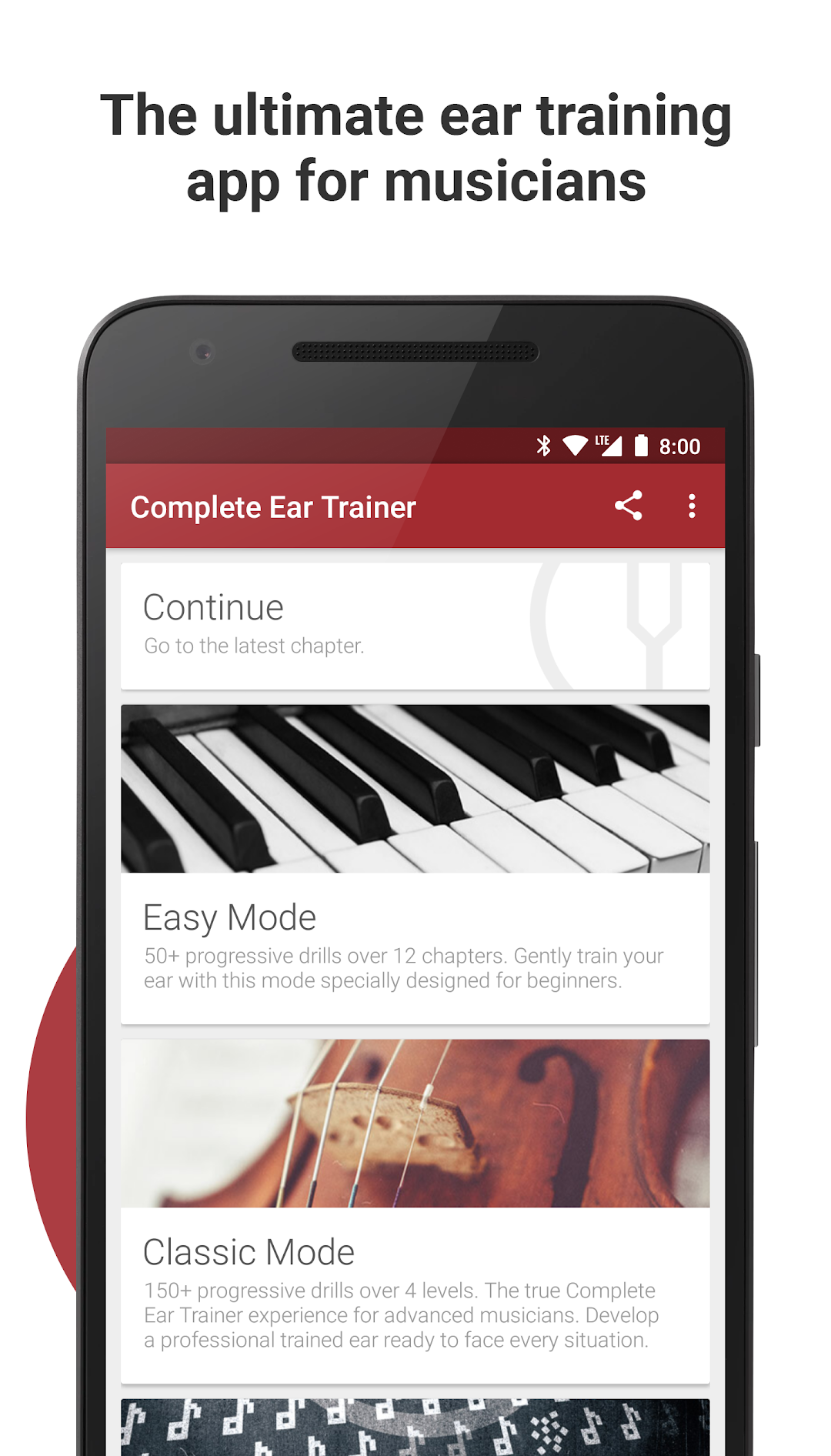
The ultimate ear training app for musicians. Develop your relative pitch to the full by improving your aural skills and your music theory knowledge. This will better many aspects of your life as a musician, be it regarding improvisation, composition, arrangement, interpretation, singing, or playing in a band. Designed like a video game and with strong pedagogical concepts in mind, this app will make you truly master each interval, chord, scale, etc. before taking you to the next one.9.5/10 "One of the best music focused apps. Ever. This is as close to a perfectly done Android app as you can find. Every musician should have this." - Joe Hindy, Android Authority -
Features
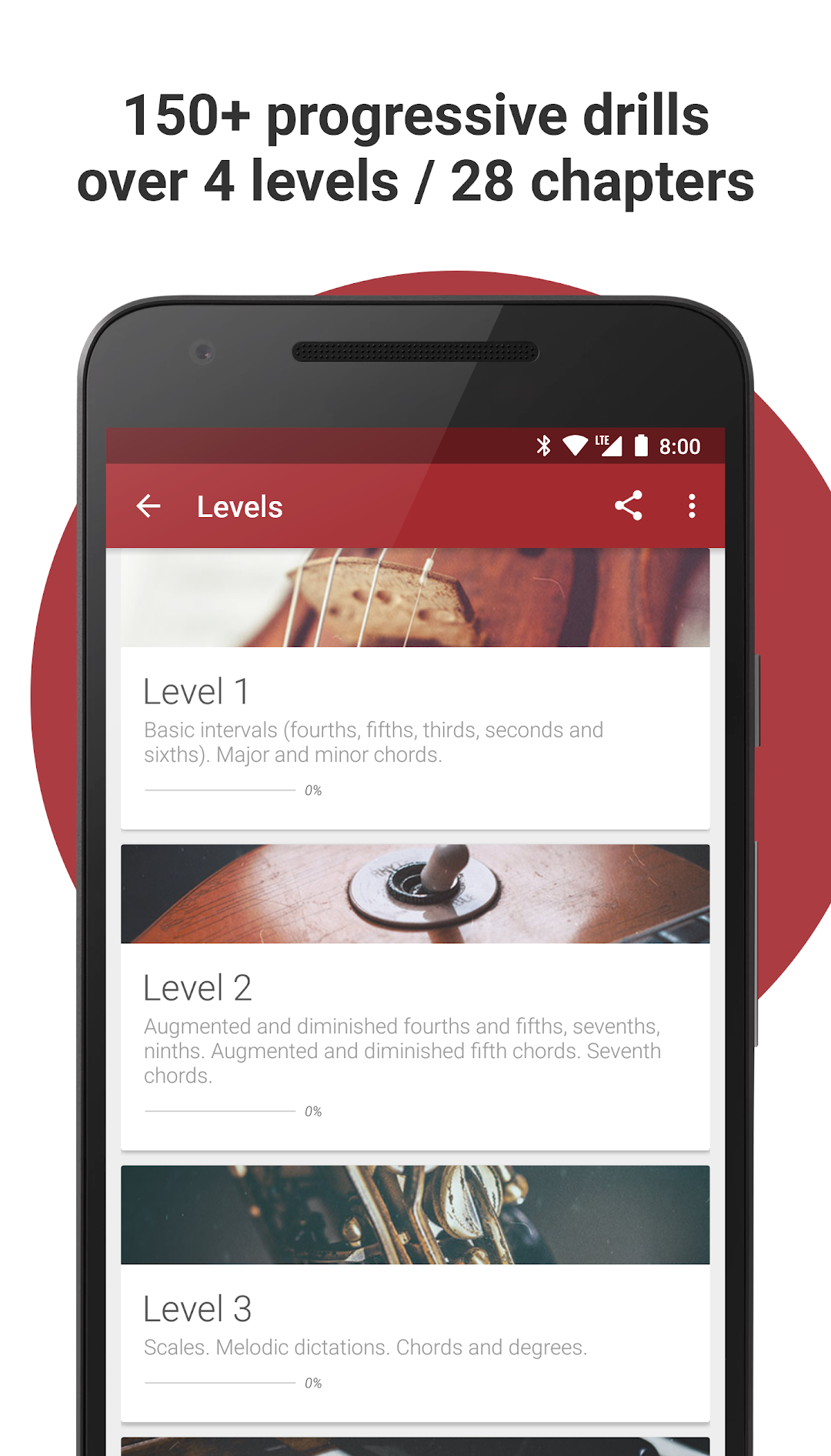
• 150+ progressive drills arranged over 4 levels / 28 chapters
• 11 drill types, 24 intervals, 36 chord types, chord inversions, 28 scale types, melodic dictations, chord progressions
• Easy mode: 50+ progressive drills arranged over 12 chapters especially designed for beginners
• Play a selection of 21 drills in arcade mode
• 5 octaves of actual recorded grand piano sounds
• 7 additional sound banks are available, all with actual recorded sounds: vintage piano, Rhodes piano, electric guitar, harpsichord, concert harp, strings and pizzicato strings
• In each chapter, a theory card will introduce you to the concepts you will need to know
• No need to know how to read music on a staff
• Designed like a video game: earn 3 stars in each drill of a chapter to unlock the next one. Or will you be able to obtain perfect 5-star scores?
• Don't want to follow the preestablished path of progression? Create and save your own custom drills and rehearse them at your own convenience
• Create full custom training programs and invite friends or students to join them. If for example you're a teacher you can create custom programs for your students, add drills every week and view their scores on private leaderboards
• Never lose any progress: cloud sync across your various devices
• Google Play Games: 25 achievements to unlock
• Google Play Games: worldwide leaderboards (global, per level, per chapter, easy mode, arcade mode)
• Global statistics to track your progress
• Nice and clean material design user interface with 2 display themes: light and dark
• Designed by a musician and music teacher with a Royal Conservatory master's degree
Full Version
• Download the app and try out the first chapter of each mode for free
• One-time in-app purchase of $5.99 to unlock the full version on all your Android devices
Having a problem? Got a suggestion? You can reach us at hello@completeeartrainer.com