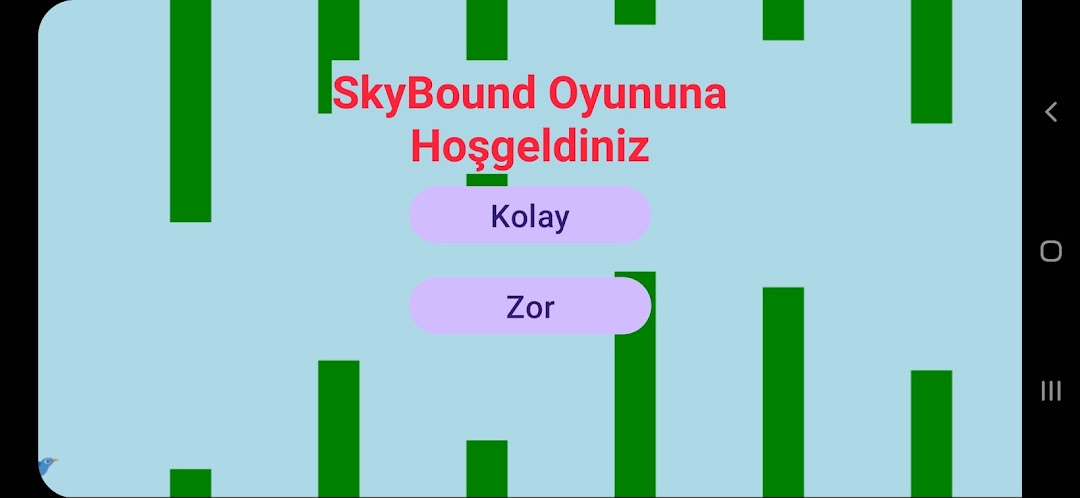
SkyBound is a Arcade application developed by trcoderooter, but with the best Android emulator-LDPlayer, you can download and play SkyBound on your computer.
Running SkyBound on your computer allows you to browse clearly on a large screen, and controlling the application with a mouse and keyboard is much faster than using touchscreen, all while never having to worry about device battery issues.
With multi-instance and synchronization features, you can even run multiple applications and accounts on your PC.
And file sharing makes sharing images, videos, and files incredibly easy.
Download SkyBound and run it on your PC. Enjoy the large screen and high-definition quality on your PC!
SkyBound offers a bird flying experience that is both challenging and fun. This game offers a unique atmosphere to its players with an action adventure that requires speed, reflexes and strategy. While controlling your bird soaring freely in the sky, you will have to use all your skills to avoid fast-coming obstacles and achieve the highest score.Gameplay:
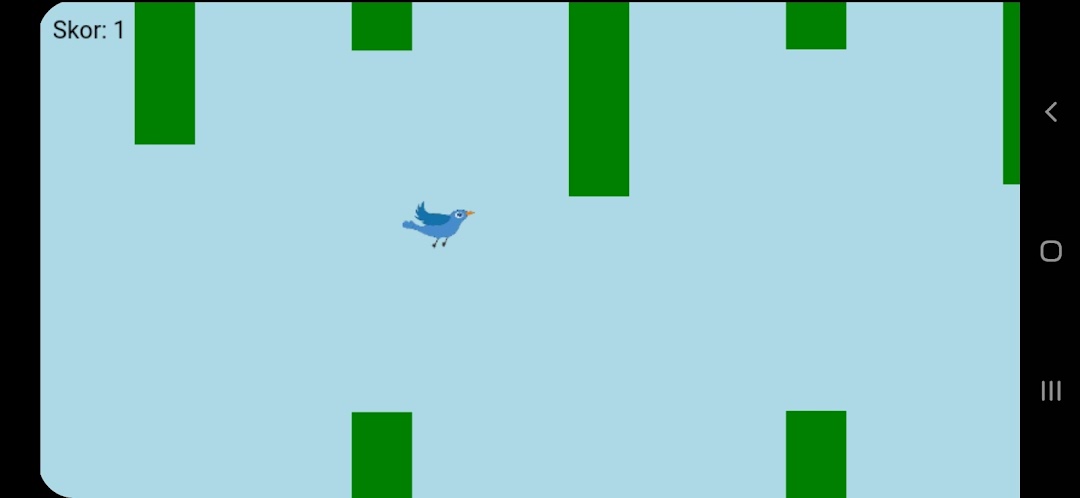
In SkyBound you control a bird. The bird is constantly moving and trying to fly longer, bypassing obstacles. The main goal of the game is to get as high a score as possible while avoiding pipe obstacles. Your score increases with each obstacle passed, but speed and difficulty also increase over time. This constantly changes the dynamics of the game and offers a challenge that will challenge your reflexes.
• Difficulty Increase: As the game progresses, speed and obstacles will increase, which will ensure the excitement of the game.
• Simple But Addictive: Controls are easy to learn, but will take time to master. This makes SkyBound addictive.
• High Score: You can run for a new record at any time! Challenge yourself and your friends by breaking your high score.
Features:
• Accelerated Gameplay: The game, which is easy at the beginning, puts the players to the test with increasing difficulties as they progress.
• Higher Scores: You will constantly strive to get a place on the leaderboard and strive to get a higher score with each passing second.
• Simple and Smooth Controls: You can keep your bird in the air and quickly avoid obstacles by touching or clicking the screen.
• Free Flight: Flying around your bird as it soars in the sky creates a wonderful experience. But be careful, because the obstacles are getting faster all the time!
Why SkyBound?
• Fun and Addictive: A gaming experience that appeals to players of all ages and offers entertainment at almost every moment.
• Challenging and Exciting: Your adrenaline level will increase in each level where the obstacles increase rapidly.
• Test Your Reflexes: Perfect reflexes are required to best manage your character and pass obstacles.
• Save Your High Score: Save every high score you achieve and always be motivated to play again.
How to Play?
• Control: Keep your bird in the air by touching the screen. As your bird flies, be careful not to crash all over the screen.
• Obstacles: Pipes are passing quickly at all times. Be careful and wait for the right time to pass.