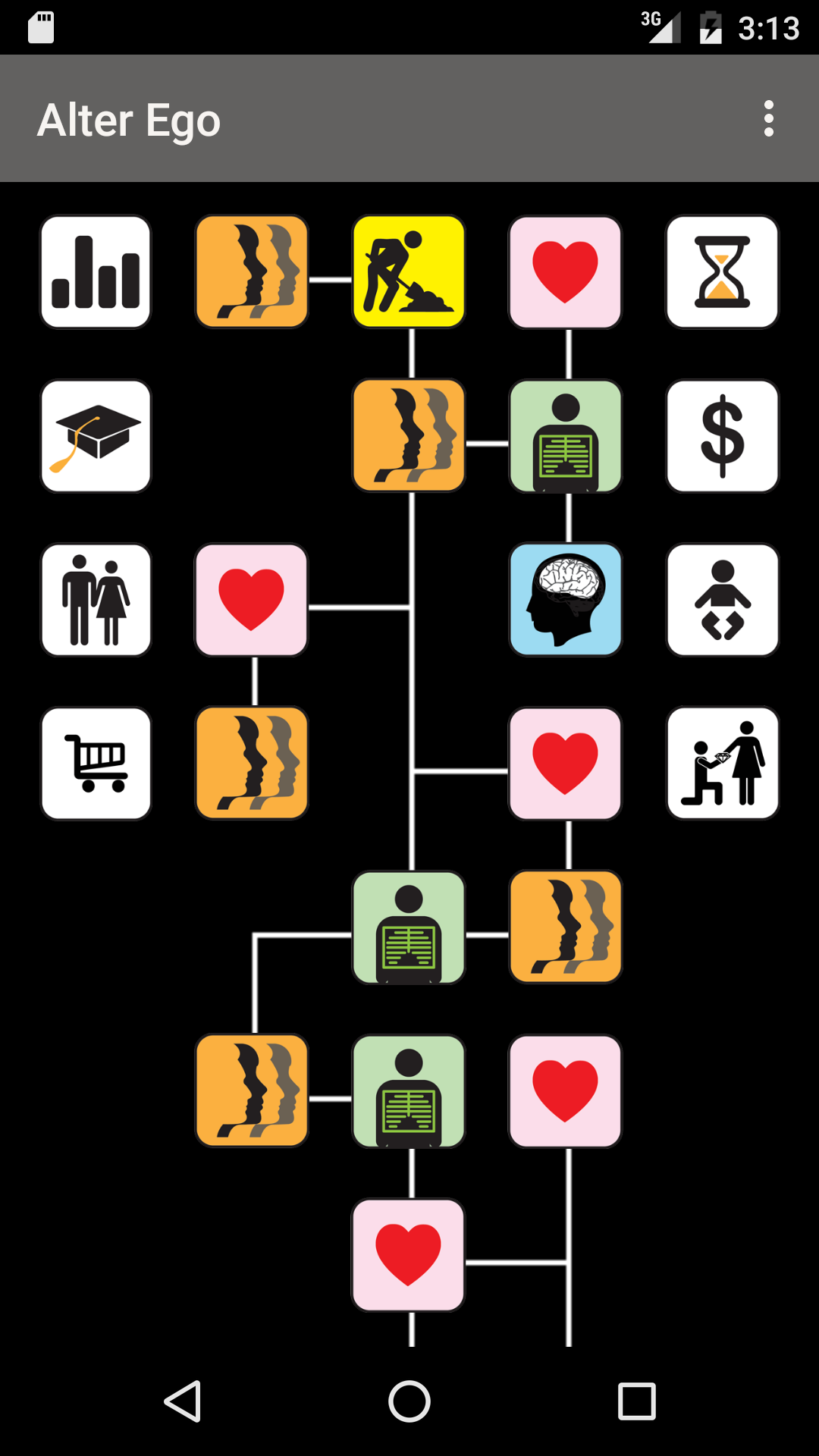
Alter Ego is a Role Playing game developed by Choose Multiple LLC, and LDPlayer is the best platform for playing Alter Ego on Windows PC, offering powerful features for an immersive experience.
When playing Alter Ego on PC, as a new player looking to start with a fresh account, the multi-instance and sync features are extremely useful for rerolls. You can use them to run multiple instances and begin the synchronization process. Bind your account until you draw the desired heroes.
In addition, operation recorder is great for games that require you to level up and complete tasks! Run the sync and record your actions, then repeat the main instance's actions in real-time. By doing so, you can run 2 or more accounts simultaneously. You can always get the heroes you want before others by faster rerolls and more efficient summoning! Start downloading and playing Alter Ego on your computer now!
What if you could live your life over again?In this text-based interactive fiction, you choose what happens next. It's in the style of pick-a-path gamebooks, but with over a thousand multiple-choice questions, it's much longer and deeper than traditional gamebooks. Alter Ego starts at birth and ends at death, including two substantially different versions, depending on whether you choose to be male or female.
Will you grow up to be confident and happy? Will you fight with bullies, or befriend them? Will you find a date to the senior prom? Will you marry and have kids, or start your own business and become a millionaire? The choice is yours.
This game will change your life.
(Alter Ego was originally published in 1986 for the Commodore 64, MS-DOS, Apple II, and Macintosh. The current edition of the Alter Ego game is a production of Choose Multiple LLC. This edition includes an updated interface and fixes bugs in the original version of the game, but the content of the game hasn't changed from the original 1986 version of the game.)