Home/

Games/

Role Playing/

Z-Samkok: พลังเทพมาร

Z-Samkok: พลังเทพมาร
4.05+

Z-Samkok: พลังเทพมาร

How to Download&Play Z-Samkok: พลังเทพมาร on PC?
Last Updated: 2026-11-05
com.eyougame.tgsg.th.ld
  • Overview

  • FAQ

Use LDPlayer to Play Z-Samkok: พลังเทพมาร on PC

Z-Samkok: พลังเทพมาร is a Role Playing game developed by , and LDPlayer is the best platform for playing Z-Samkok: พลังเทพมาร on Windows PC, offering powerful features for an immersive experience.

When playing Z-Samkok: พลังเทพมาร on PC, as a new player looking to start with a fresh account, the multi-instance and sync features are extremely useful for rerolls. You can use them to run multiple instances and begin the synchronization process. Bind your account until you draw the desired heroes.

In addition, operation recorder is great for games that require you to level up and complete tasks! Run the sync and record your actions, then repeat the main instance's actions in real-time. By doing so, you can run 2 or more accounts simultaneously. You can always get the heroes you want before others by faster rerolls and more efficient summoning! Start downloading and playing Z-Samkok: พลังเทพมาร on your computer now!

มาที่นี่ แล้วเลือกเส้นทางของคุณ... หนึ่งจิตสู่เทพ หนึ่งจิตสู่มาร!
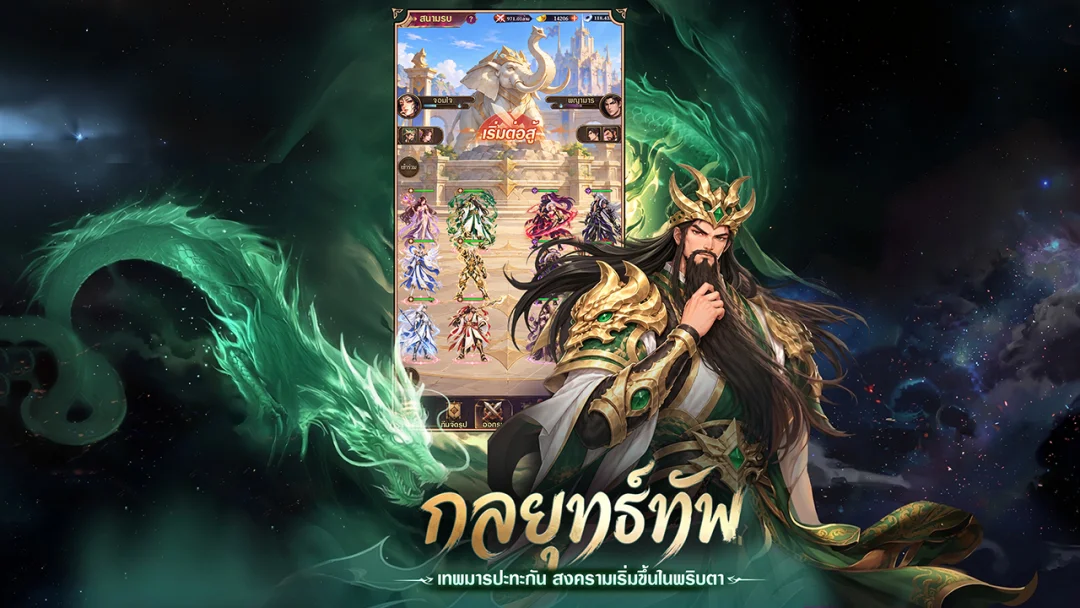
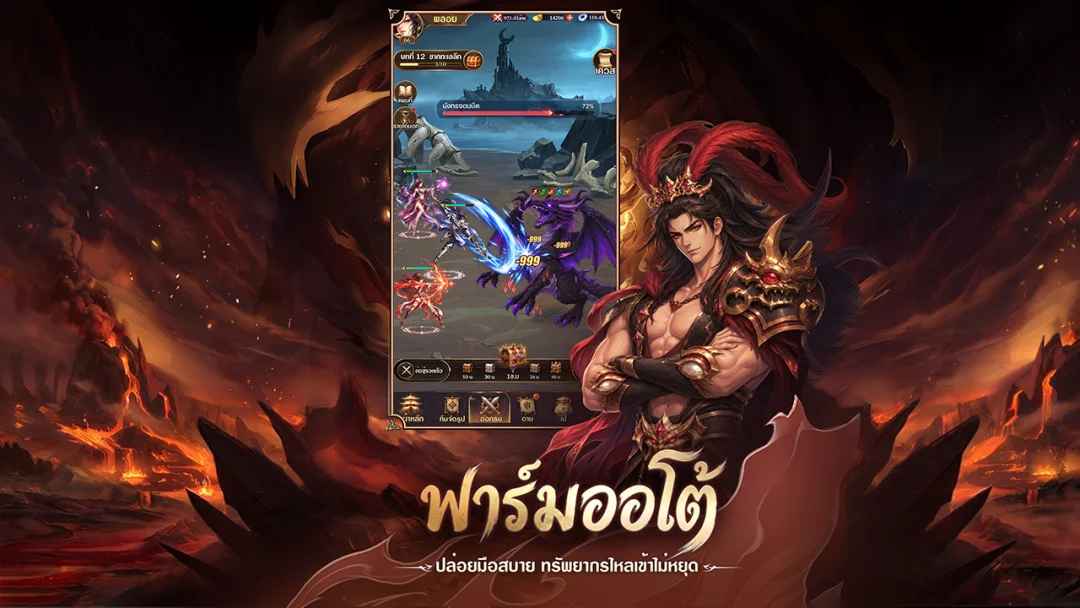
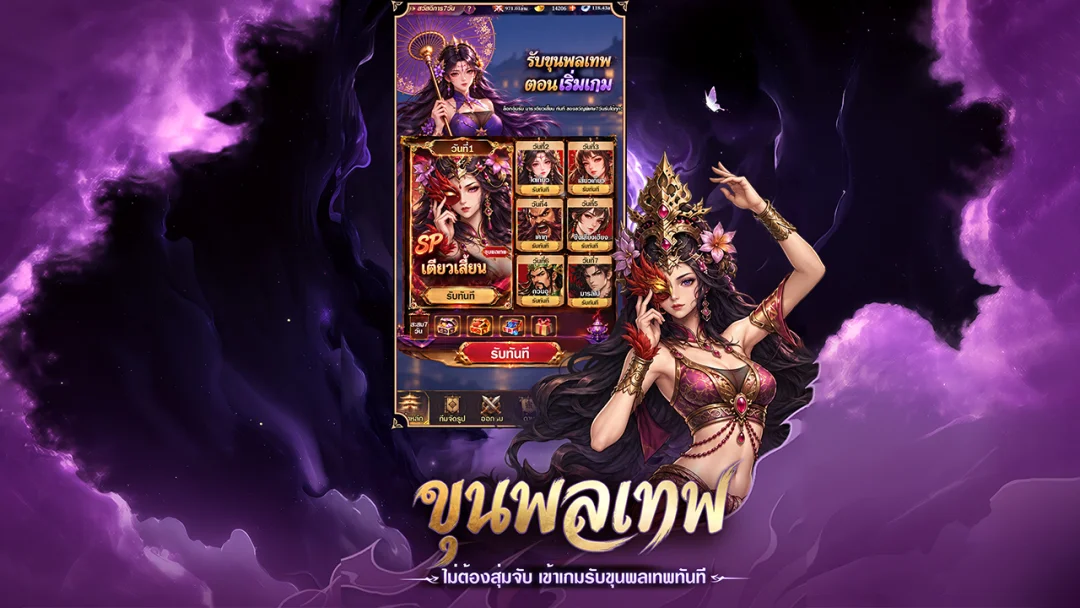
【Z-Samkok: พลังเทพมาร】จะพาคุณเข้าสู่โลกสามก๊กแห่งเทพมาร ที่แตกต่างจากสามก๊กแบบเดิมที่คุณเคยรู้จัก
เหล่าขุนพลสามก๊กที่คุ้นเคย จะได้รับการปลุกพลังและแปรเปลี่ยนเป็นรูปลักษณ์แห่งเทพมารครั้งใหม่
ผสานกลิ่นอายแฟนตาซีตะวันออกเข้ากับตำนานเทพมารอันมืดหม่น พร้อมงานอาร์ต 2D ที่เต็มไปด้วยรายละเอียด ทำให้จูล่ง ลิโป้ ไต้เกี้ยว เสี่ยวเกี้ยว และเหล่าขุนพลระดับตำนาน กลับมาอีกครั้งในรูปลักษณ์ที่ไม่เคยเห็นมาก่อน

Open up

Screenshots and Videos of Z-Samkok: พลังเทพมาร PC

Experience a wider field of view, exquisite game graphics, and cooler combat skills and effects by downloading and playing Z-Samkok: พลังเทพมาร on PC with LDPlayer. Enjoy the ultimate gaming experience with LDPlayer.

Why Play Z-Samkok: พลังเทพมาร on PC with LDPlayer?

LDPlayer offers unique emulator features including multi-instance support, macros, operation recorder, and other functions not available on mobile devices.

Multi-Instance & Sync

Remote Control

Operation Recorder

Multi-Instance & SyncRemote ControlOperation Recorder

Effortlessly clone multiple instances and initiate synchronization until you draw the desired hero before binding your account, enhancing efficiency in rerolls in Z-Samkok: พลังเทพมาร.

  • High FPS

    With support for high FPS, Z-Samkok: พลังเทพมาร's game graphics are smoother, and actions are more seamless, enhancing the visual experience and immersion of playing Z-Samkok: พลังเทพมาร.
  • Keyboard & Mouse

    In Z-Samkok: พลังเทพมาร, players frequently perform actions such as character movement, skill selection, and combat, where keyboard and mouse offer more convenient and responsive operation.

How to Download&Play Z-Samkok: พลังเทพมาร on PC?

  • 1

    Download and install LDPlayer 9 on your PC.

  • 2

    Enter Z-Samkok: พลังเทพมาร in the search bar to search for the game.

  • 3

    Choose Z-Samkok: พลังเทพมาร developed by ZZZ from the search results and click on "Install".

  • 4

    Once the installation is complete, click the game icon in LDPlayer to launch it.

  • 5

    Log in to LDGame with Google, Line, Facebook or Email account to start playing the game.

  • 6

    Enjoy exclusive top-up discounts and free redeem codes in LDPlayer version of Z-Samkok: พลังเทพมาร!