

Clover Tales: Idle Adventure is a Role Playing game developed by LUCKYSTAR NETWORK LIMITED, and LDPlayer is the best platform for playing Clover Tales: Idle Adventure on Windows PC, offering powerful features for an immersive experience.
When playing Clover Tales: Idle Adventure on PC, as a new player looking to start with a fresh account, the multi-instance and sync features are extremely useful for rerolls. You can use them to run multiple instances and begin the synchronization process. Bind your account until you draw the desired heroes.
In addition, operation recorder is great for games that require you to level up and complete tasks! Run the sync and record your actions, then repeat the main instance's actions in real-time. By doing so, you can run 2 or more accounts simultaneously. You can always get the heroes you want before others by faster rerolls and more efficient summoning! Start downloading and playing Clover Tales: Idle Adventure on your computer now!
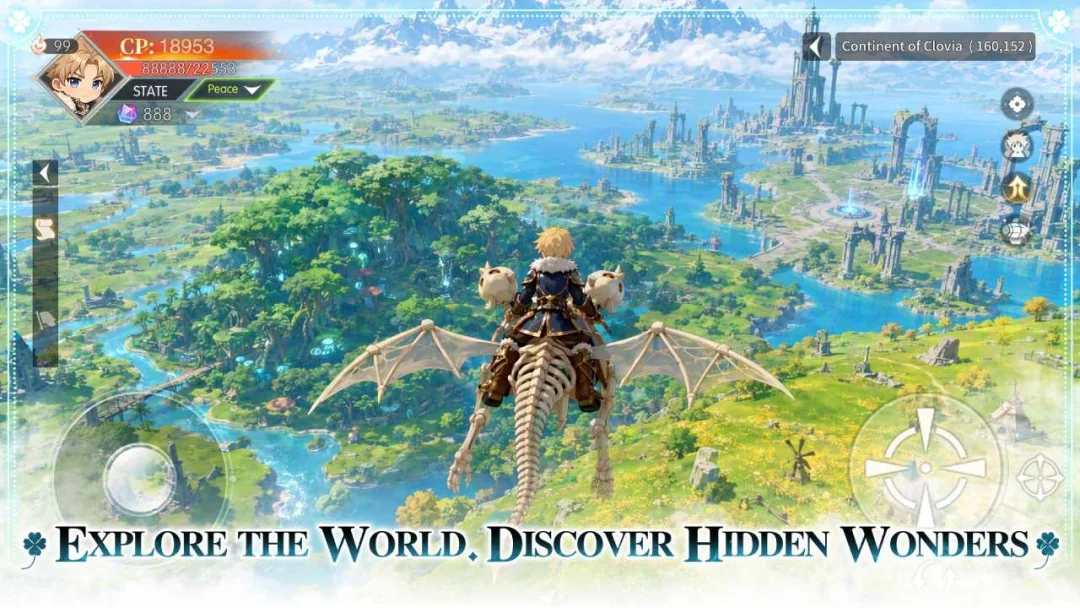
Legend says that in the continent of Clovia, four-leaf clovers drift in the wind, guiding the way to a fantastical world.
There, vast forests, open grasslands, and ancient ruins come together, filled with the unknown and countless surprises, as well as many untold stories waiting to be discovered.
Everyone who steps into this world will begin their own unique adventure.
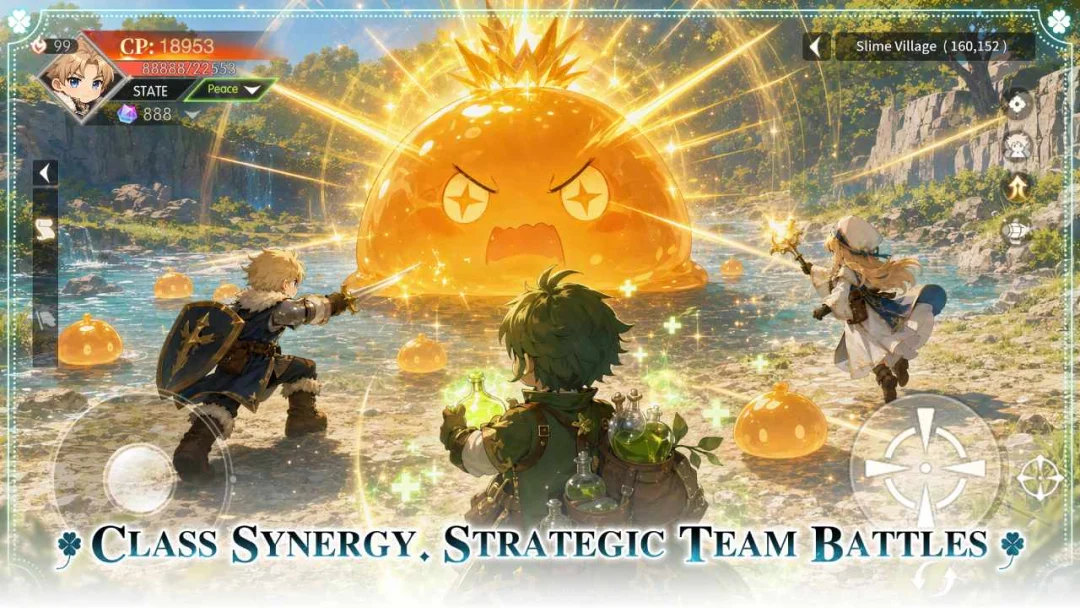
Class Synergy, Strategic Team Battles
Combine a variety of classes to create the perfect team composition. Leverage each role’s unique strengths and adapt to ever-changing battles to overcome every challenge ahead.
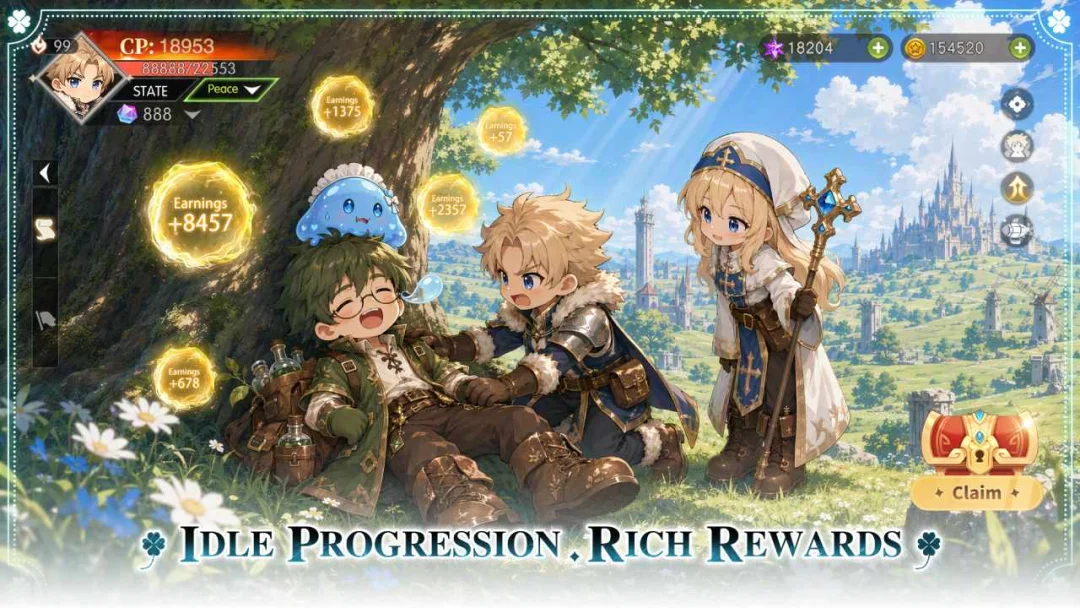
Idle Progression, Rich Rewards
Keep growing even while offline. Earn valuable resources and equipment automatically, allowing you to advance your adventure with ease and enjoy steady progression at your own pace.
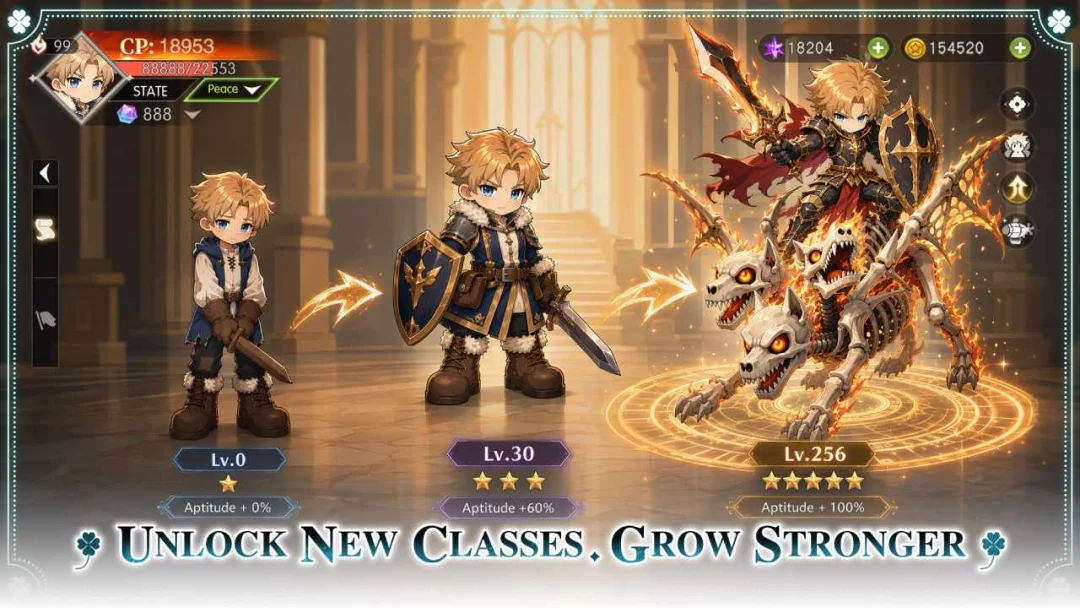
Unlock New Classes, Grow Stronger
As your journey unfolds, new classes become available, bringing fresh skills and combat styles. Continue to strengthen your character and discover new ways to conquer the challenges ahead.
Explore the World, Discover Hidden Wonders
Travel across vast grasslands, dense forests, and ancient ruins. Venture into unexplored regions, uncover hidden secrets, and experience the unique stories each land has to offer.
Gather Allies, Adventure Together
Join forces with like-minded companions and take on challenges as a team. Grow stronger through every battle and expedition while creating unforgettable memories along the way.