LDPlayer has grown into one of the world’s most popular Android emulators for PC gaming, trusted by players across the globe. Choosing an Android emulator is not only about performance and compatibility. A reliable emulator should also provide a secure environment for account access, data protection, and everyday gaming.
Contents
- Download Only From the Official LDPlayer Website
- Signing In Stays Safe, Just Like on Your Phone
- Privacy Protection Backed by GDPR Compliance
- Safe Multi-Instance Gaming, Built In
- Android 14, Hyper-V, and Intel Bridge Technology Keep the System Stable
- Built on an ISO 9001-Certified Quality Process
- Conclusion
Download Only From the Official LDPlayer Website
LDPlayer is free to download and use, and the safest way to get started is through the official LDPlayer website. Official downloads help ensure you’re using the latest genuine build, while unofficial sources may distribute modified or outdated installation packages.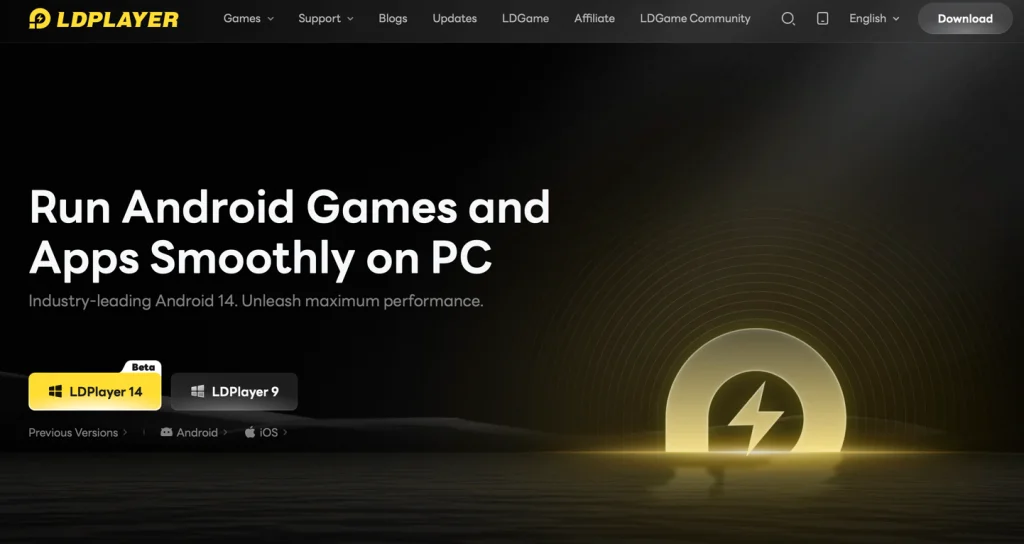 Signing In Stays Safe, Just Like on Your Phone
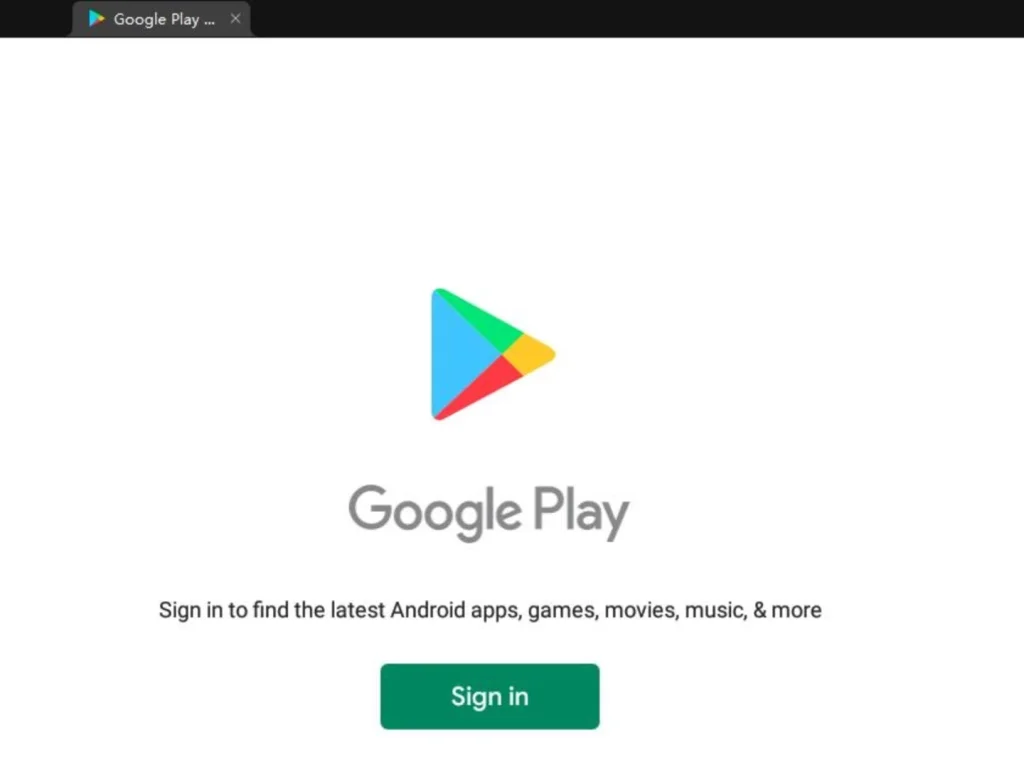
Signing in to Google Play or your game account on LDPlayer uses the original authentication process provided by the account provider, allowing you to sign in using the same official methods you already use on your mobile device.
The first time you sign in, Google may notify you that a new device has accessed your account, shown as the LDPlayer Virtual Device. This notification is a normal part of Google’s account security system when signing in from a new virtual Android environment.
LDPlayer does not store or manage your Google account password; sign-in is handled through Google’s own authentication process, and any account activity stays governed by the relationship between you and Google, not by LDPlayer. If you want to verify the notification, you can check the device model shown in LDPlayer’s settings, or compare the sign-in time and location with the information displayed on your Google Account’s Security page. If you’d rather keep things separate, setting up a secondary account just for gaming on the emulator is an easy way to do that.
Privacy Protection Backed by GDPR Compliance
LDPlayer’s data handling follows its published Privacy Policy and complies with GDPR requirements for users in the EU. Information collected is used to improve the product and provide a better emulator experience, and it is never sold to third parties. You can review the Privacy Policy and GDPR Privacy Notice on the official LDPlayer website at any time to see exactly what’s collected and how it’s used.
Safe Multi-Instance Gaming, Built In
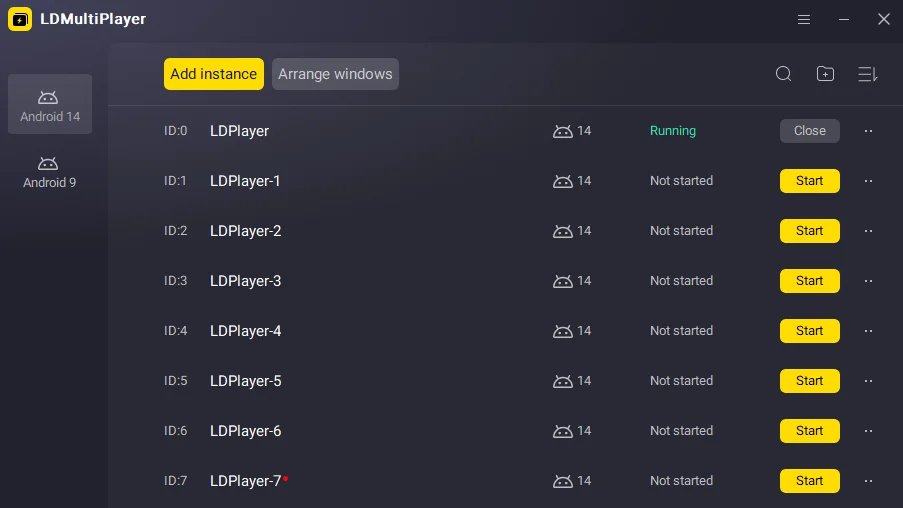
Running multiple game accounts and leaving games running in the background are common for many mobile gamers. LDPlayer 14 includes these capabilities as built-in features, so you can manage everything directly within the emulator instead of relying on third-party software. Even with a single window open, background resource use is optimized so the emulator stays responsive alongside browsers or other software running at the same time.
- LDMultiplayer: Run multiple LDPlayer instances independently on the same PC. The new Eco Mode gives active windows priority access to system resources while idle windows automatically scale down, keeping things efficient and stable whether you’re running several accounts at once or letting one idle in the background.
- Synchronizer: Mirror your actions across multiple emulator instances at the same time, making multi-account management easier through a built-in synchronization feature.
Android 14, Hyper-V, and Intel Bridge Technology Keep the System Stable
Recent updates continue to improve compatibility and stability across different Android games and Windows environments.
- Built on Android 14, LDPlayer 14 improves compatibility with newer game builds, cutting down on installation failures and crashes tied to outdated architecture.
- Full Hyper-V compatibility means the emulator runs cleanly alongside Windows virtualization features, without asking you to disable security settings just to get it working.
- Intel Bridge Technology improves how apps built for ARM architecture run on Intel-based PCs, adding a layer of reliability during instruction translation instead of relying on unofficial fixes. This is an official compatibility technology licensed from Intel, not a third-party workaround.
Built on an ISO 9001-Certified Quality Process
LDPlayer’s development and support operate under an ISO 9001-certified quality management system, an internationally recognized standard for consistency and continuous improvement. Development, testing, and release activities follow documented procedures that are regularly reviewed and maintained.
This structured process helps keep updates consistent from one release to the next. Feature enhancements, compatibility improvements, and bug fixes all follow the same documented workflow before release.

AppEsteem Certification for Added Assurance
As an added trust signal, LDPlayer is listed as an active certified app in AppEsteem’s Certified Apps directory. AppEsteem evaluates software against requirements covering installation transparency, user disclosures, bundled software, advertising, distribution, and other potentially unwanted behaviors. The certification provides an additional reference for users, while ongoing compliance monitoring helps certified apps continue to meet the program’s requirements. For the safest download experience, always get LDPlayer from the official website.
Conclusion
LDPlayer is designed with security, privacy, and long-term reliability in mind, from official distribution and structured development to built-in multi-instance features, secure account sign-in, and ongoing platform improvements. Download the latest version from the official LDPlayer website and enjoy Android gaming on PC with confidence.