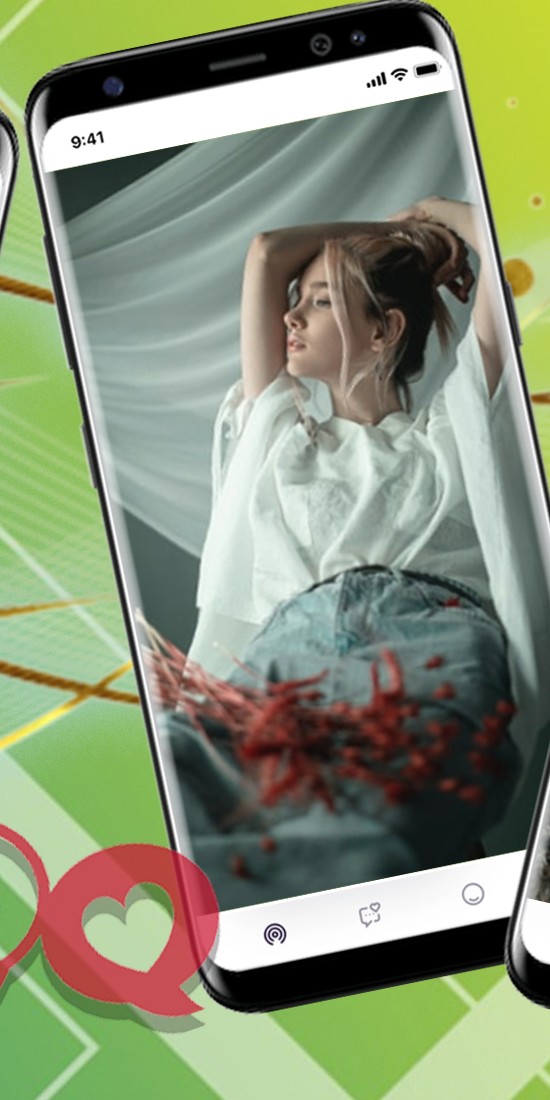
Slipsy is a Social application developed by Nika Leskina, but with the best Android emulator-LDPlayer, you can download and play Slipsy on your computer.
Running Slipsy on your computer allows you to browse clearly on a large screen, and controlling the application with a mouse and keyboard is much faster than using touchscreen, all while never having to worry about device battery issues.
With multi-instance and synchronization features, you can even run multiple applications and accounts on your PC.
And file sharing makes sharing images, videos, and files incredibly easy.
Download Slipsy and run it on your PC. Enjoy the large screen and high-definition quality on your PC!
The application was created to give you joy. During the development of the application, we thought about how to make such an algorithm that would give you the result that you need. After a long work of our team, we have found the right solution to implement what you need. In our application, you will become the owner of what you can wish for. You will be able to figure it out very quickly, because it is very simple. Our algorithm will work for each user individually. Thanks to this, our application will be so useful to you, and in the end you will understand why it will give you joy.Privacy policy:
http://slipsy.info/policy.html
Terms and conditions:
http://slipsy.info/terms.html
Support:
http://slipsy.info/contact.html