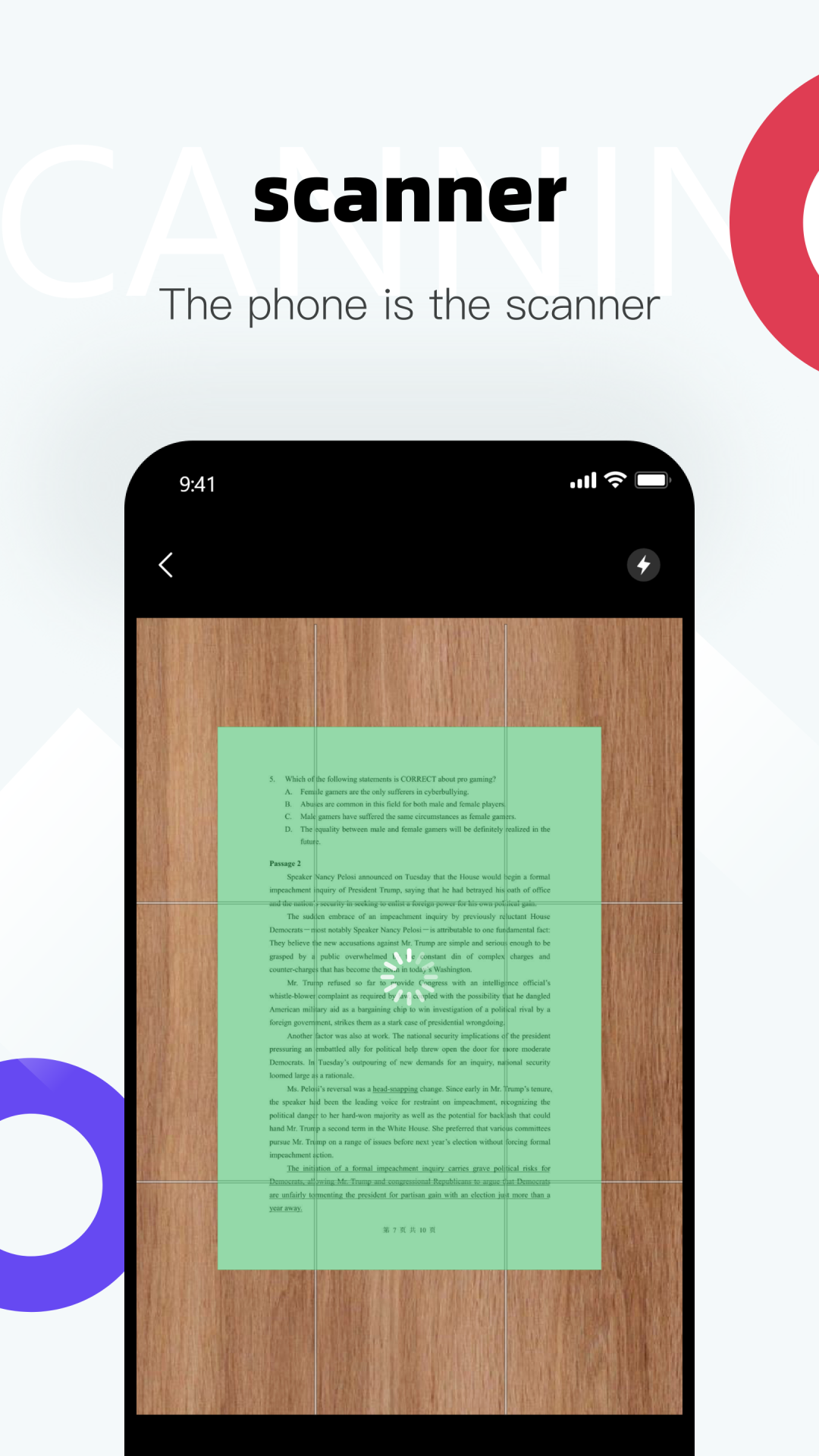
Scanners is a Tools application developed by Henry App Studio, but with the best Android emulator-LDPlayer, you can download and play Scanners on your computer.
Running Scanners on your computer allows you to browse clearly on a large screen, and controlling the application with a mouse and keyboard is much faster than using touchscreen, all while never having to worry about device battery issues.
With multi-instance and synchronization features, you can even run multiple applications and accounts on your PC.
And file sharing makes sharing images, videos, and files incredibly easy.
Download Scanners and run it on your PC. Enjoy the large screen and high-definition quality on your PC!
Introducing Scanner - your ultimate document scanning solution! Say goodbye to bulky scanners and tangled wires, and hello to seamless, on-the-go document digitization. With Scanner, transform your smartphone into a powerful scanner, document generator, and file-sharing hub all in one.Key Features:
Document Scanning: Instantly scan documents, receipts, notes, whiteboards, and more with just a tap. Our advanced image processing technology ensures crisp and clear scans every time, even in low-light conditions.
Document Generation PDF: Create professional-grade PDFs from your scans with ease. Customize the layout, add annotations, insert images, and generate multi-page documents effortlessly. Whether you're compiling reports, filling out forms, or organizing your paperwork, Scanner has you covered.
File Sharing: Share your scanned documents securely and conveniently. With built-in sharing options, you can email documents directly from the app, upload them to cloud storage services like Google Drive or Dropbox, or share them via messaging apps with just a few taps.