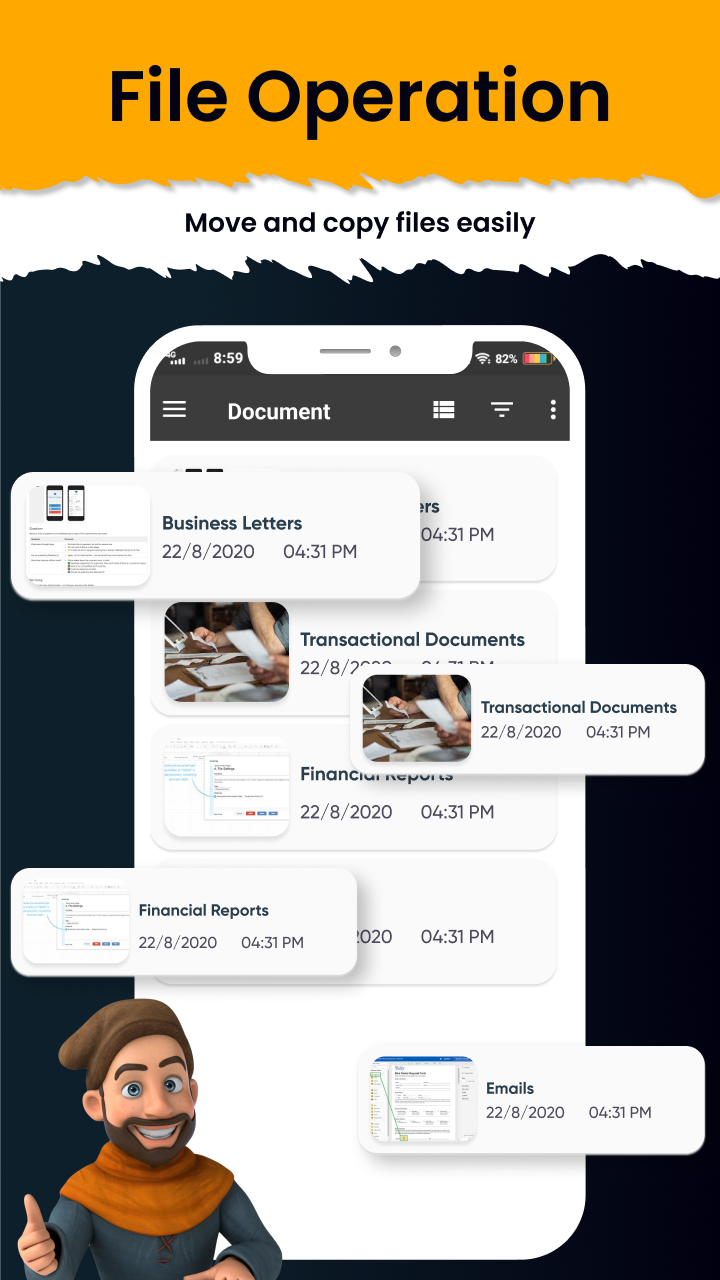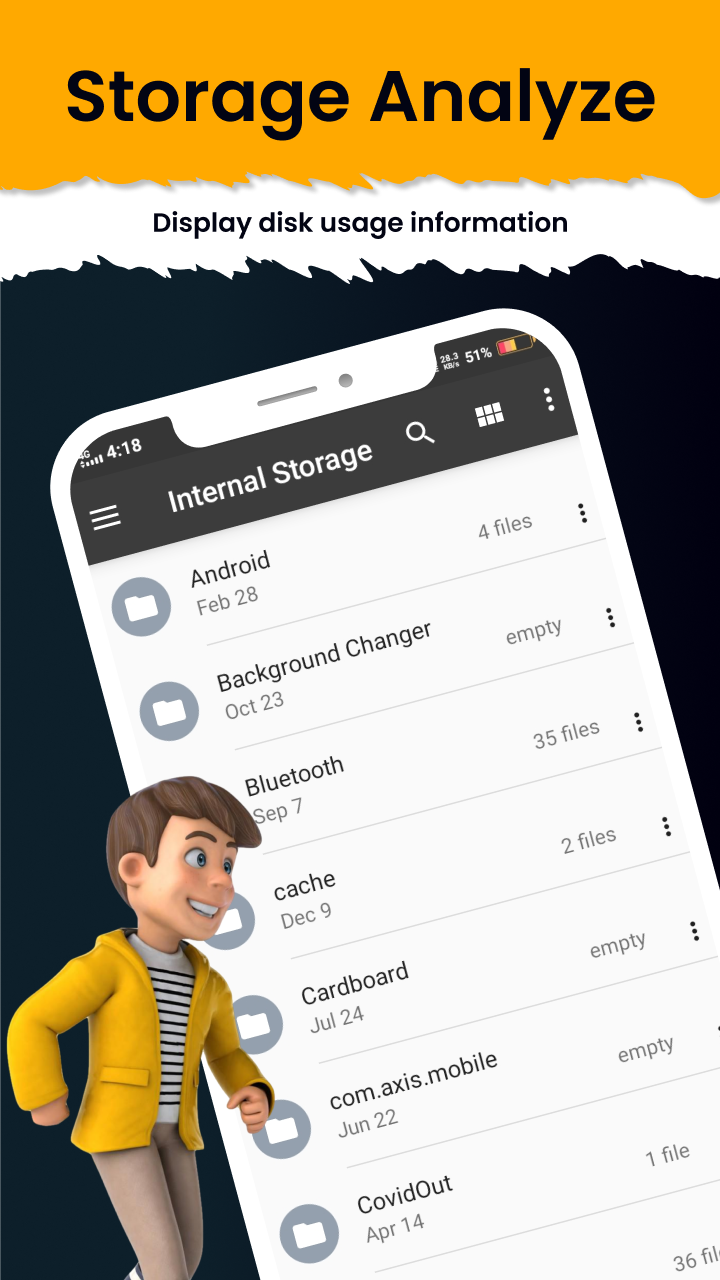


Easy File Manage Explorer App is a Tools application developed by Loop Zones, but with the best Android emulator-LDPlayer, you can download and play Easy File Manage Explorer App on your computer.
Running Easy File Manage Explorer App on your computer allows you to browse clearly on a large screen, and controlling the application with a mouse and keyboard is much faster than using touchscreen, all while never having to worry about device battery issues.
With multi-instance and synchronization features, you can even run multiple applications and accounts on your PC.
And file sharing makes sharing images, videos, and files incredibly easy.
Download Easy File Manage Explorer App and run it on your PC. Enjoy the large screen and high-definition quality on your PC!
Super File Manager lets you access files on your device with solid explorer, and automatically groups them into collections. This powerful file manager is intelligent, free, and easy to use.With this file explorer, you can free up your phone's storage space very easily and efficiently. This helps you to quickly organize files and manage your phone files as you like, free of traffic, and quickly and securely transfer files with your friends.
FEATURES
🔐 Protect files with strong encryption
🖥️ Manage files on your cloud storage or NAS
🧭 Easy to explore your device
⏱ Smart cleaning, save you time
🗑 Free up more mobile space
🔎 Multiple ways to find files to help quickly
☁️ Backup apps and files to any desired destination
This smart file manager and explorer offer a more comprehensive collection of features that advanced users want without becoming overly complicated. 📱
This free file explorer is an amazing manager that helps to see, run, copy, share, uninstall and further explore installed applications. 📥
If you are looking for an app that keeps your phone organized then just download this super file manager now! 🗃
Please contact us at our support email if you have any recommendations for enhancements.
Email: 📩loopzones288@gmail.com