


Restaurant Plancha
Use LDPlayer to Play Restaurant Plancha on PC
Restaurant Plancha is a null game developed by order smart VI, and with the best Android emulator, LDPlayer, you can now enjoy Restaurant Plancha on your computer.
Playing Restaurant Plancha on PC allows you to harness the full power of your computer's CPU and memory resources, without worrying about lag or crashes. You're no longer constrained by battery life, mobile data, or interruptions—play for as long as you want.
LDPlayer, one of the Android emulators for Windows PC, is designed specifically for mobile gamers. Based on Android 9.0, it enhances your gaming experience on PC by providing faster performance and higher FPS.
Moreover, LDPlayer offers unique emulator features including multi-instance support, macros, synchronization, and other features not available on mobile devices. Start downloading and playing Restaurant Plancha on your computer now!
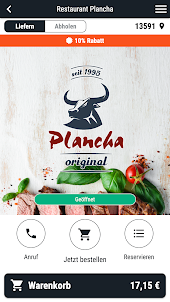
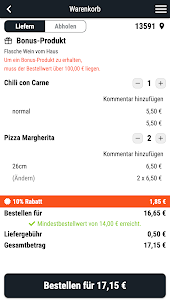
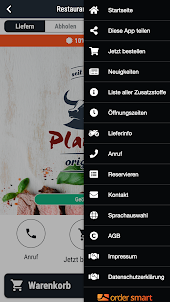
Screenshots and Videos of Restaurant Plancha on PC
Why Play Restaurant Plancha on PC with LDPlayer?
How to Download Restaurant Plancha on PC?
Download and install LDPlayer on your computer
Locate the Play Store in LDPlayer's system apps, launch it, and sign in to your Google account
Enter "Restaurant Plancha" into the search bar and search for it
Choose and install Restaurant Plancha from the search results
Once the download and installation are complete, return to the LDPlayer home screen
Click on the game icon on the LDPlayer home screen to start enjoying the exciting game
If you've already downloaded the APK file from another source, simply open LDPlayer and drag the APK file directly into the emulator.
If you've downloaded an XAPK file from another source, please refer to the tutorial for installation instructions.
If you've obtained both an APK file and OBB data from another source, please refer to the tutorial for installation instructions.