FnD Solutions is a Strategy game developed by sriestererapps, and LDPlayer is the best platform for playing FnD Solutions on Windows PC, offering powerful features for an immersive experience.
When playing FnD Solutions on your computer, you can enjoy long game sessions using the operation recording feature to record repetitive operations to complete the same tasks automatically. It allows you to level up faster and makes resource grinding much more efficient.
In addition, if you want to execute combo moves or the game requires repeated skill actions, the macro feature is your best helper. It enables you to complete kills with just one click!
If you want to manage multiple accounts, LDMultiplayer and Synchronizer will assist you. You can run multiple alternative accounts at the same time to assist the leveling of your main account. Download and play FnD Solutions on PC with LDPlayer now!
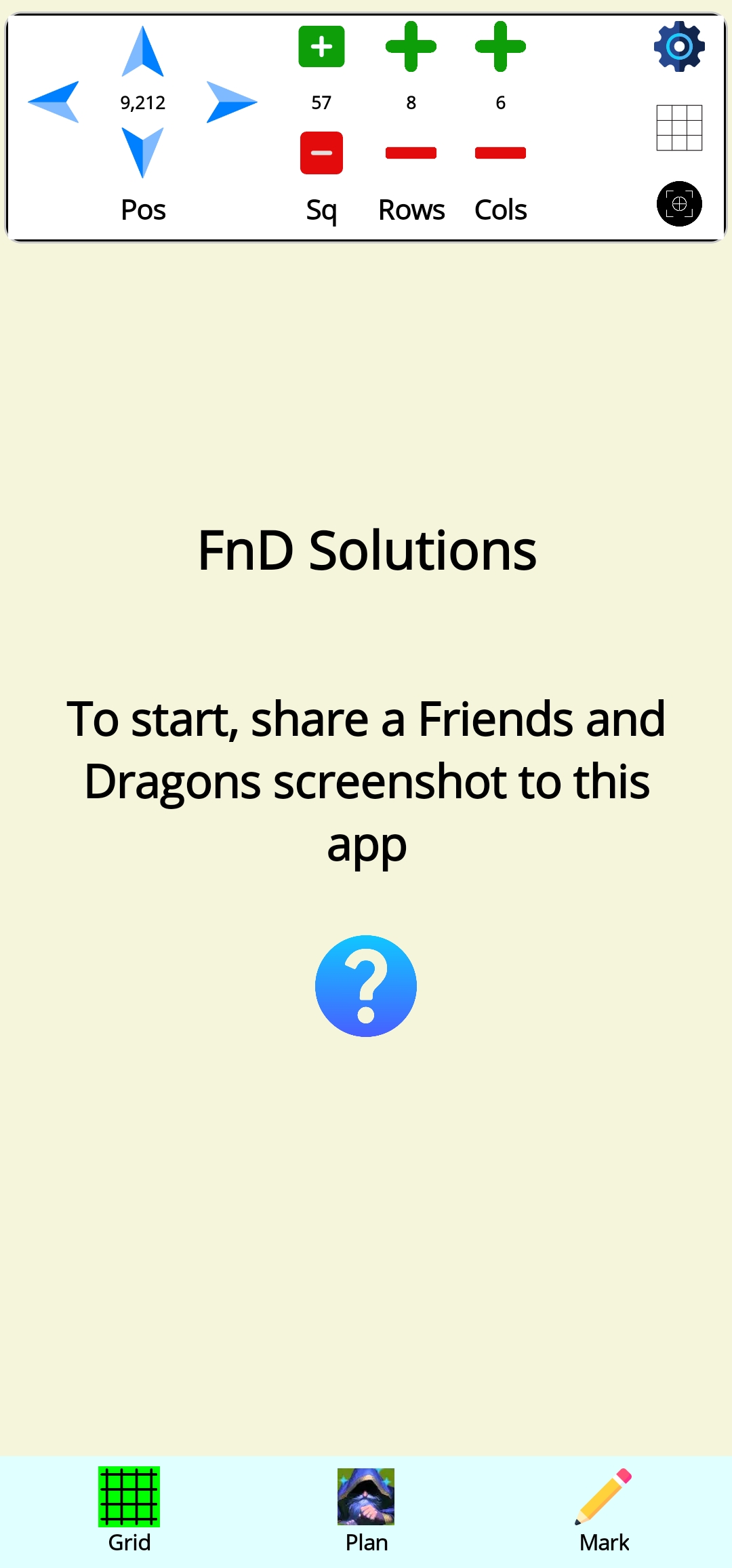
FnD Solutions allows you to plan your moves before you make them.1. Share an image to the app
2. Adjust the grid to match the screenshot
3. Plan your moves!
Grid Mode
Adjust the grid:
- Position
- Square size
- Number of rows and cols
- Auto position in the center
- Gridline color (via manual settings)
Plan Mode:
You can swap squares, copy squares, restore squares, or refresh the entire grid.
Mark Mode (Optional)
This mode is optional as it is for future versions. Future versions may have solutions to your screenshot configurations and a practice area where you can practice moving your heroes like in the game.
You can mark the squares as:
- Hero or Monster
- Move slow speed (hamstrung, immobilized, chilled, etc.)
- Immovable trait
- Push (number of)
- Tumble (number of)
- Special walker type (lava, water, rubble, flying)
- Terrain (lava, water, rubble, obstacle)