趣穿書ChoiceCraft
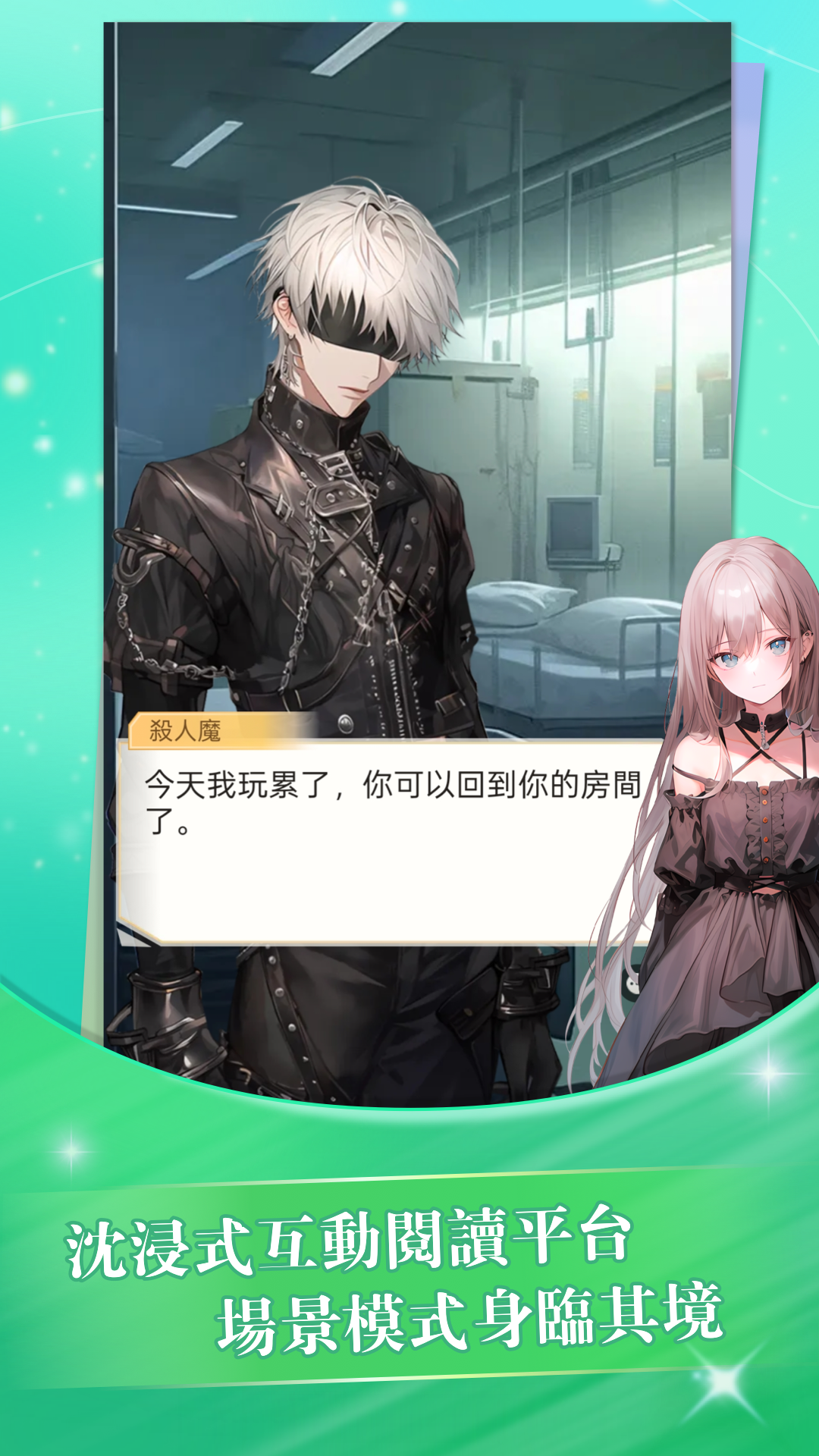
The immersive interactive story APP allows you to become the protagonist and control the plot! Through the exquisite option design, you can experience a text adventure with multiple branches and endings, and you can also dress up and develop your characters. Taking you into a "playable and interactive" new story universe ~
趣穿書ChoiceCraft is developed and provided by PT. INDONESIA GRAVIS TECHNOLOGY. LDPlayer offers the download service only.

Overview

FAQ
Use LDPlayer to Play 趣穿書ChoiceCraft on PC
趣穿書ChoiceCraft is a Casual game developed by PT. INDONESIA GRAVIS TECHNOLOGY. LDPlayer is the best platform for playing 趣穿書ChoiceCraft on Windows PC, offering powerful features to enhance your immersive experience in 趣穿書ChoiceCraft.
When playing 趣穿書ChoiceCraft on your computer, if you find repetitive actions or tasks tedious and time-consuming, fret not! Macro can alleviate your concerns. Simply record your actions with a click of the screen recording feature and let macros take care of the rest. Macros automate your operations, allowing you to effortlessly conquer the game with minimal effort! Start downloading and playing 趣穿書ChoiceCraft on your computer now!
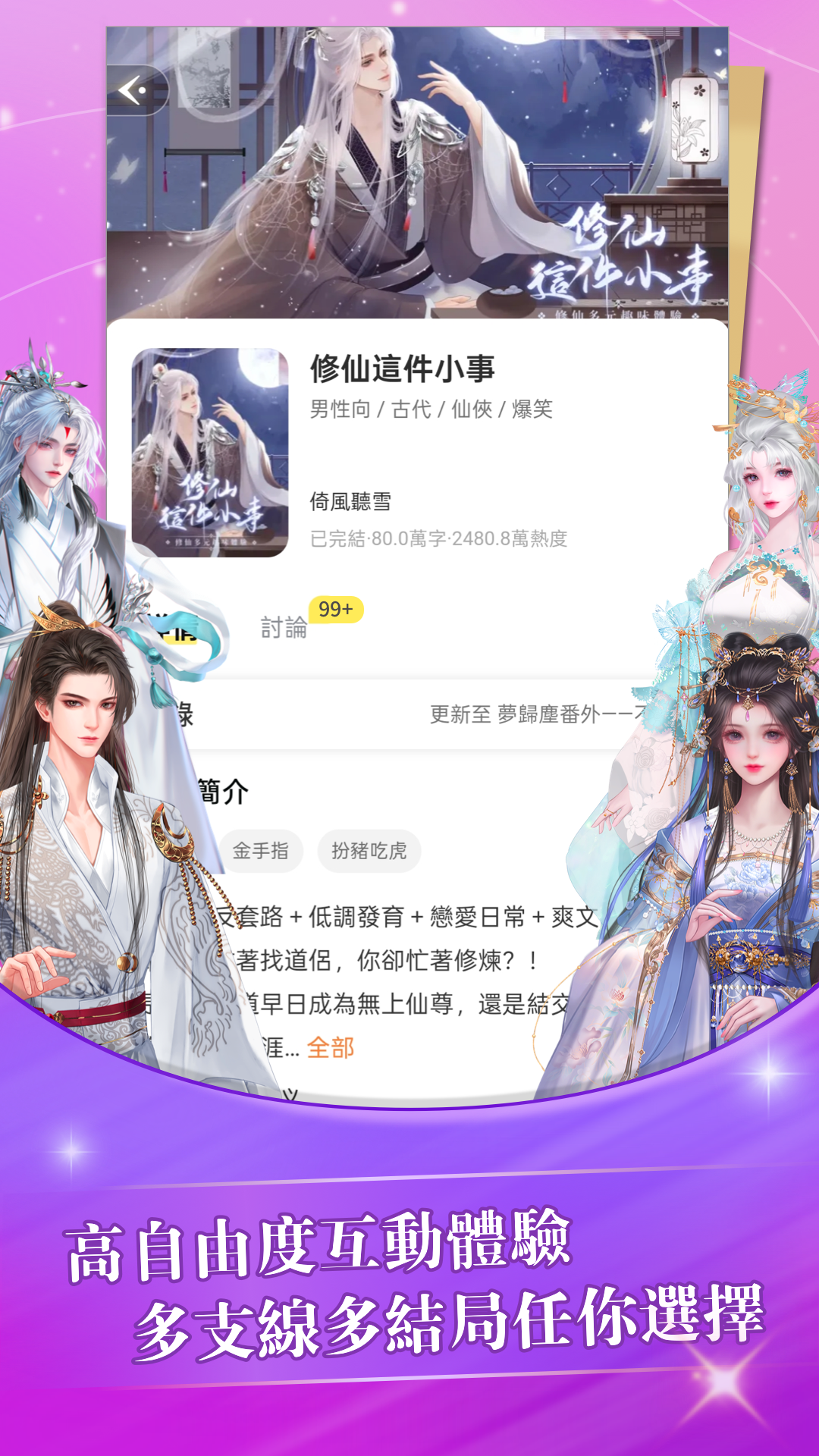
"Fun Travel Book" is an immersive interactive story APP that allows you to become the protagonist and control the plot! Through the exquisite option design, you can experience a text adventure with multiple branches and endings, and you can also dress up and develop your characters. Breaking through the traditional reading framework and taking you into a new "playable and interactive" story universe~【Platform Features】
1. [Read massive stories for free, with hidden endings triggered by you! 】
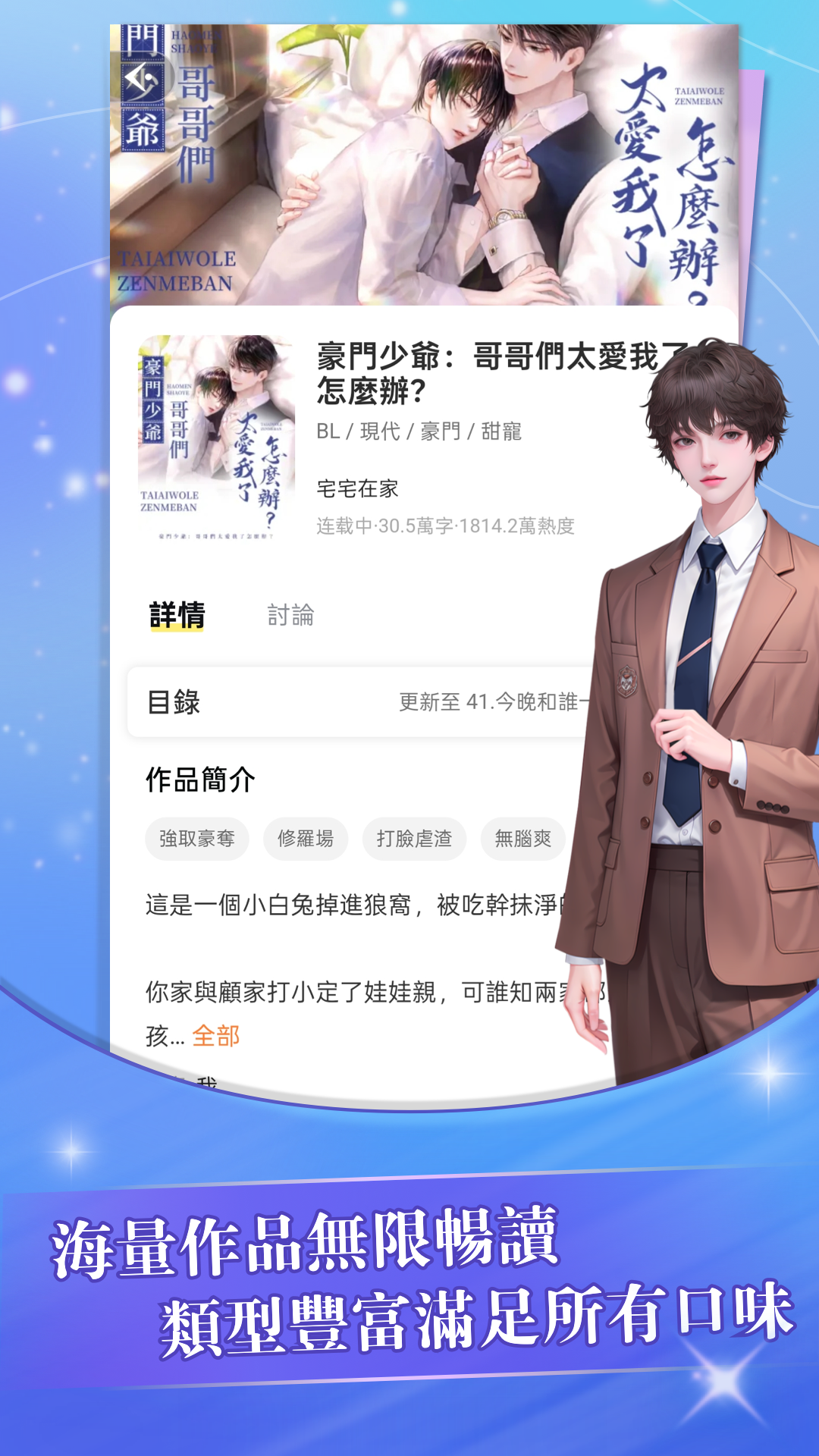
Ancient fairy tale/urban love/fantasy adventure/BL sweet pet...specially includes the themes of "Strange Tales of Rules" and "Survival in the End of the World"! From domineering CEOs to funny male and female protagonists, from kingly idols to star-chasing girls, there are all kinds of characters for you to choose from!
2. [Immersive role-playing, your choices change the world! 】
There are multiple key choice points in each chapter, and the story development is full of random surprises! Paired with the "plot map" system, you can check the unlocking progress in real time and experience the fun of RPG-style text adventure!
3. [Theater-level scene art, dynamic plot card collection! 】
Exclusively draw 1,000+ high-quality character cards, with important plots and special effects. Supports vertical screen reading, creating a visual novel viewing experience!
4. [Multi-dimensional strategy system, develop your own soul mate! 】
Each choice affects the character's favorability and unlocks hidden dating plots. The exclusive "variable styling system" allows you to dress up yourself and your target, and even appear in couple costumes!
5. [Instant sentence comment interactive circle, play with the story universe with your friends! 】
The first "sentence comment" function, you can post your immediate thoughts while reading, and you can also unlock the author's behind-the-scenes Easter eggs!
Screenshots and Videos of 趣穿書ChoiceCraft PC

Why Play 趣穿書ChoiceCraft on PC with LDPlayer?
 Operation Recorder
 High FPS
 Custom Controls
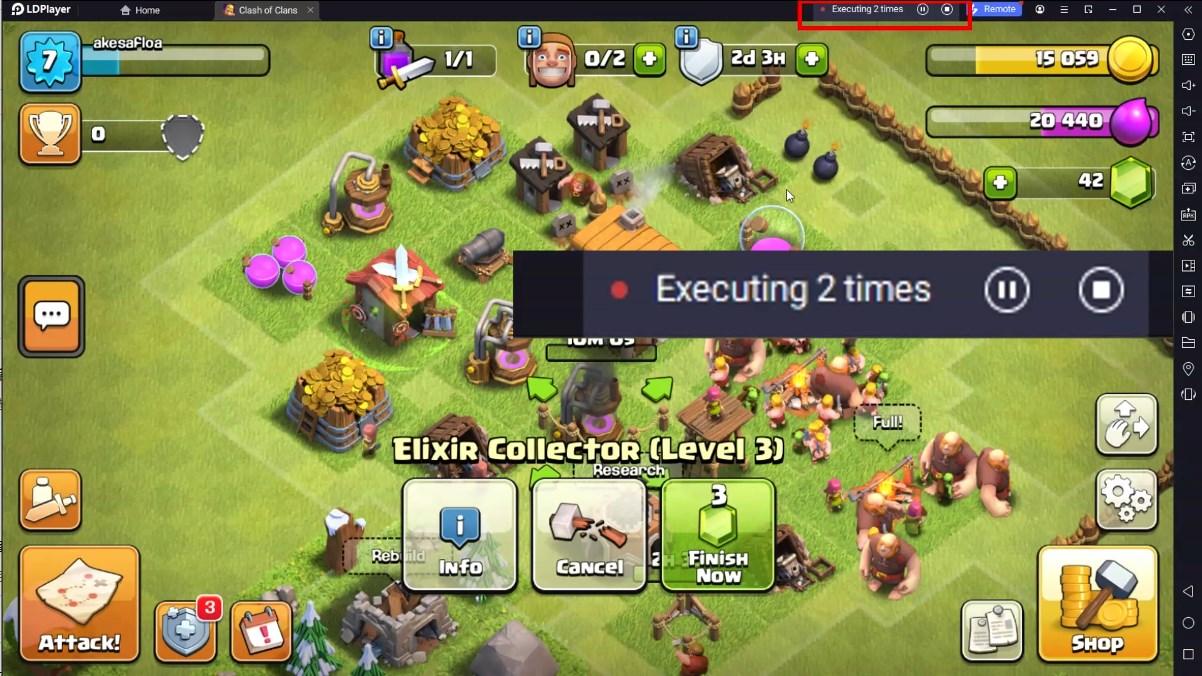
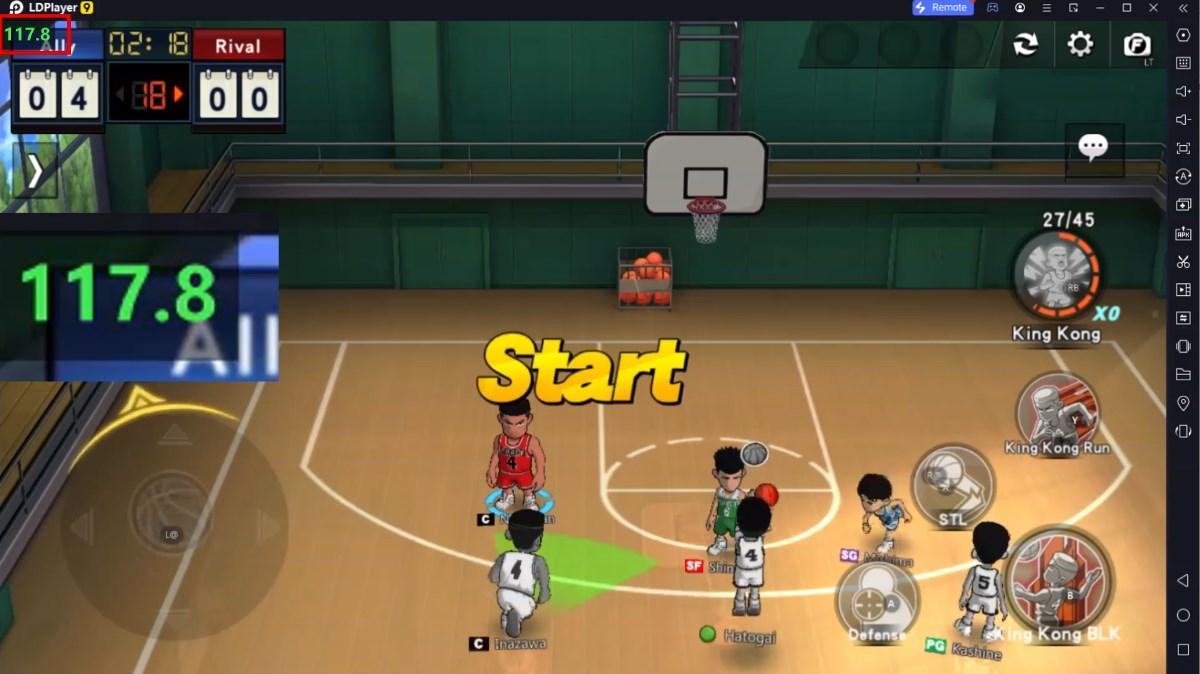
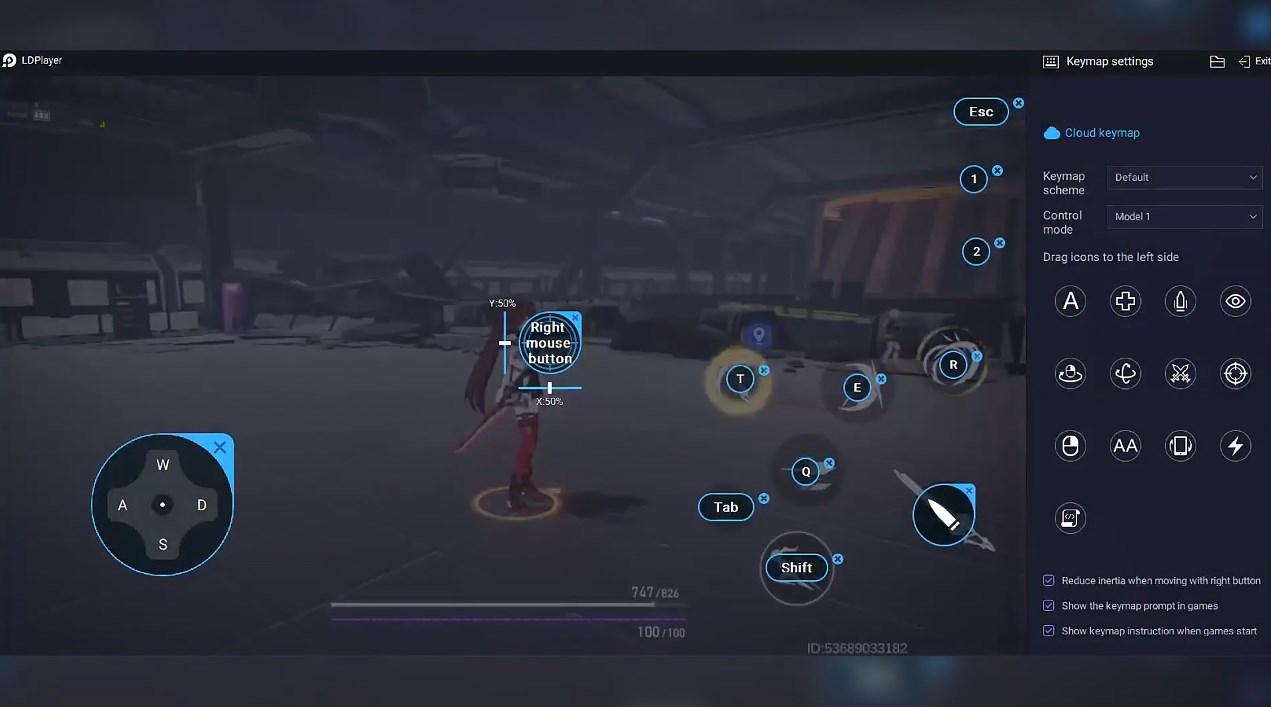

Record operations to easily execute repetitive upgrades and mission operations in 趣穿書ChoiceCraft with a single click. Additionally, it can be utilized for auto-battling bosses, thereby enhancing gaming efficiency.

One-Click Macros
Combine a series of operations into one keystroke to help you quickly and automatically complete the grinding in 趣穿書ChoiceCraft, improving gaming efficiency and experience.
Extended Battery Life
When running 趣穿書ChoiceCraft on your computer, you need not worry about low battery or device overheating issues. Enjoy playing for as long as you desire.
How to Download&Play 趣穿書ChoiceCraft on PC?
 1
1Download and install LDPlayer on your computer
 2
2Locate the Play Store in LDPlayer's system apps, launch it, and sign in to your Google account
 3
3Enter "趣穿書ChoiceCraft" into the search bar and search for it
 4
4Choose and install 趣穿書ChoiceCraft from the search results
 5
5Once the download and installation are complete, return to the LDPlayer home screen
 6
6Click on the game icon on the LDPlayer home screen to start enjoying the exciting game