BoxMatch is a Puzzle application developed by ALELADE STUDIO, but with the best Android emulator-LDPlayer, you can download and play BoxMatch on your computer.
Running BoxMatch on your computer allows you to browse clearly on a large screen, and controlling the application with a mouse and keyboard is much faster than using touchscreen, all while never having to worry about device battery issues.
With multi-instance and synchronization features, you can even run multiple applications and accounts on your PC.
And file sharing makes sharing images, videos, and files incredibly easy.
Download BoxMatch and run it on your PC. Enjoy the large screen and high-definition quality on your PC!
This is a new box cell connect puzzle game created by Alelade Studio, the creator of "Just In Time - Touch & Jump" , "Break Circle", "Match4+" and "MatchRis+".BoxMatch is a very fun and exciting box cell connect puzzle game, it makes you keep playing for FREE!
The BEST of CELL CONNECT!
Do you enjoy the box merge puzzle games? Do you like lovely colors with cell number hexa?
Here comes the perfect merge game for you, Box Match.
HOW TO PLAY
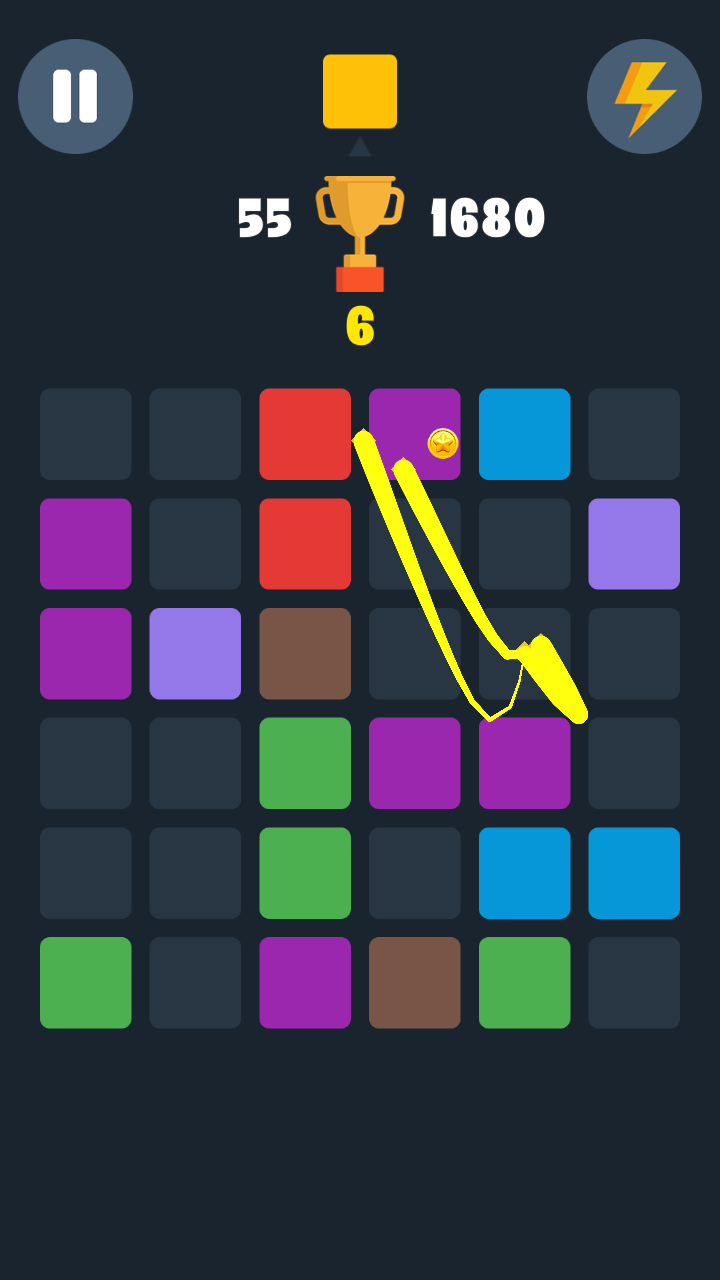
• Drag a square connect cell on the 6x6 square map.
• Merge same color box cell numbers.
• Use 3 different bonuses with the gold you saved.
FEATURES
• BOXMATCH CONNECT CELL BOX MERGE PUZZLE
- Ideal for all ages
- Play easily and quickly.
• EASY AND FUN PLAY
- Easy to learn and fun to master gameplay.
• NO TIME LIMIT
- Enjoy game for any time, anywhere and a short time.
• NO WIFI? NO PROBLEM!
- You can play offline in anytime.
• INSTANT SAVE!
- Always save the game when after your moves, you quit or turn off your phone.
• STUNNING GRAPHICS
- Soothing sounds and gorgeous visual effects.
NOTES
• BoxMatch contain ads like banner, interstitial and video.
SUPPORT UNIVERSAL APP
• Enjoy the game with various devices. (Phones and Tablets)
• info@aleladestudio.com
HOMEPAGE
• http://www.aleladestudio.com/
Google Play Store Page
• https://play.google.com/store/apps/developer?id=ALELADE+STUDIO
★★★Thanks for playing!★★★