
Video Editor: Movie/Film Maker
Video editor, movie maker with video effects, filters, video cut & stickers
Video Editor: Movie/Film Maker is developed and provided by Coocent. LDPlayer offers the download service only.

Overview

FAQ
Run Video Editor: Movie/Film Maker on PC with LDPlayer
Video Editor: Movie/Film Maker is a Video Players&Editors application developed by Coocent, but with the best Android emulator-LDPlayer, you can download and play Video Editor: Movie/Film Maker on your computer.
Running Video Editor: Movie/Film Maker on your computer allows you to browse clearly on a large screen, and controlling the application with a mouse and keyboard is much faster than using touchscreen, all while never having to worry about device battery issues.
With multi-instance and synchronization features, you can even run multiple applications and accounts on your PC.
And file sharing makes sharing images, videos, and files incredibly easy.
Download Video Editor: Movie/Film Maker and run it on your PC. Enjoy the large screen and high-definition quality on your PC!
Video Editor, Movie Maker & Video Effect - LanMei Editor is free to edit video with numerous filters, effects, stickers, and many powerful editing tools. Creating stunning and professional videos is never be difficult.What is the excitement for this amazing video editor?
Edit videos in more comprehensive way
1. To create a video, you can select multiple video clips and make them into one, or choose up to 30 photos to make them a video or just choose one of your videos to edit.
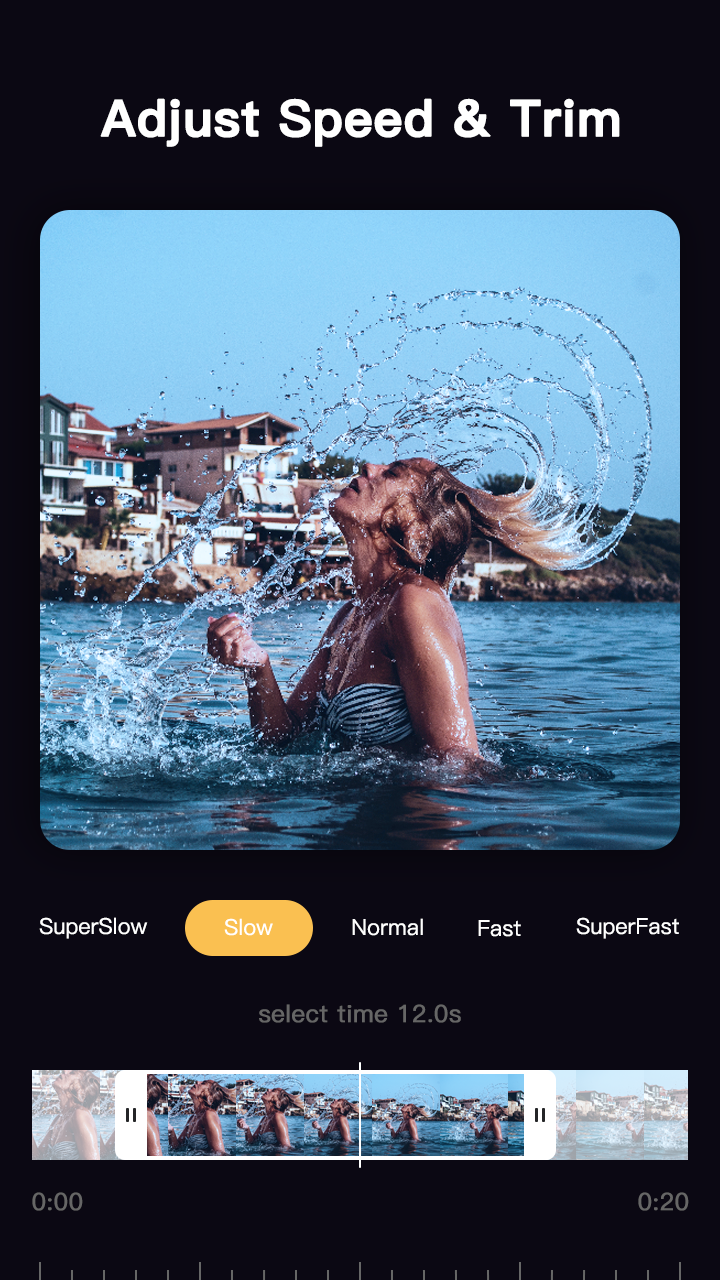
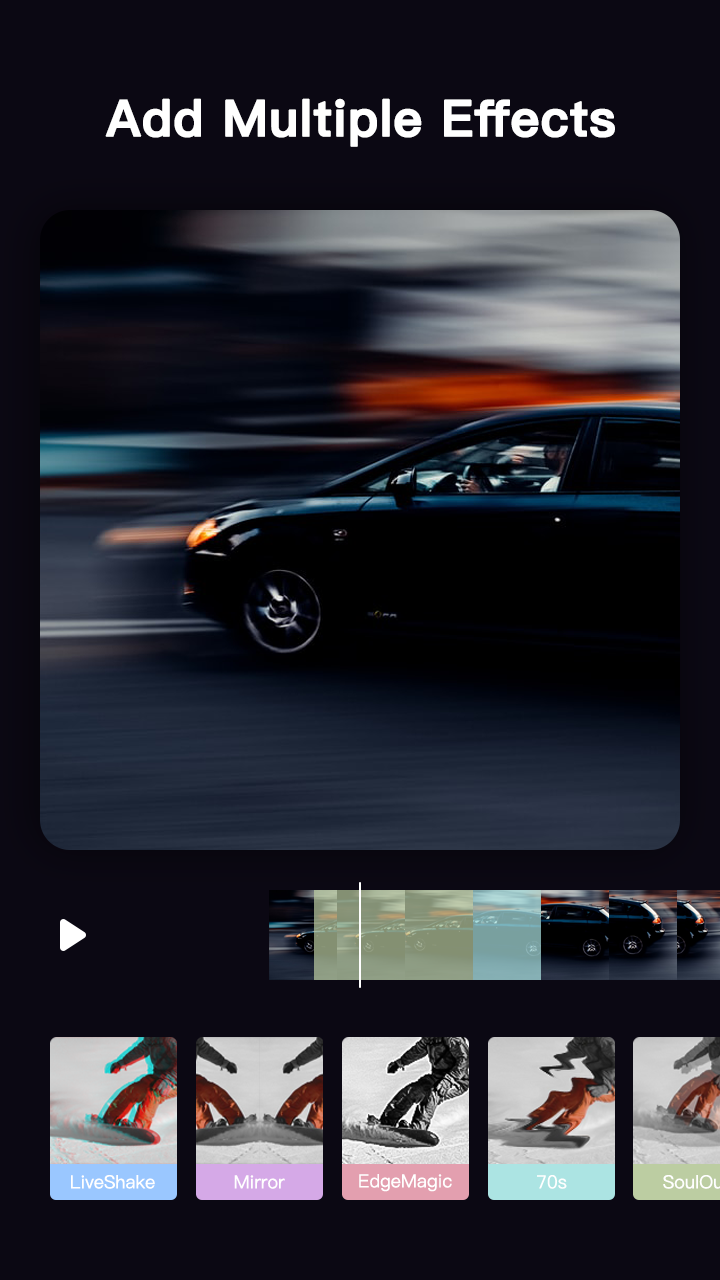
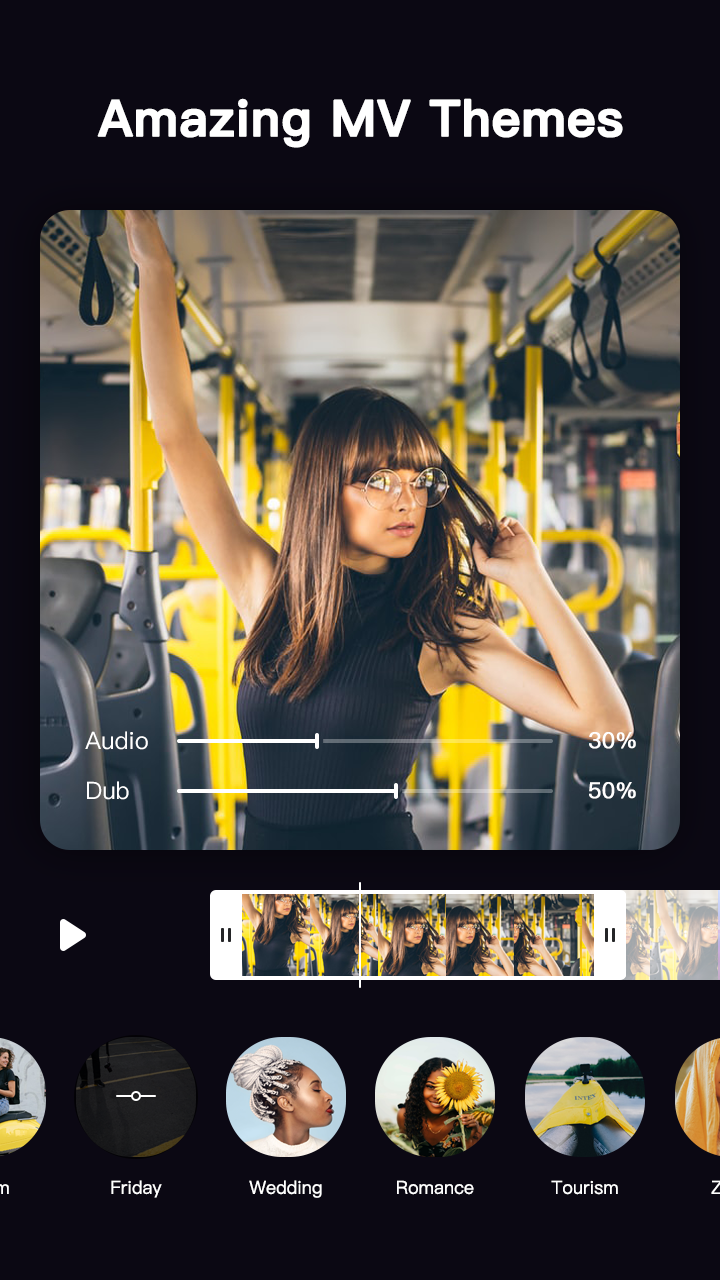
2. Many cool and cute functions to make your video more special and attractive: sticker, filter, effect, transition mode, text, music, and video ratio adjustment.
Full-featured camera to capture photo&video
1. The inner camera is allowed to shoot photos and videos. It provides beauty filters and helps smooth, whiten, and redden your skin. For further beauty, you can totally reshape your face
2. Online stickers are given to make your photos more stylish and interesting. You can even cosplay and try different accessories.
3. Customize your camera with detailed settings, such as shooting speed, screen ratio, flash, autofocus, quick-edit, toggle the front and rear camera.
Create beautiful photos and collages
The inbuilt photo editor and collage maker provide more beauty possibility than any other editor do. Select one photo, you can enhance it with filters, stickers, curve toning, and many other tools. To make a collage, you can use artistic layout, borders, backgrounds, filters, and stickers, etc.
Sticker shop with various styles
Hundreds of lovely and cool stickers are provided to download to local. Its multiple options can meet all your needs. Free and practical. It is your beauty master.
This video editor will be your perfect choice, helping you edit your photos and videos faster, simpler, and more professional. Come on and try it!
Screenshots and Videos of Video Editor: Movie/Film Maker PC

How to Download and Run Video Editor: Movie/Film Maker on PC
 1
1Download and install LDPlayer on your computer
 2
2Locate the Play Store in LDPlayer's system apps, launch it, and sign in to your Google account
 3
3Enter "Video Editor: Movie/Film Maker" into the search bar and search for it
 4
4Choose and install Video Editor: Movie/Film Maker from the search results
 5
5Once the download and installation are complete, return to the LDPlayer home screen
 6
6Click on the game icon on the LDPlayer home screen to start enjoying the exciting game


