Android Subtitle Editor is a Tools application developed by AJVM, but with the best Android emulator-LDPlayer, you can download and play Android Subtitle Editor on your computer.
Running Android Subtitle Editor on your computer allows you to browse clearly on a large screen, and controlling the application with a mouse and keyboard is much faster than using touchscreen, all while never having to worry about device battery issues.
With multi-instance and synchronization features, you can even run multiple applications and accounts on your PC.
And file sharing makes sharing images, videos, and files incredibly easy.
Download Android Subtitle Editor and run it on your PC. Enjoy the large screen and high-definition quality on your PC!
Edit, style and sync your .srt or .sub subtitle files.Start to easily edit your subtitles! This app comes with an internal player, in which you only have to place the first and last subtitles correctly to sync them to the video. It can load the subtitles and the video across LAN-Shares, so copying them to your local device is not necessary.
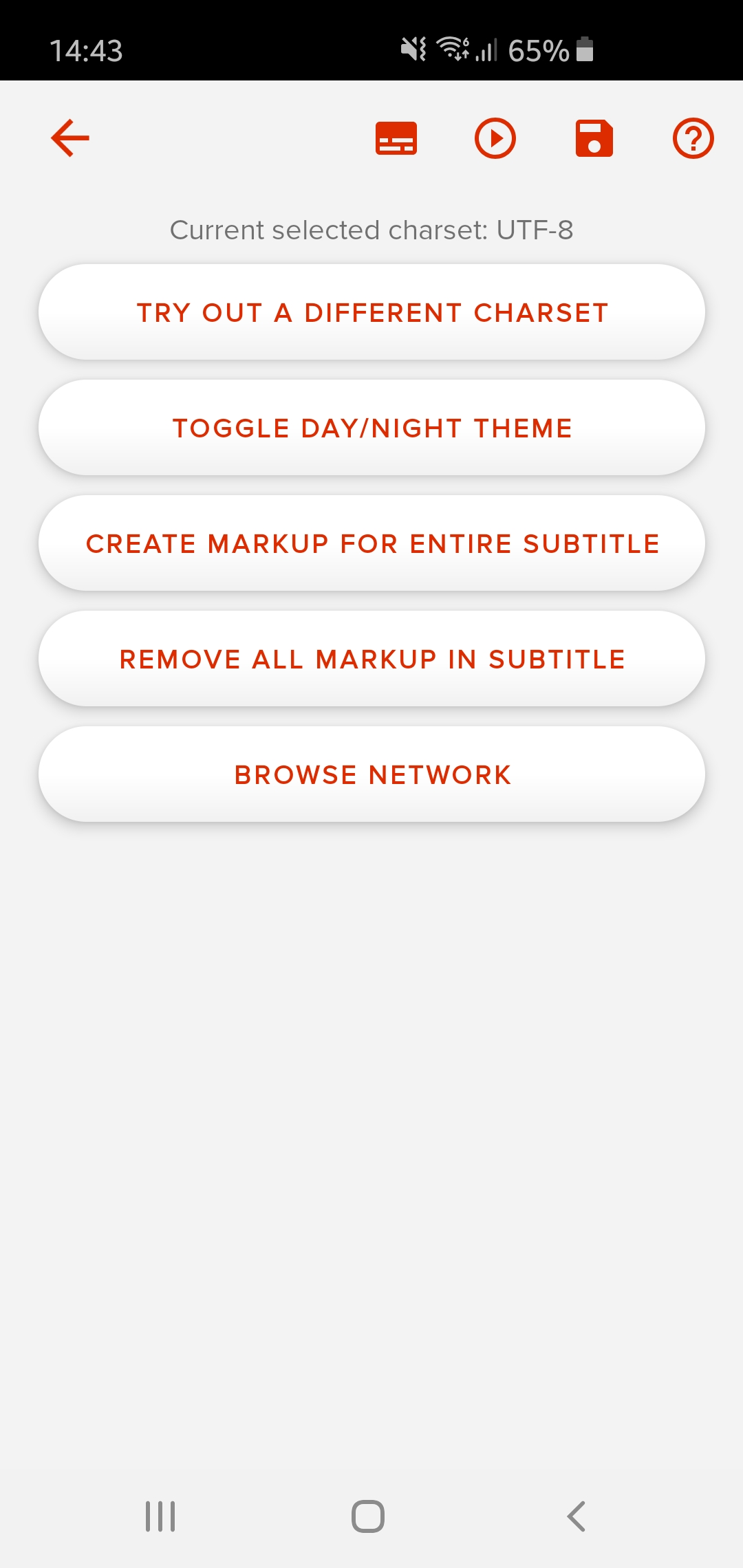
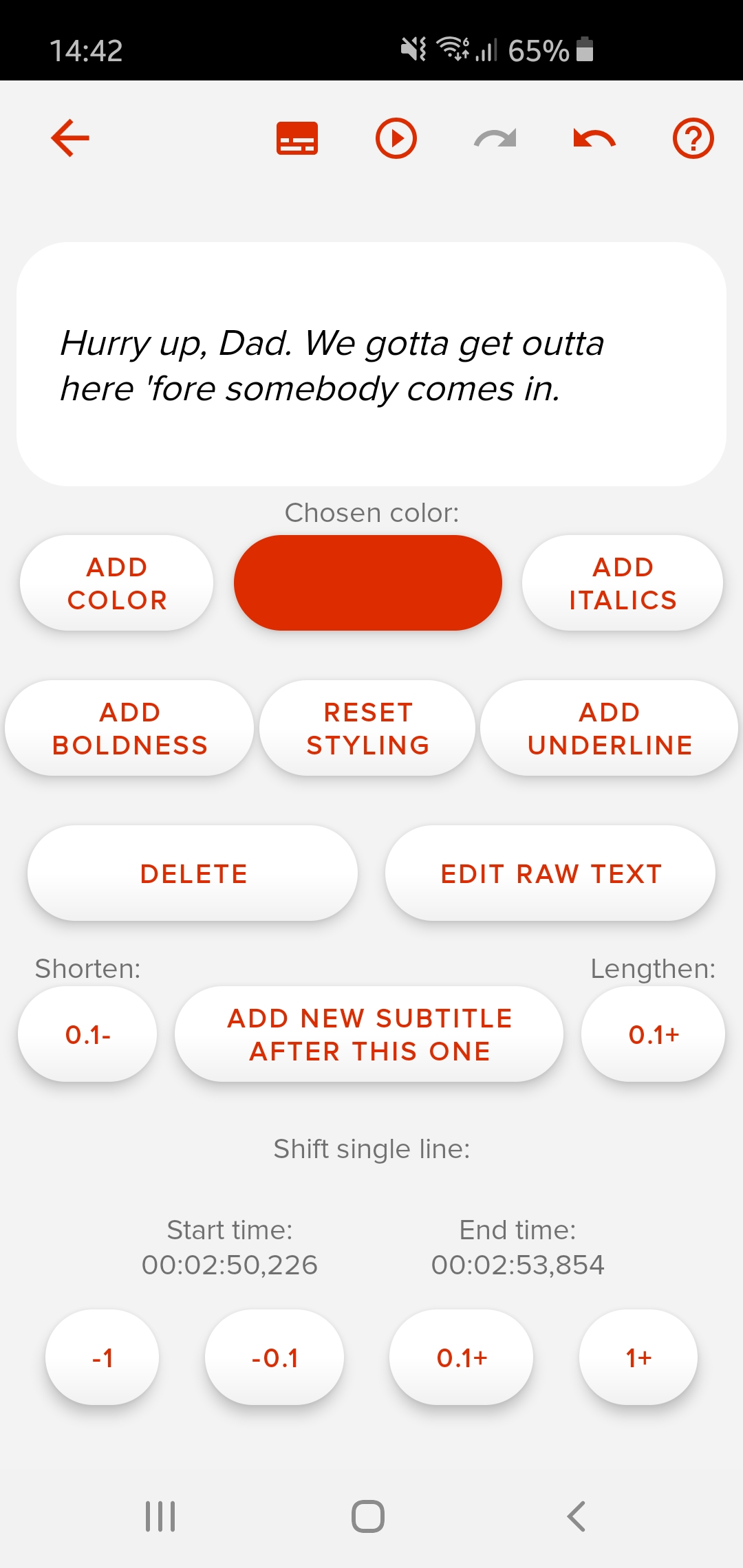
Deletion can be done with swiping, styling is made easy with different colors, but more advanced options are also available: Easily converting to a different frame rate, syncing to another subtitle, switching to a different charset and searching are made easy as well.
At any moment during editing, the current progress can be viewed under the video, so small corrections can be implemented directly!