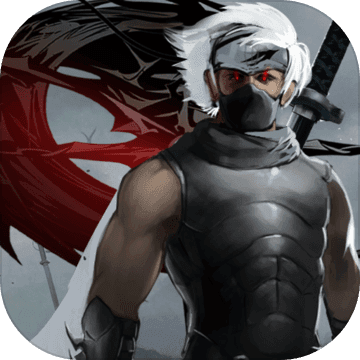
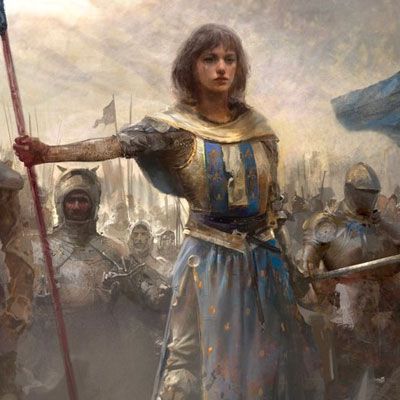
Ranatics Mobile is a Adventure application developed by Weigibbor, but with the best Android emulator-LDPlayer, you can download and play Ranatics Mobile on your computer.
Running Ranatics Mobile on your computer allows you to browse clearly on a large screen, and controlling the application with a mouse and keyboard is much faster than using touchscreen, all while never having to worry about device battery issues.
With multi-instance and synchronization features, you can even run multiple applications and accounts on your PC.
And file sharing makes sharing images, videos, and files incredibly easy.
Download Ranatics Mobile and run it on your PC. Enjoy the large screen and high-definition quality on your PC!
Ranatics Mobile is an online role-playing game about students, rivalries, and the fights that settle them. Pick a school, pick a class, and go find out who runs the campus.CHOOSE HOW YOU FIGHT
Four classes, each with its own feel and its own skill tree:
- Brawler - close the distance and stay there
- Swordsman - reach, pressure, and heavy openings
- Archer - control the fight from where it cannot reach you
- Shaman - keep your side standing, and take the other side apart
A WORLD THAT DOES NOT WAIT
Three schools share one world, and the ground between them is contested. Other players are really there: in the same field, at the same boss, after the same drop. Chat happens over people's heads. Fights start because someone walked into the wrong place.
BUILT FOR A PHONE, NOT PORTED TO ONE
The controls were made for thumbs. A stick you can hold anywhere, skills on an arc where your hand already is, and a HUD you can move and resize until it fits the way you play - then save it, and it follows your account to your next device.
PLAY WITH PEOPLE
- Guilds, with ranks and a guild hall to sink your money into
- Parties for the fights you cannot take alone
- Duels when the argument needs settling now
- Trading, face to face, with both hands on the table
THINGS TO DO BESIDES FIGHTING
Quests that actually send you somewhere. A shared storage vault. Item mixing and upgrading for when the gear you have is nearly the gear you want. A world map and bus stops so getting there is not the game.
OPEN BETA
The game is in open beta and it shows: we are adding, fixing and occasionally breaking things in public. Progress may be reset while we test. If something is wrong, tell us - the notice board on the login screen is where we answer.
Free to play. An account is required, and you can delete it from inside the game at any time: Options > Account.