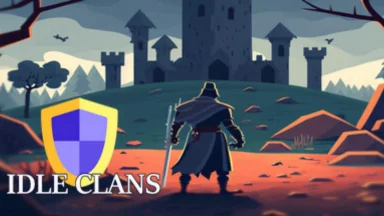
Idle Clans - MMORPG is a Role Playing game developed by Isam Games, and LDPlayer is the best platform for playing Idle Clans - MMORPG on Windows PC, offering powerful features for an immersive experience.
When playing Idle Clans - MMORPG on PC, as a new player looking to start with a fresh account, the multi-instance and sync features are extremely useful for rerolls. You can use them to run multiple instances and begin the synchronization process. Bind your account until you draw the desired heroes.
In addition, operation recorder is great for games that require you to level up and complete tasks! Run the sync and record your actions, then repeat the main instance's actions in real-time. By doing so, you can run 2 or more accounts simultaneously. You can always get the heroes you want before others by faster rerolls and more efficient summoning! Start downloading and playing Idle Clans - MMORPG on your computer now!
Idle Clans aims to provide the classic MMORPG experience in a casual way. Everything you would expect from an MMORPG, but at your own pace. You don't need to quit your day job to keep up with others. If you only have a moment, that's still enough to keep your character progressing.🛡️ Clans
The game's title might give it away, but a central part of the game is its clan system. Create a clan or join an existing one to collaborate with others and speed up your own progression. Clans can unlock clan-specific upgrades, clan events, clan bosses and clan quests.
Some clans are very casual, some coordinate at levels our government agencies could take notes from. The clan recruitment centre makes it easy to find the right clan for you.
💰 Player market
Every item you purchase on the player market has been obtained or crafted by another player.
⚔️ Skills & combat
Deep, interconnected skilling, crafting and combat systems are the core of the game. There are dozens of skills to level up along with an ever-growing collection of items, upgrades and modifiers. Content varies from lowly turkeys that are incapable of doing harm to end-game bosses and raids that'll put your game knowledge to the test.
Completing every achievement grants you the Grandmaster rank. That's a journey lasting years, and we might be biased here, but what a journey it is!
💎 Free-to-play
Idle Clans is free-to-play with optional in-app purchases. These provide tokens that can be claimed for permanent ranks. The tokens are tradeable, meaning anything in the game shop can also be bought with in-game gold, as many players opt to do.
💬 Community
Idle Clans has been actively developed since its launch in 2023, and our amazing community has played a massive part in shaping the game. With 10k+ players in our Discord server, there's no shortage of ideas and discussion.