Crazy Little Girl Nanny Care
Choose to play this game and help a desperate nanny to handle her tasks.
Crazy Little Girl Nanny Care is developed and provided by bmapps. LDPlayer offers the download service only.

Overview

FAQ
Use LDPlayer to Play Crazy Little Girl Nanny Care on PC
Crazy Little Girl Nanny Care is a Educational application developed by bmapps, but with the best Android emulator-LDPlayer, you can download and play Crazy Little Girl Nanny Care on your computer.
Running Crazy Little Girl Nanny Care on your computer allows you to browse clearly on a large screen, and controlling the application with a mouse and keyboard is much faster than using touchscreen, all while never having to worry about device battery issues.
With multi-instance and synchronization features, you can even run multiple applications and accounts on your PC.
And file sharing makes sharing images, videos, and files incredibly easy.
Download Crazy Little Girl Nanny Care and run it on your PC. Enjoy the large screen and high-definition quality on your PC!
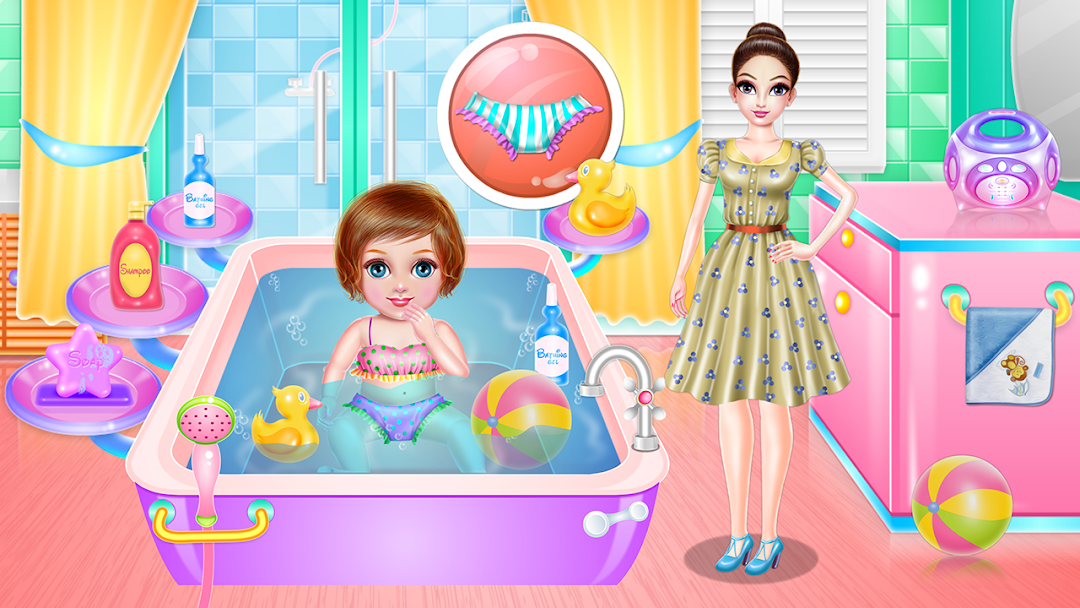
Help this nanny to not go crazy because she seems like she could need an extra hand in this game. You are about to take care of a little girl who needs all your attention and devotion as well. Try your best and go through all two phases we've created for you in order to be prepared for a real challenge as a parent. This nanny game is for sure an interesting one and once you will fulfill the taking care phase you are free to move to the next step that includes the dress up process. There is a whole plan you need to follow and one task will unlock another one and so on.During this girl game, you'll learn many things and for sure you'll experience lovely time with this cute girl. Now, you will go into the bathing part to make sure the girl is clean and all washed out. Use the shampoo to wash her hair then clean the body and don't forget to play a little bit while you are in the bath to distract her from the real action. Accomplish all the steps and move to the playing part where you are going to entertain this girl and make sure she is having a good time. All that remains is to dress her up with a sweet outfit and cute accessories. Put on a dress or the overalls and match to it a pretty bow and nice shoes.You are able to dress the nanny too, so prepare two different style and try to combine them to see if they match. Now with your help, this nanny won't go crazy and you are more responsible and patient.
Don't miss any of these awesome features this game provides:
- Free and easy gameplay
- Cheerful background sounds and cool graphics
- Have fun playing interactive activities with babies
- Learning how to accomplish the given tasks
- Play different games all in one
- Look after a little girl
- Becoming a responsible nanny
- Develop new skills or improve the old one
Screenshots and Videos of Crazy Little Girl Nanny Care PC



Why Play Crazy Little Girl Nanny Care on PC with LDPlayer?
 Multi-Instance & Sync
 Remote Control
 Custom Controls
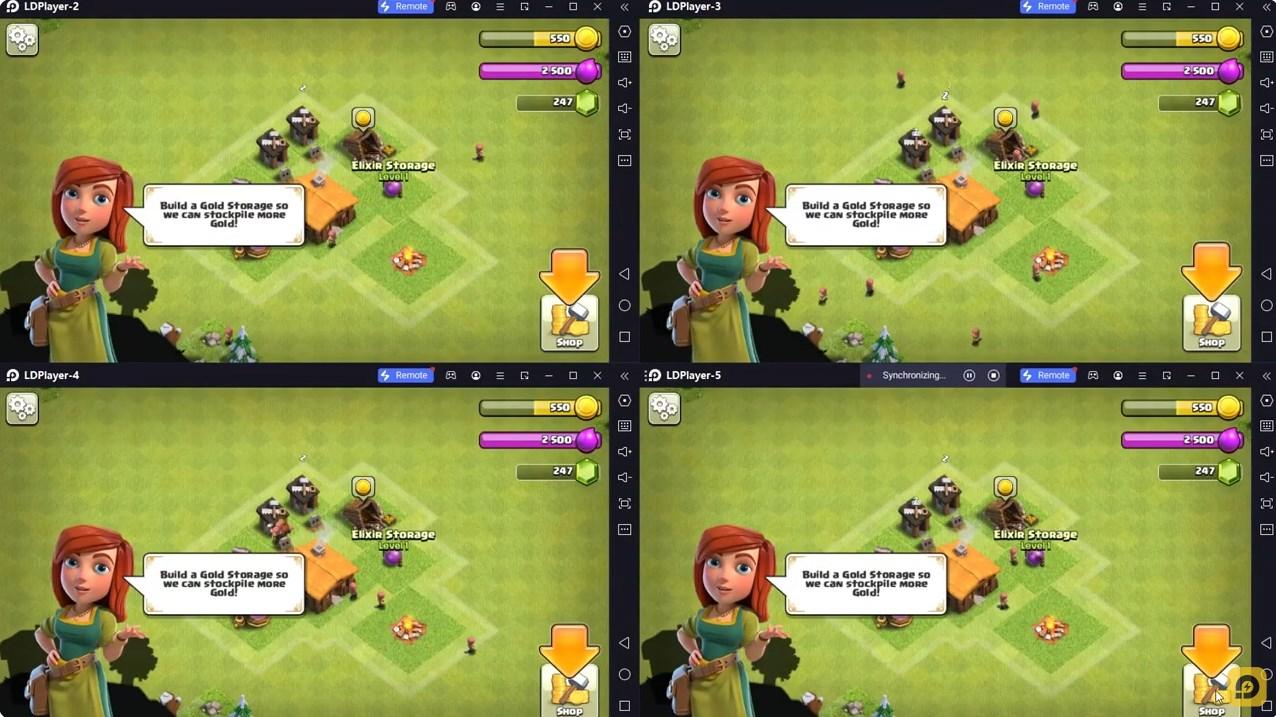

Effortlessly clone multiple instances and initiate synchronization until you draw the desired hero before binding your account, enhancing efficiency in rerolls in Crazy Little Girl Nanny Care.

High FPS
With support for high FPS, Crazy Little Girl Nanny Care's game graphics are smoother, and actions are more seamless, enhancing the visual experience and immersion of playing Crazy Little Girl Nanny Care.
Video Recorder
Easily capture your performance and gameplay process in Crazy Little Girl Nanny Care, aiding in learning and improving driving techniques, or sharing gaming experiences and achievements with other players.
How to Download&Play Crazy Little Girl Nanny Care on PC?
 1
1Download and install LDPlayer on your computer
 2
2Locate the Play Store in LDPlayer's system apps, launch it, and sign in to your Google account
 3
3Enter "Crazy Little Girl Nanny Care" into the search bar and search for it
 4
4Choose and install Crazy Little Girl Nanny Care from the search results
 5
5Once the download and installation are complete, return to the LDPlayer home screen
 6
6Click on the game icon on the LDPlayer home screen to start enjoying the exciting game