Clean Catch is a Educational application developed by Pearly Whites, but with the best Android emulator-LDPlayer, you can download and play Clean Catch on your computer.
Running Clean Catch on your computer allows you to browse clearly on a large screen, and controlling the application with a mouse and keyboard is much faster than using touchscreen, all while never having to worry about device battery issues.
With multi-instance and synchronization features, you can even run multiple applications and accounts on your PC.
And file sharing makes sharing images, videos, and files incredibly easy.
Download Clean Catch and run it on your PC. Enjoy the large screen and high-definition quality on your PC!
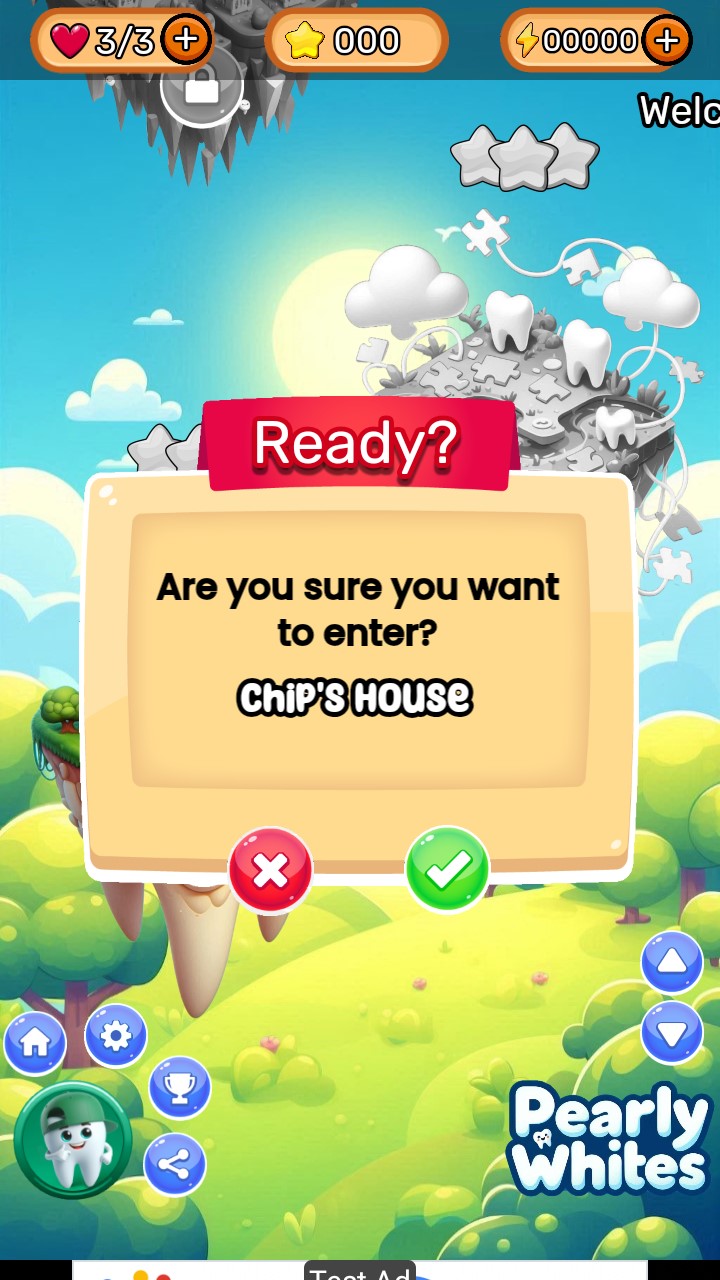
Clean Catch is the first game in the Pearly Whites Saga. A series of games based on a story created to encourage healthy eating habits and to promote good oral health habits.Clean Catch starts in Mulinia: the Capital City of a country called Pearly White. The citizens of Mulinia are of two types, tooth and tooth fairy. Mulinians are the guardians of a Magical Crystal called the Crystal of Clean.
Ancient tooth fairies formed this Crystal as a protective mechanism. It prevents cavities from forming in teeth as it is made from 5 essential dental health items: Toothpaste, Floss, Mouthwash, a Toothbrush and Fluoride Pixie Dust. This Crystal is a national treasure but is also crucial for the survival of the Teeth in Mulinia and beyond.
To the surprise of many, the King of Sweetmania somehow managed to steal the Crystal of Clean from the hands of the Mulinians. Candor is his name.
Candor now misuses the energy from the Crystal in his factory which manufactors many tooth-harming sweets and candies daily. With no Crystal in Mulinia to protect them and the increased number of candies spreading through the country of Pearly White, all teeth in Mulinia and beyond remain at risk of getting painful cavities.
In Clean Catch, the mission is to take 8 Molars from Mulinia to Candor's castle in Sweetmania. They will do their best to grab the Crystal of Clean and return it safely to Mulinia where it belongs.
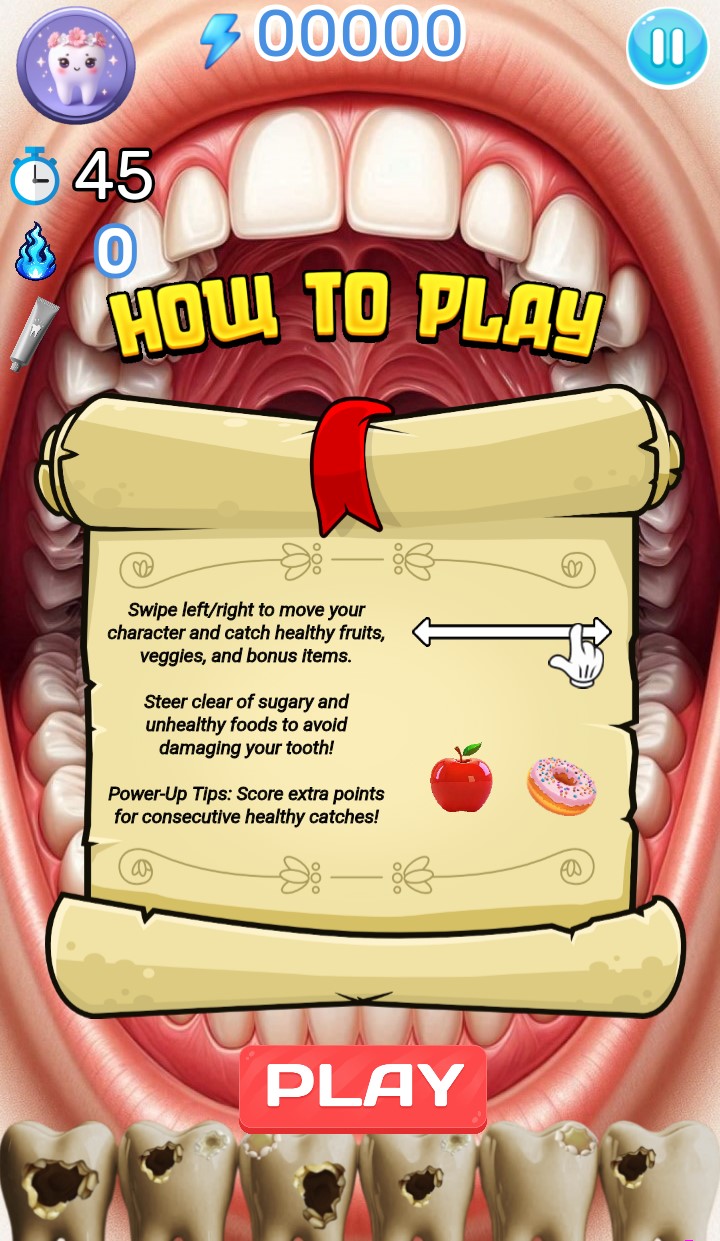
In order to reach Candor's residence, players must journey through different landscapes. Each stop has a mix of healthy and unhealthy foods raining down from the sky. The player must do their best to guide their molar to a Pearly White appearance by catching healthy foods and avoiding the unhealthy ones which will worsen their cavities.
Every second level is a mini-game that tests and improves the player's memory. It combines visual learning with critical thinking skills to develop the memory of players both young and old.
Once they reach Candor's castle, well... you'll have to see for yourself what happens.
All in all, the game is a great introduction to the Saga and promotes good dental and general health! We hope you enjoy it!