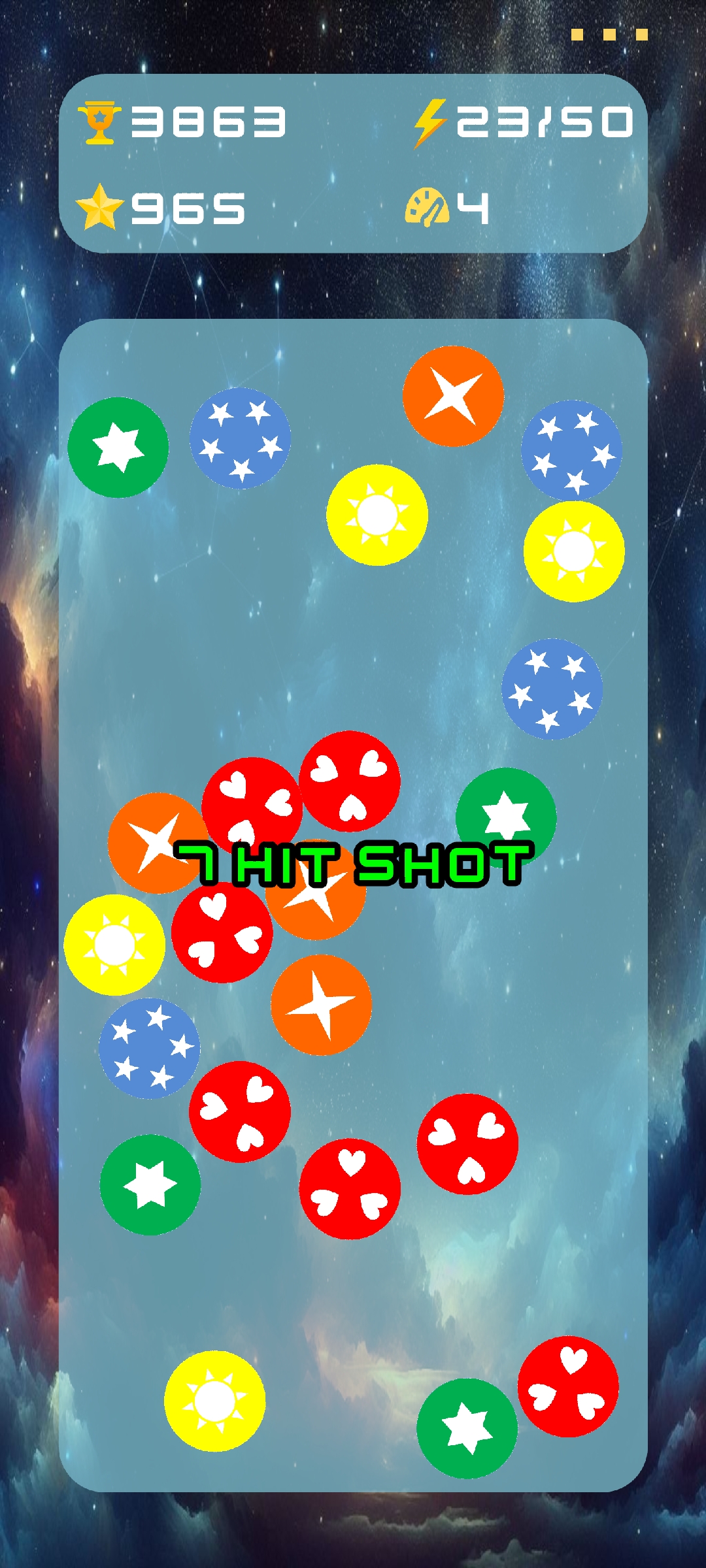
Chips Dash is a Casual game developed by emetyce. LDPlayer is the best platform for playing Chips Dash on Windows PC, offering powerful features to enhance your immersive experience in Chips Dash.
When playing Chips Dash on your computer, if you find repetitive actions or tasks tedious and time-consuming, fret not! Macro can alleviate your concerns. Simply record your actions with a click of the screen recording feature and let macros take care of the rest. Macros automate your operations, allowing you to effortlessly conquer the game with minimal effort! Start downloading and playing Chips Dash on your computer now!
DescriptionTarget and shoot the chips to make them collide and pop as many as possible. Aim carefully, because each attempt will add more chips to the field. Try to accelerate one or more chips so they collide with chips of the same color to make them pop.
This simple one-touch game will entertain you anywhere you feel bored, like waiting for the bus, before going to sleep, standing in line, and so on.
How to Play
Tap on the screen and move the crosshair near or over the chips you want to accelerate. Release your finger to apply a circular pulse to the nearby chips. The closer the pulse is placed, the stronger the chips will be accelerated in the opposite direction from where the pulse came. For example, to shoot a chip straight upwards, apply the pulse directly behind the chip. To make it fly to the left, apply the pulse on the right side of the chip. All directions are possible.
Features
- Unique gameplay by applying a pulse to shoot the chips
- Enhances your understanding of physics
- Unlock various space-themed level backgrounds
- Smooth and realistic physics
- Discover special chips in the game to score more points
- Game difficulty adapts to your playing speed