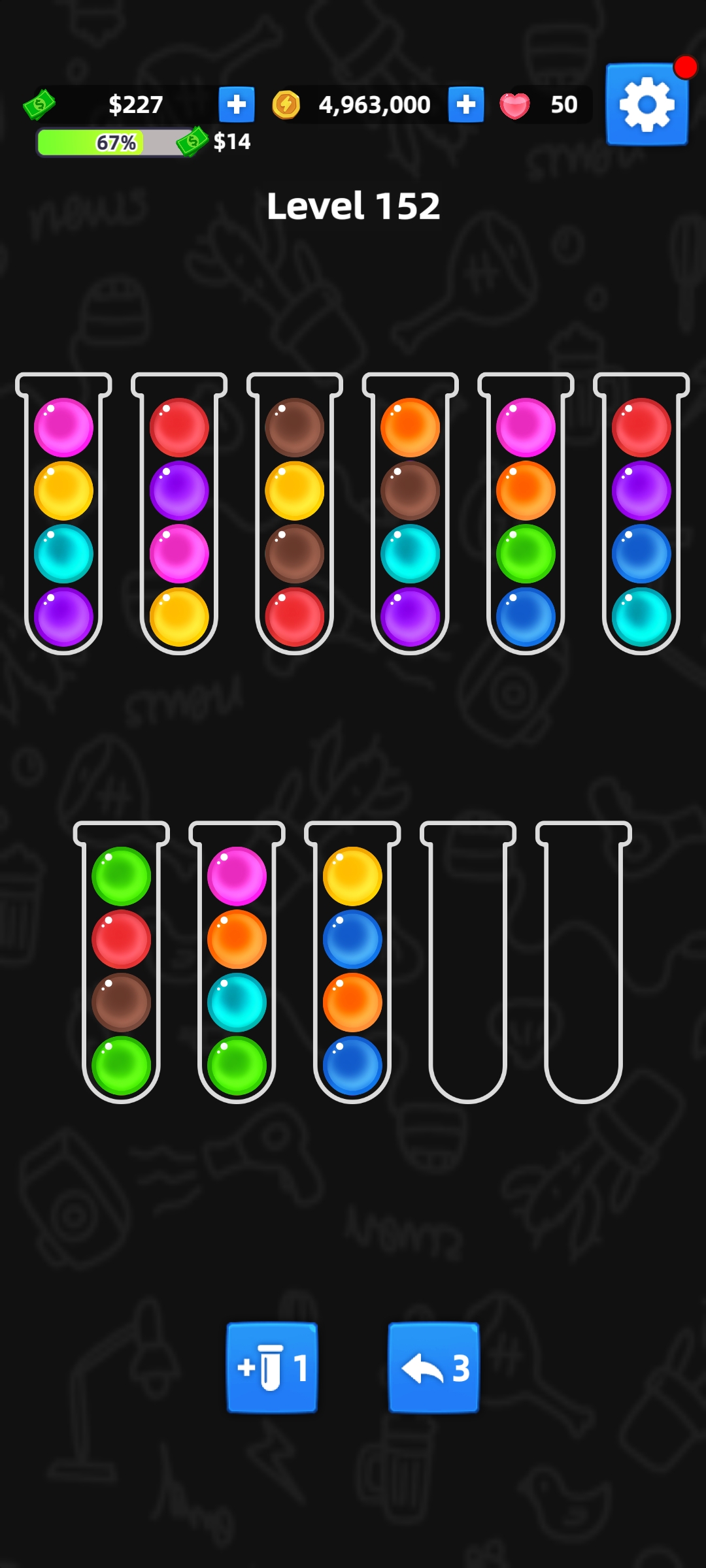
Ball Sort - Color Sort Game is a Puzzle application developed by BuzzBreak, but with the best Android emulator-LDPlayer, you can download and play Ball Sort - Color Sort Game on your computer.
Running Ball Sort - Color Sort Game on your computer allows you to browse clearly on a large screen, and controlling the application with a mouse and keyboard is much faster than using touchscreen, all while never having to worry about device battery issues.
With multi-instance and synchronization features, you can even run multiple applications and accounts on your PC.
And file sharing makes sharing images, videos, and files incredibly easy.
Download Ball Sort - Color Sort Game and run it on your PC. Enjoy the large screen and high-definition quality on your PC!
Welcome to Ball Sort - a captivating puzzle game filled with colorful ball sorting action! With over 2,000 levels to conquer. This game is a superb test of your logical thinking and strategic skills, perfect for puzzle enthusiasts seeking sustained fun and engagement.Ball Sort is also very rewarding with abundant tasks and rewards. You can earn virtual cash and withdraw them. Ways to earn virtual cash:
1. Finish tasks in Achievements
2. Upgrade in VIP levels
You can also earn coins and cash them out. Ways to earn coins:
1. Finish tasks in Achievements
2. Finish tasks in Daily Tasks
3. Play games in Playtime
4. Inviting friends
How to upgrade your VIP level:
1. Open treasure chests in Daily Tasks
2. Complete Achievement tasks
3. Invite friends
Are you ready to take on the challenge? Download now and become a master of Ball Sort!
Note: Google is not a sponsor of this game or its cash withdrawal feature. The reward that users receive may vary depending on their location or device.