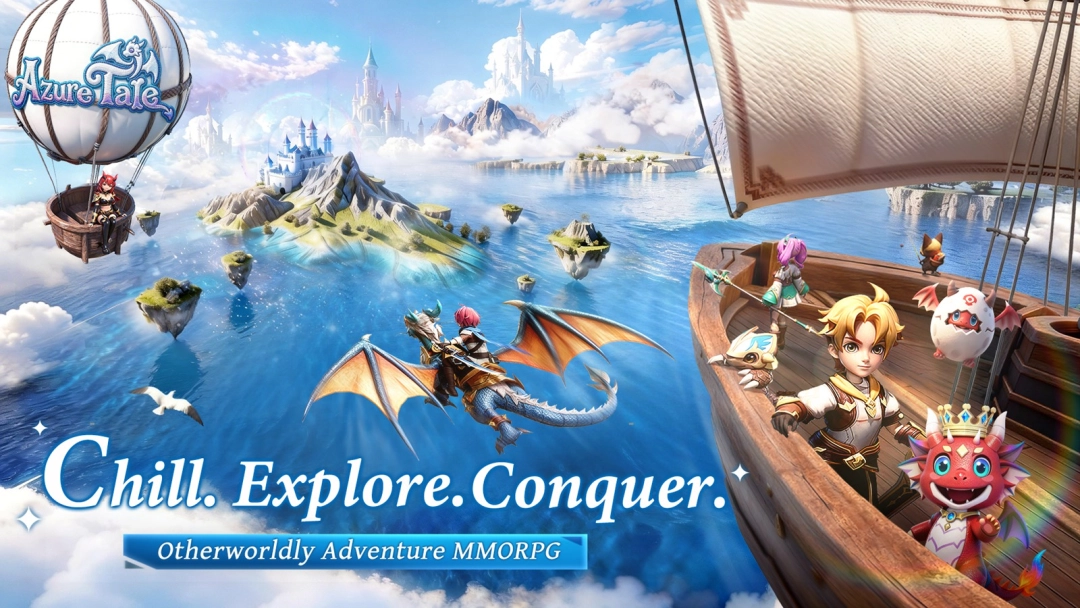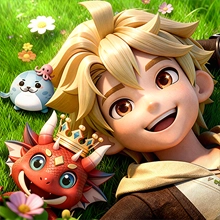


Azure Tale is a Role Playing game developed by OnBudget Games, and LDPlayer is the best platform for playing Azure Tale on Windows PC, offering powerful features for an immersive experience.
When playing Azure Tale on PC, as a new player looking to start with a fresh account, the multi-instance and sync features are extremely useful for rerolls. You can use them to run multiple instances and begin the synchronization process. Bind your account until you draw the desired heroes.
In addition, operation recorder is great for games that require you to level up and complete tasks! Run the sync and record your actions, then repeat the main instance's actions in real-time. By doing so, you can run 2 or more accounts simultaneously. You can always get the heroes you want before others by faster rerolls and more efficient summoning! Start downloading and playing Azure Tale on your computer now!
🏰【Aerylia Continent · A Brand New Journey】⚔️
The mysterious gate has opened, and an uncharted adventure awaits you!
Here, every choice is a new beginning, every encounter a delightful surprise——
Story
In ancient times, the continent of Arelia was nothing but barren land.The powerful dragon race led humans and other creatures to develop and build the continent into a fertile realm.
Over centuries, the profession of adventurers emerged among humans. They explored the traces of the continent, seeking the secrets and treasures left behind by the dragons.
One day, an adventurer from the Kingdom of Astaya witnessed the legendary Dawn Saint Dragon soaring through the clouds. As the news spread, the might and mystery of the dragon reignited the passion for adventure, sparking a nationwide frenzy to find it. The king then proclaimed a decree: the first adventurer to discover the dragon would be granted the kingdom's highest honor—the title of Adventurer King.
Thus began the Great Age of Adventure.
Features
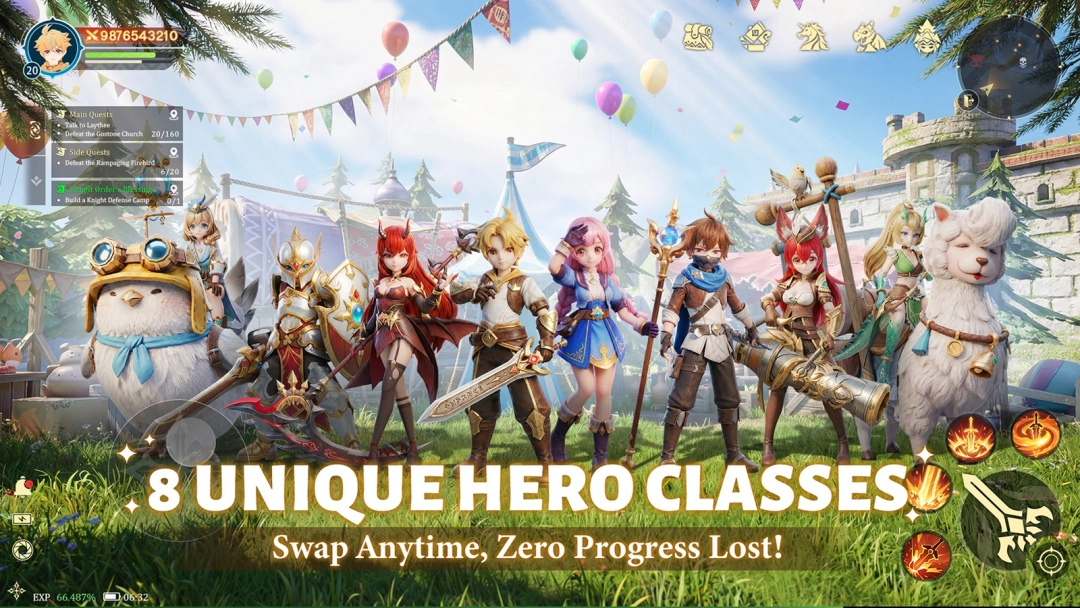
▶ Diverse Classes, Seamless Switching 🔥
Tired of being stuck in one role? Explore multiple classes—Warrior, Mage, Hunter, and more—all available from the start! Switch freely anytime with zero loss in progress, and define your own playstyle. Your strategy, your rules!
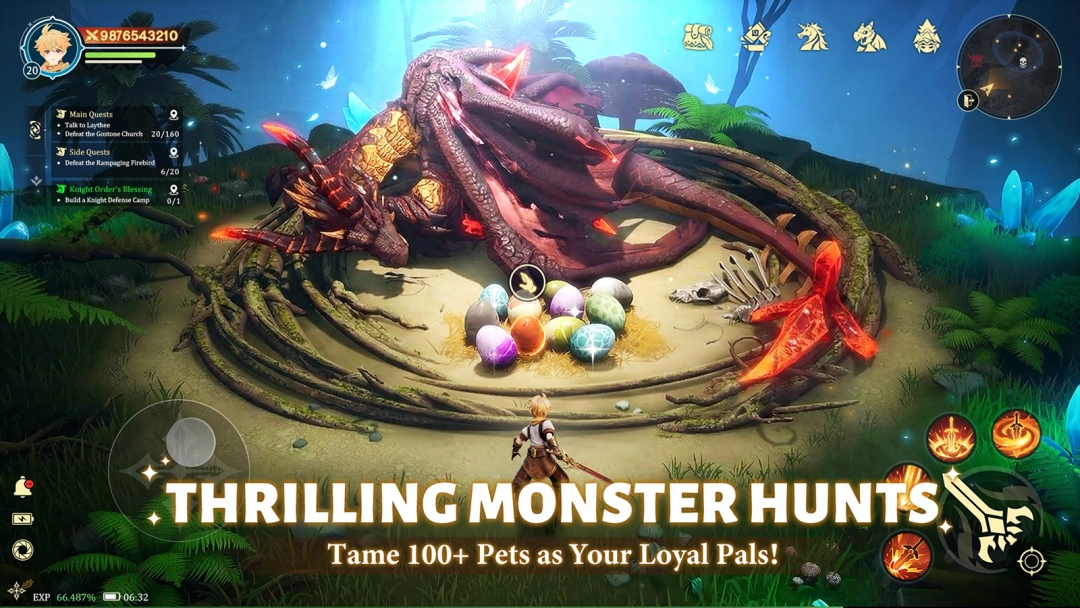
▶ Hunt with Adorable Companions ⚔
Your adventure is never lonely! Catch over 100 unique cute pets, each designed to be your loyal partner. Explore every corner of Eralia with your furry (or scaly!) friends—non-stop excitement and rewards await!
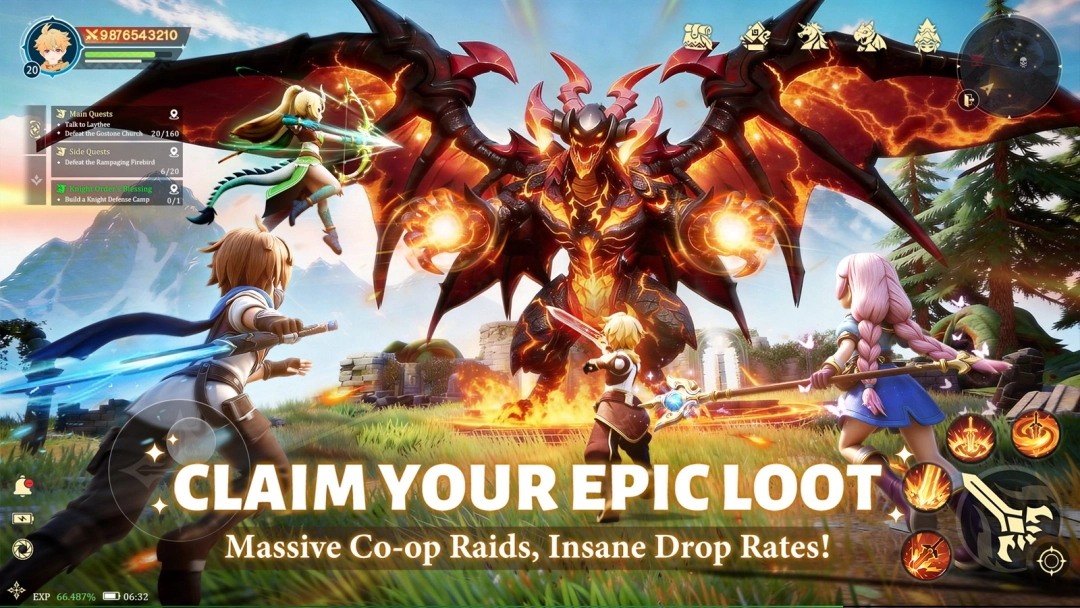
▶ Team Up & Enjoy Drop Fest 🏆
More than just partying—trade, flirt, form alliances, and build your own circle in a truly open social world. Meet your destined partners, share thrilling expeditions, and create stories that last beyond the game.
▶ Live Your Social Adventure 🏰
More than just partying—trade, flirt, form alliances, and build your own circle in a truly open social world. Meet your destined partners, share thrilling expeditions, and create stories that last beyond the game.
▶ Glam Up & Shine at the Ball 💎
Choose from hundreds of stunning outfits, rendered in exquisite detail by a top-tier engine. See silk gleam, jewels sparkle, and every delicate texture come to life. Dress to impress—and steal the spotlight at the grand ball!