WiLynk is a Tools application developed by Hangzhou CE-soft Technology Co., Ltd., but with the best Android emulator-LDPlayer, you can download and play WiLynk on your computer.
Running WiLynk on your computer allows you to browse clearly on a large screen, and controlling the application with a mouse and keyboard is much faster than using touchscreen, all while never having to worry about device battery issues.
With multi-instance and synchronization features, you can even run multiple applications and accounts on your PC.
And file sharing makes sharing images, videos, and files incredibly easy.
Download WiLynk and run it on your PC. Enjoy the large screen and high-definition quality on your PC!
The WiLynk app allows you to manage your routers from anywhere, anytimeParental Control——Helping children develop healthy network habits
Wi-Fi Sharing —— You can share Wi-Fi directly with others, which is convenient and fast
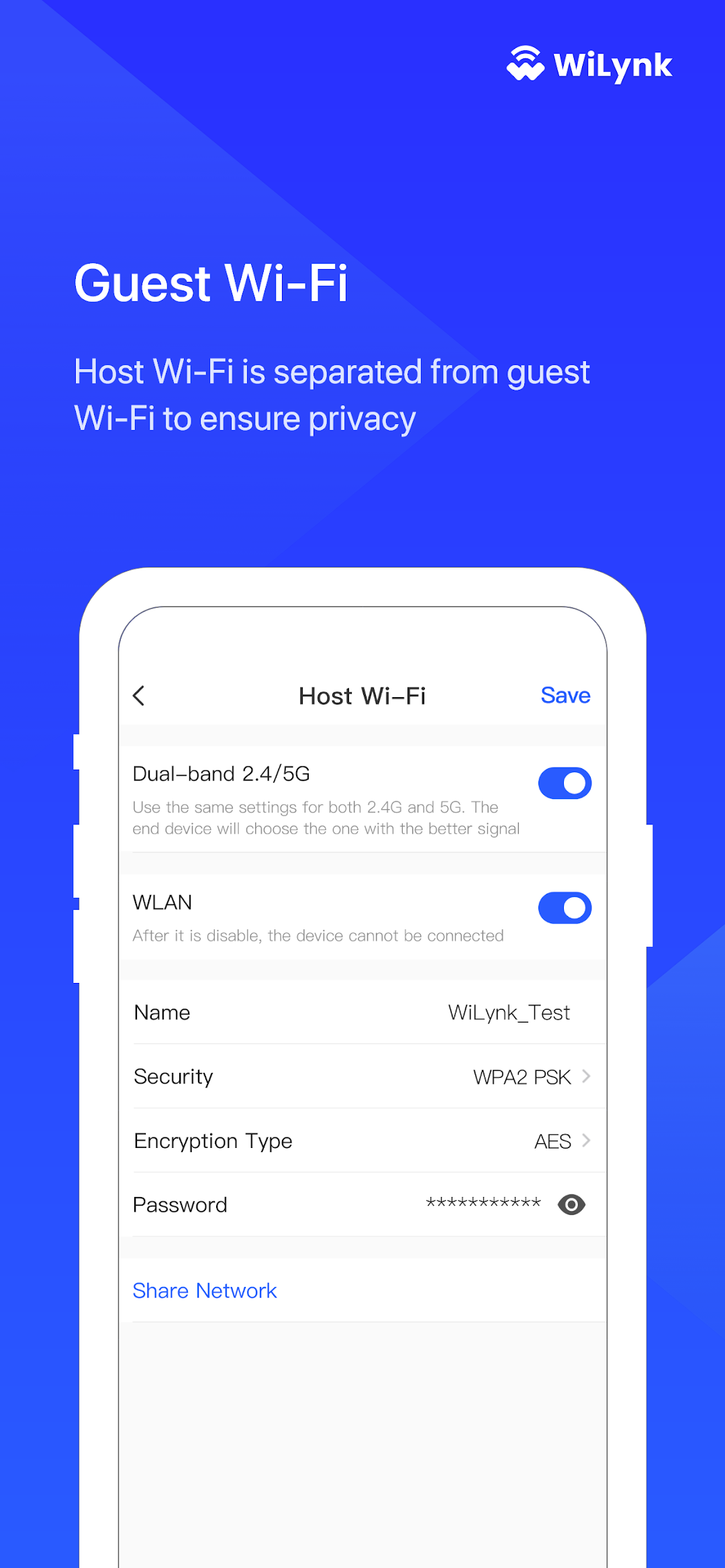
Guest Wi-Fi —— Host Wi-Fi is separated from guest Wi-Fi to ensure privacy
Network topology —— Remote management of network connected devices
Message Notification —— Make sure to get device information in the first time
Online upgrade, night mode, and more!