Unprep: AI Tracker For NEET is a Communication application developed by Unprep, but with the best Android emulator-LDPlayer, you can download and play Unprep: AI Tracker For NEET on your computer.
Running Unprep: AI Tracker For NEET on your computer allows you to browse clearly on a large screen, and controlling the application with a mouse and keyboard is much faster than using touchscreen, all while never having to worry about device battery issues.
With multi-instance and synchronization features, you can even run multiple applications and accounts on your PC.
And file sharing makes sharing images, videos, and files incredibly easy.
Download Unprep: AI Tracker For NEET and run it on your PC. Enjoy the large screen and high-definition quality on your PC!
Unprep: India’s only AI-Based NEET Tracker and Planner🎉Welcome to Unprep, a platform dedicated exclusively to NEET UG aspirants 🚀.This app will surely help you to secure a good rank in NEET 2025 and NEET 2026. Covers full NEET Syllabus
- with Biology (Botany & Zoology), Physics & Chemistry and Solve MCQ with
explanation which helps to ACE NEET 2025 and NEET 2026
The questions in this app are upto date with new NCERT pattern and created by Dr. Anmol Sharma himself "The Guy Who Challenged NCERT"
Why Choose Unprep?
● Exclusive focus on NEET preparation
● 100% NCERT Coverage
● India’s only AI-Based NEET Tracker and Planner
● Tools to track progress and refine strategies
● Practice Questions relevant for NEET 2025
● Updated as per NTA Syllabus for NEET 2O25
● All Relevant NEET PYQ’s covered
● Solve all your queries easily anytime using UnprepGPT - AI
● Mistake book to track your mistakes
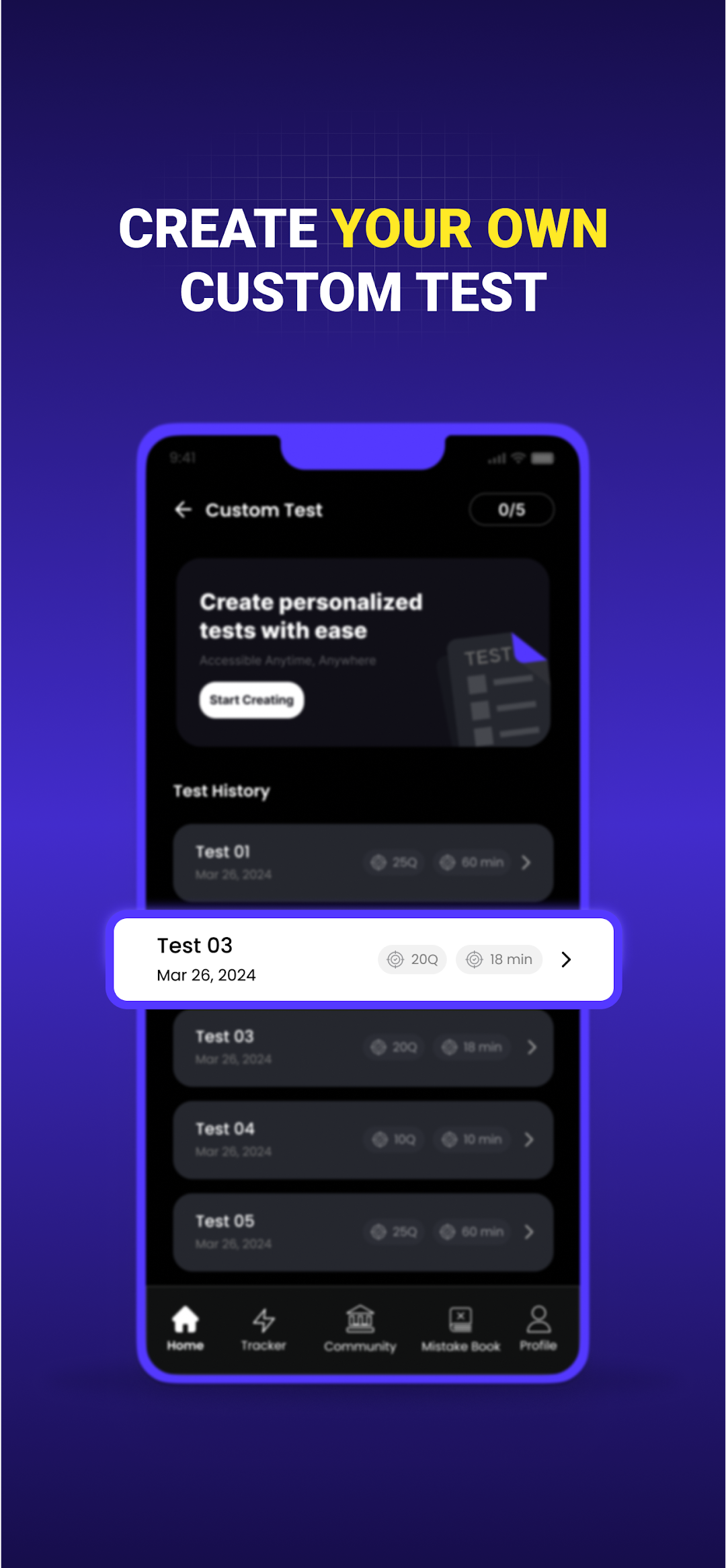
● Make your own NEET Tests as per your preparation using custom test feature
● Your Roadmap to Success – Customize as per your goal using NEET Tracker
● Interact with fellow NEET Aspirants by joining our community
● Like,Share,Comment and Post your thoughts, doubts, polls in community
3.Our Plans -
1. SANKALP
🔴Track your NEET Syllabus entirely to accomplish your syllabus on time.
🔴Plan your day to keep yourself organised and productive.
2. ABHYAS
🔴Physics, Chemistry and Biology MCQ
🔴100% NCERT Coverage.
🔴Updated as per current NEET 2025 syllabus.
🔴Mistake book included.
🔴NTA- PYQs included
📲Download Unprep now and join a vibrant, collaborative, and empowering
platform for NEET aspirants. Get ready to ace NEET UG and turn your dream of becoming a doctor into reality!🩺