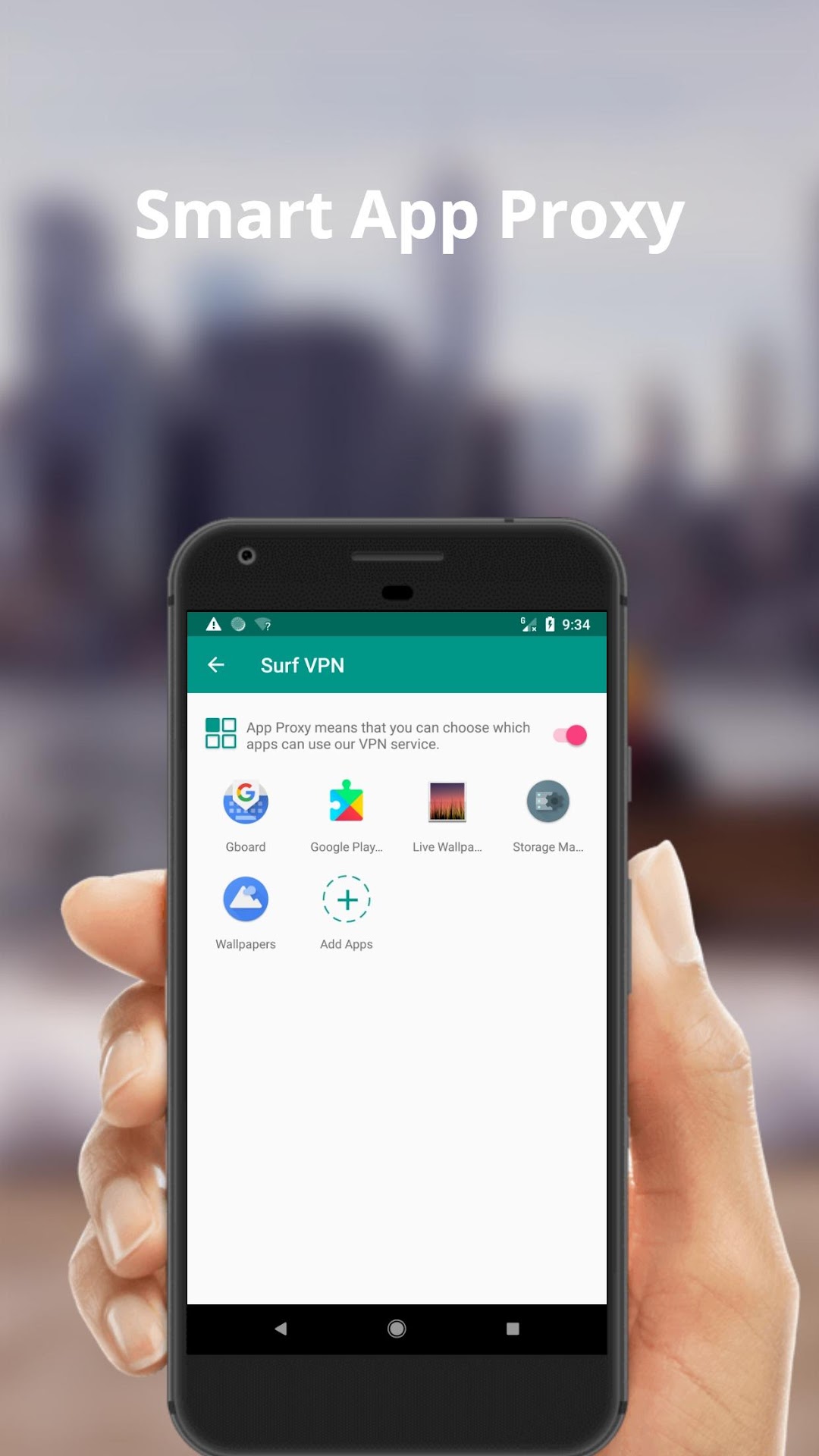
Surf VPN is a Tools application developed by XSoft inc, but with the best Android emulator-LDPlayer, you can download and play Surf VPN on your computer.
Running Surf VPN on your computer allows you to browse clearly on a large screen, and controlling the application with a mouse and keyboard is much faster than using touchscreen, all while never having to worry about device battery issues.
With multi-instance and synchronization features, you can even run multiple applications and accounts on your PC.
And file sharing makes sharing images, videos, and files incredibly easy.
Download Surf VPN and run it on your PC. Enjoy the large screen and high-definition quality on your PC!
Surf VPN is specially designed for mobile devices, offers an ultra fast speed, and extremely reliable security to users all over the world.● Why Surf VPN?
✓ FREE We offer free servers, 100% free forever!
✓ SIMPLE no registration required, just one-click to connect.
✓ UNLIMITED Truly unlimited, no session, bandwidth limitations.
✓ PRIVACY No logs, surf the web anonymously and privately.
● More:
- Privacy Policy : http://bit.ly/3cAiO3w
- Terms of Use : http://bit.ly/2VAr9hz
Hope you enjoy using Surf VPN!