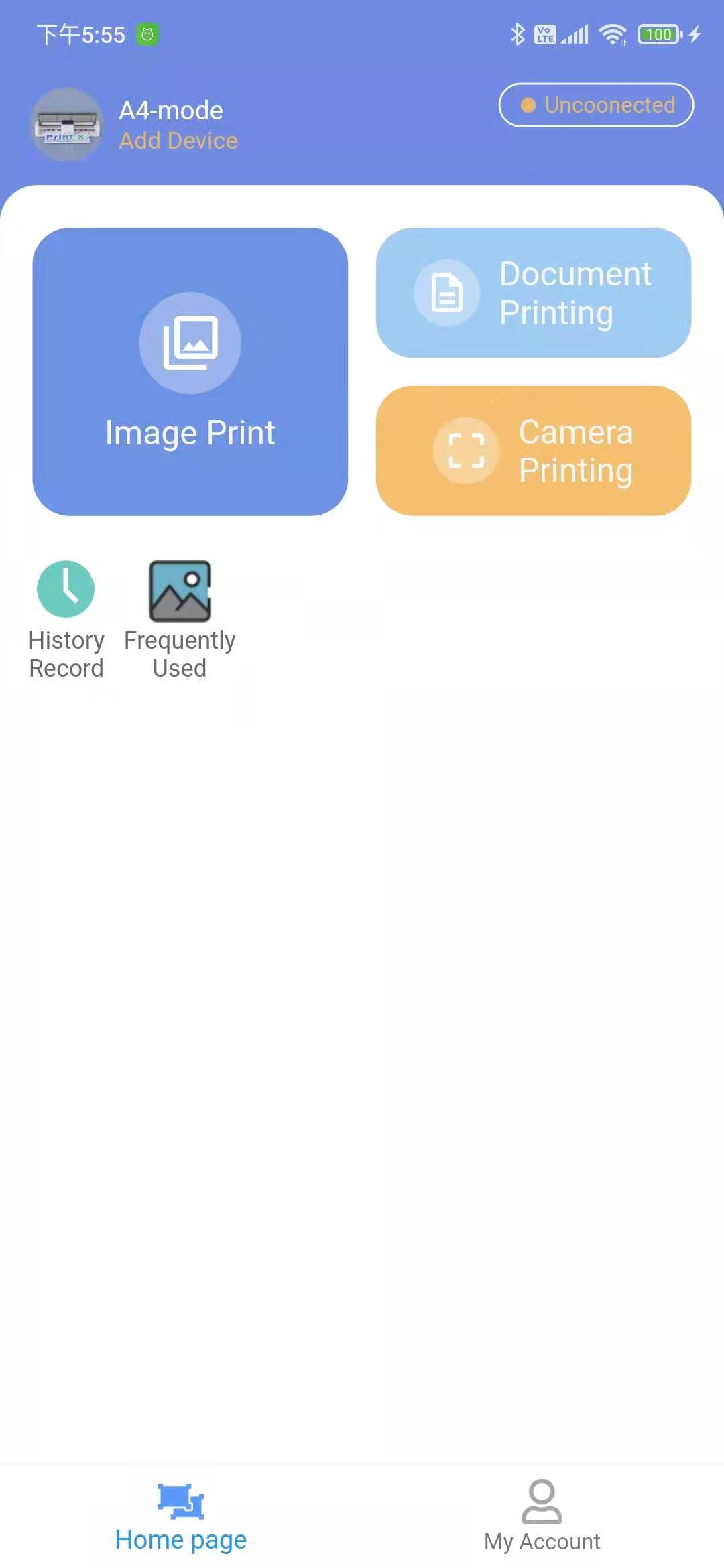
PrinterX is a Tools application developed by Shenzhen Eve-Innovations Technology Co., Ltd., but with the best Android emulator-LDPlayer, you can download and play PrinterX on your computer.
Running PrinterX on your computer allows you to browse clearly on a large screen, and controlling the application with a mouse and keyboard is much faster than using touchscreen, all while never having to worry about device battery issues.
With multi-instance and synchronization features, you can even run multiple applications and accounts on your PC.
And file sharing makes sharing images, videos, and files incredibly easy.
Download PrinterX and run it on your PC. Enjoy the large screen and high-definition quality on your PC!
Introduction to PrinterXPrinterX is a disruptive design that abandons traditional large -scale, plug -in, and expensive disadvantages. Now a small printer can enable you to print the documents, pictures and children's homework you need anywhere. Through the app, you can upload documents and take pictures to transfer data to achieve printing. It is easy to operate and portable. Moreover, the main unit can be used separately, and it can be sprayed on other rough, curved and smooth surfaces. One machine with two functions can realize your unlimited imagination.
Features of PrinterX
It can realize complete A4/A5/A6 paper printing, supports monochrome and color, and the charging model does not need to be plugged in to use, which can realize temporary printing in offices and homes. The main unit can also be removed and used separately to print on other surfaces.