Netsipp+ is a Communication application developed by NETGSM İLETİŞİM ve BİLGİ TEKNOLOJİLERİ A.Ş., but with the best Android emulator-LDPlayer, you can download and play Netsipp+ on your computer.
Running Netsipp+ on your computer allows you to browse clearly on a large screen, and controlling the application with a mouse and keyboard is much faster than using touchscreen, all while never having to worry about device battery issues.
With multi-instance and synchronization features, you can even run multiple applications and accounts on your PC.
And file sharing makes sharing images, videos, and files incredibly easy.
Download Netsipp+ and run it on your PC. Enjoy the large screen and high-definition quality on your PC!
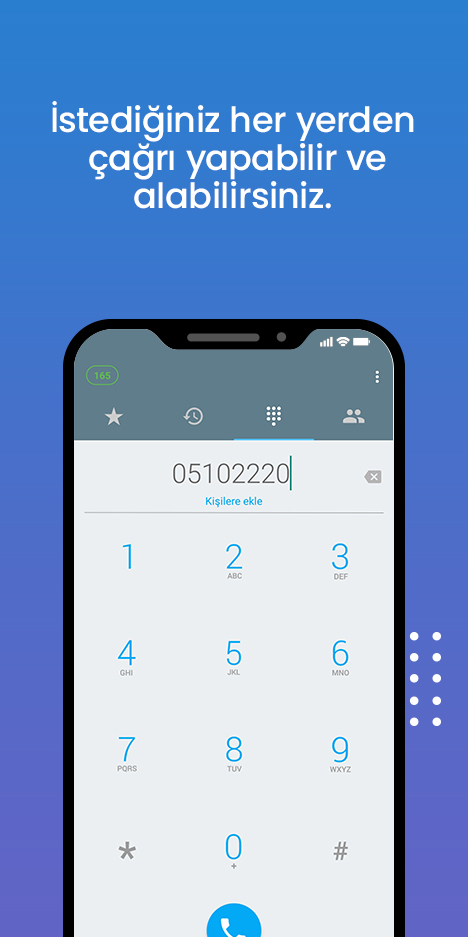
Netsipp+ uygulaması, SIP hesabına sahip Netgsm abonesi veya Netsantral dahilisi için VoIP hizmetinin cep telefonunuzda kullanılabileceği bir mobil uygulama telefonudur.Tüm Android™ cihazlarda (6.0+) kullanılabilen bu uygulama ile kurulumunuzu yaptıktan sonra görüşmeye başlayabilirsiniz.
*Netgsm Sabit Telefon hizmet panelinden uygulamanın kullanılacağı hesap için yeni bir kullanıcı oluşturmanız ve hesap bilgileri ile bağlantınızı tamamlamanız gerekmektedir.
Teknik Özellikler:
• G.711µ/a, G.722 (HD-audio), GSM codec desteği
• SIP tabanlı softphone
• Android 6.0+ cihazları destekler
• Wi-Fi, 3G or 4G hücresel kullanım
• Telefonunuza ait rehber ve zil sesleri ile kullanabilme
• Kulaklık ve hoparlör arasında ses kanalları arasında geçiş
• Arama geçmişinde Netsipp+ çağrılarının gösterimi.(Gelen,giden,cevapsız,meşgul çağrılar)
• Bekletme,sessize alma, yönlendirme, arama geçmişi ve özelleştirilebilir zil sesleri