MixPods is a Tools application developed by OMIX Mobile Technology, but with the best Android emulator-LDPlayer, you can download and play MixPods on your computer.
Running MixPods on your computer allows you to browse clearly on a large screen, and controlling the application with a mouse and keyboard is much faster than using touchscreen, all while never having to worry about device battery issues.
With multi-instance and synchronization features, you can even run multiple applications and accounts on your PC.
And file sharing makes sharing images, videos, and files incredibly easy.
Download MixPods and run it on your PC. Enjoy the large screen and high-definition quality on your PC!
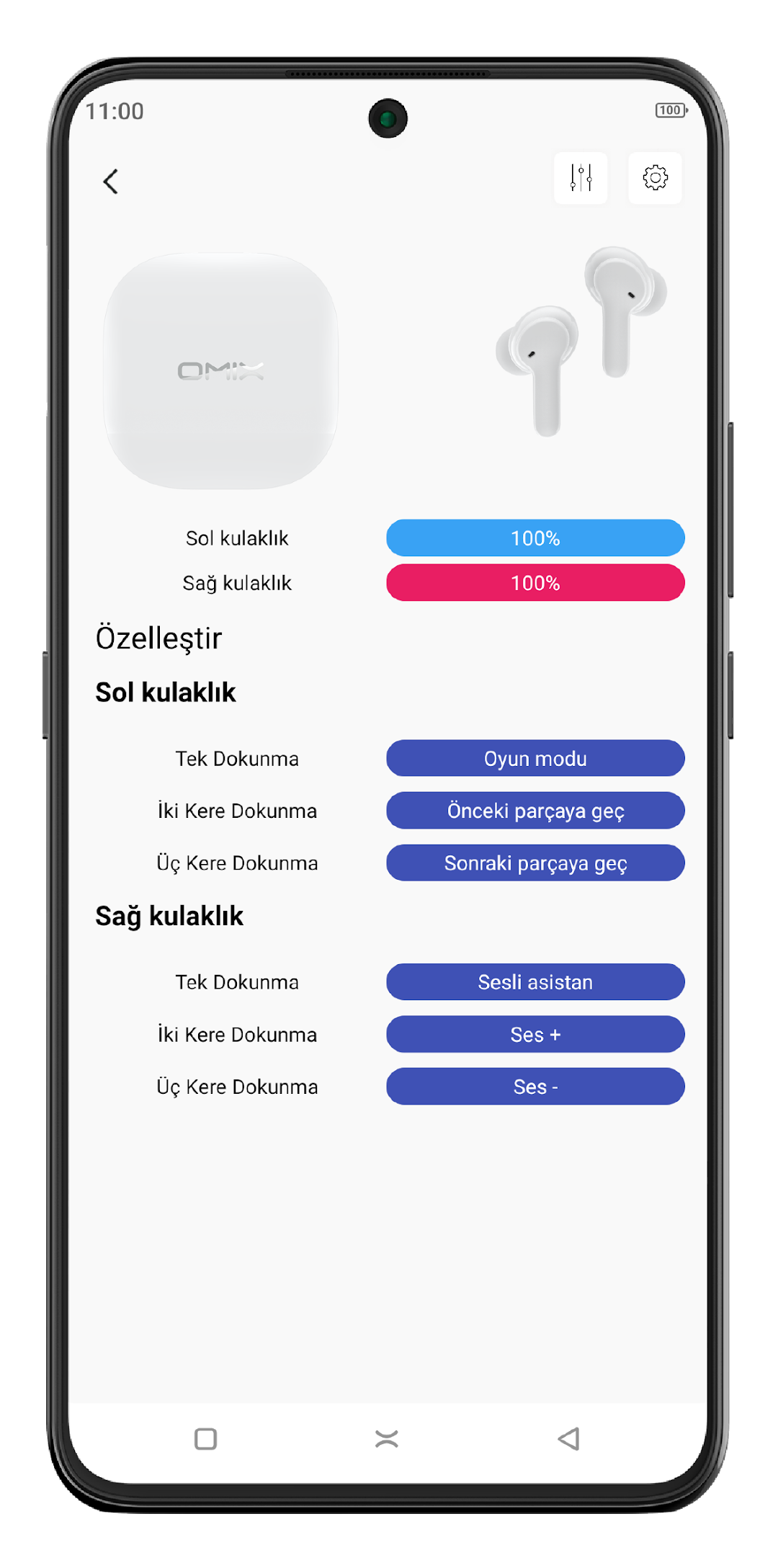
- Icons representing the charge levels of the headphones have been added to the notification panel.- Added the ability to assign separate functions to single tap, double tap, triple tap on the right and left earpieces.
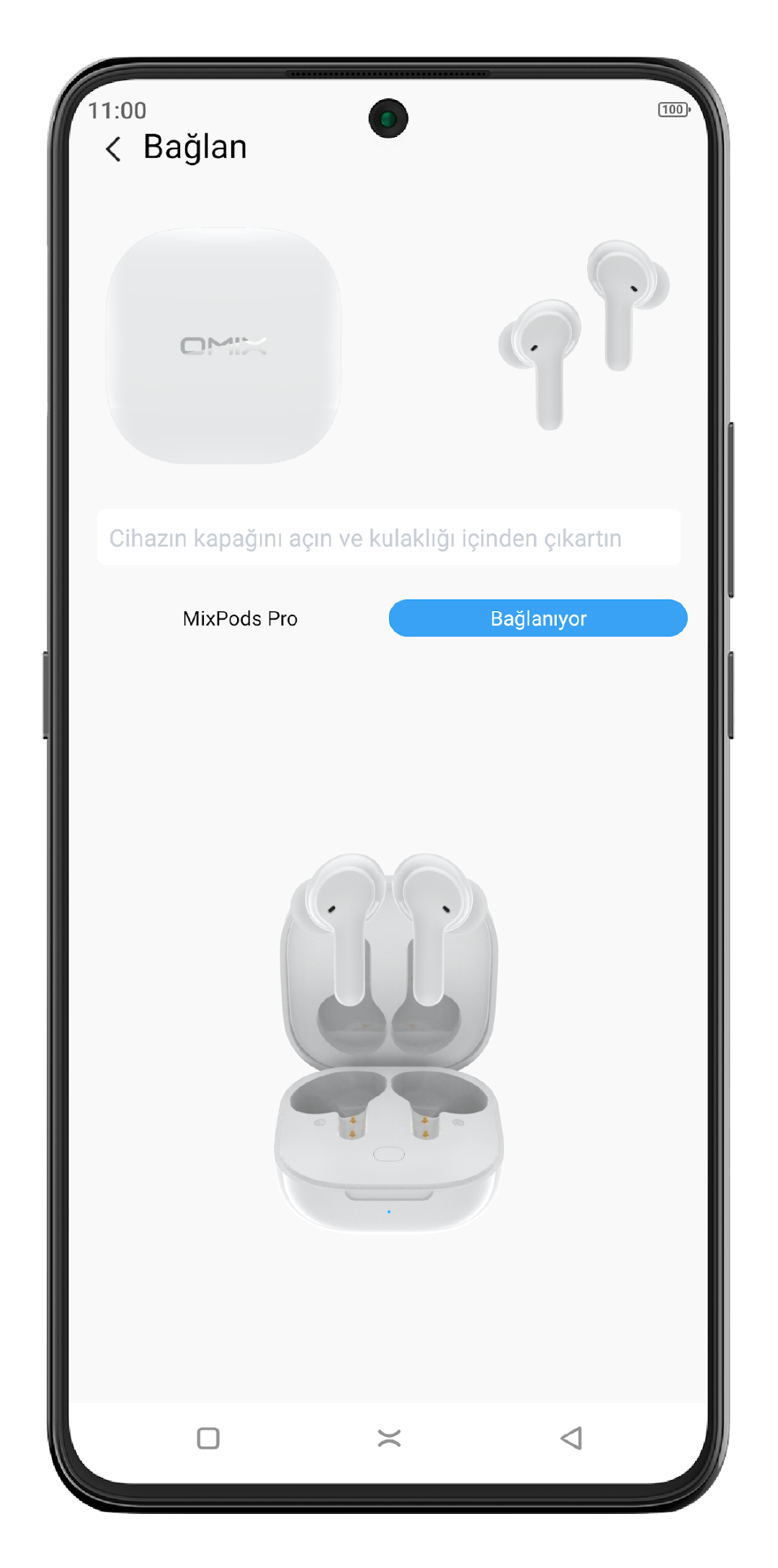
- In addition to the touch controls, you can view the battery level of the headphones and customize the touch functions with the headphone connection interface that appears when the charging case is opened.