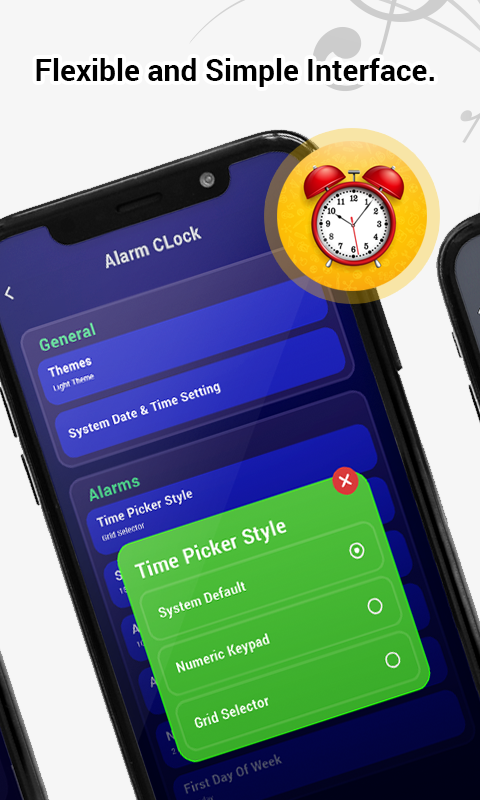
Alarm & Clock is a Tools application developed by TriTech Techno Point, but with the best Android emulator-LDPlayer, you can download and play Alarm & Clock on your computer.
Running Alarm & Clock on your computer allows you to browse clearly on a large screen, and controlling the application with a mouse and keyboard is much faster than using touchscreen, all while never having to worry about device battery issues.
With multi-instance and synchronization features, you can even run multiple applications and accounts on your PC.
And file sharing makes sharing images, videos, and files incredibly easy.
Download Alarm & Clock and run it on your PC. Enjoy the large screen and high-definition quality on your PC!
It is a free Alarm Clock application designed to create, edit and remove alarms in the easiest way.Alarm Clock app's main advantage is that you can type in the time for an alarm directly instead of using a selector, pressing arrows or moving through a large list of numbers. You can just press the buttons for the hours and minutes of your new alarm directly in a numeric keyboard on screen, and that's it! You can also edit or remove alarms with just one touch, saving a lot of time when you need to setup your alarms.
Alarm Features:
● Fastest setup method.
● Alarm enabling/disabling with one touch.
● Set a message for each alarm.
● AM/PM or 24 hours format
● Alarms sorted in the order they will ring.
● Repeat alarms every week on certain days.
● Select the alarm sound you want from all your phone's ringtones, songs and sounds.
● Customize snooze duration.
● 1 button alarm snooze.
● Wake up gently while volume and vibration increases slowly.
PLEASE CONTACT US at tritechtechnopoint@gmail.com for any issue or feature request prior to leave a bad comment, we would be pleased to provide you any help!
Thanks & Enjoy!