AIMP is a Music&Audio application developed by Artem Izmaylov, but with the best Android emulator-LDPlayer, you can download and play AIMP on your computer.
Running AIMP on your computer allows you to browse clearly on a large screen, and controlling the application with a mouse and keyboard is much faster than using touchscreen, all while never having to worry about device battery issues.
With multi-instance and synchronization features, you can even run multiple applications and accounts on your PC.
And file sharing makes sharing images, videos, and files incredibly easy.
Download AIMP and run it on your PC. Enjoy the large screen and high-definition quality on your PC!
Attention!App may works incorrectly on devices based on M.I.U.I firmware.
Key features:
+ Supported formats: aac, ape, dff, dsf, flac, it, m4a, m4b, mo3, mod, mp2, mp3, mp4, mpc, mpga, mtm, ogg, opus, s3m, tta, umx, wav, webm, wv, xm
+ Supported playlists: m3u, m3u8, xspf, pls and cue
+ Support for Android Auto and custom Car PCs
+ Support for OpenSL / AudioTrack / AAudio output methods
+ Support for CUE Sheets
+ Support for OTG-storages and custom file providers
+ Support for user bookmarks
+ Support for user defined playback queue
+ Support for album arts and lyrics
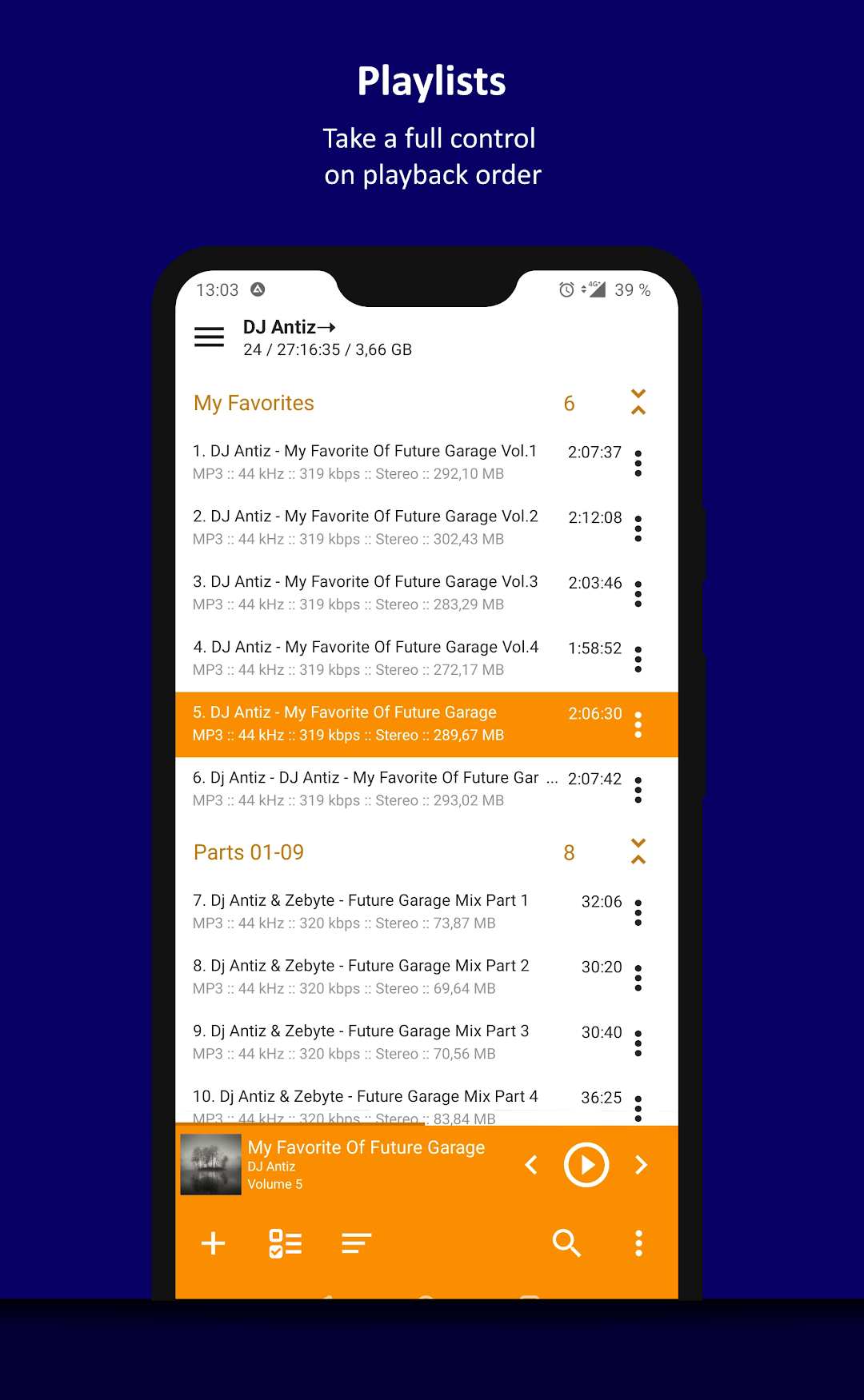
+ Support for multiple playlists and smart-playlists based on folders
+ Support for internet radio (including Http Live Streaming)
+ Automatic detection of tags encoding
+ Built-in 20-band graphic equalizer
+ Balance, Pitch and speed control
+ A-B track part repeat
+ Volume normalization using replay gain or peak-based normalization
+ Sleep timer feature
+ Custom themes support
+ Built-in light, dark and black themes
+ Support for night and day mode
Optional features:
+ Automatic music search and indexing
+ An ability to cross-fade tracks
+ An ability to repeat playlist / track / playback without repeating
+ An ability to down mix multi-channels audio files to stereo
+ An ability to down mix audio files to mono
+ An ability to control playback from notification area
+ An ability to control playback via gestures in album art area
+ An ability to control playback via headset
+ An ability to switch the tracks via volume buttons
Additional features:
+ An ability to play files from the File Manager applications
+ An ability to play files from Windows shared folders (only v2 and v3 of samba protocol are supported)
+ An ability to play files from WebDAV-based cloud storage
+ An ability to add to playlist only chosen files / folders
+ An ability to delete files physically
+ An ability to sort files by template / manually
+ An ability to group files by template
+ An ability to search files in filtering mode
+ An ability to share audio files
+ An ability to register playing track as ringtone from player
+ An ability to edit meta of APE, MP3, FLAC, OGG and M4A file formats
Additionally, our app is ads free.