Town Clean Up - Cleaning girl
Welcome To Girls Clean Up Game - Enjoy House Cleaning
Town Clean Up - Cleaning girl is developed and provided by Tab9Apps. LDPlayer offers the download service only.

Overview

FAQ
Use LDPlayer to Play Town Clean Up - Cleaning girl on PC
Town Clean Up - Cleaning girl is a Simulation application developed by Tab9Apps, but with the best Android emulator-LDPlayer, you can download and play Town Clean Up - Cleaning girl on your computer.
Running Town Clean Up - Cleaning girl on your computer allows you to browse clearly on a large screen, and controlling the application with a mouse and keyboard is much faster than using touchscreen, all while never having to worry about device battery issues.
With multi-instance and synchronization features, you can even run multiple applications and accounts on your PC.
And file sharing makes sharing images, videos, and files incredibly easy.
Download Town Clean Up - Cleaning girl and run it on your PC. Enjoy the large screen and high-definition quality on your PC!
Town Cleaning Game is a fun and engaging simulation game where players take on the role of a professional cleaner, tasked with cleaning, organizing, and repairing various locations in the city. From homes and hospitals to gardens and hotels, players will experience a wide range of cleaning challenges, use different cleaning tools, and even fix broken items or equipment along the way. The game combines elements of time management, problem-solving, and creativity, offering an enjoyable and satisfying experience as you work to make each location spotless!Game Features:
1. Multiple Cleaning Locations:
* House: Clean up rooms, dust surfaces, mop floors, organize clutter, and fix appliances or furniture.
* Hospital: Disinfect hospital rooms, scrub floors, sanitize surfaces, and manage cleaning supplies.
* Garden: Trim overgrown plants, mow lawns, water flowers, and remove weeds to restore beauty to the garden.
* Hotel: Tidy hotel rooms, clean bathrooms, change bed linens, and ensure everything is spotless for guests.
* Other Locations: Includes office buildings, shopping malls, restaurants, and more! Each location presents its own set of cleaning challenges.
2. Variety of Cleaning Tools:
* Players can use a range of cleaning equipment, including vacuums, mops, brushes, brooms, pressure washers, and more.
* Tools are upgraded as you progress, offering more efficiency and cleaning power.
* Specialized tools for specific tasks, like sanitizing hospital rooms or pressure washing outdoor areas, add depth to the gameplay.
3. Fix It & Repair:
* Sometimes, the locations will need repairs in aEducational Benefits of a City Cleaning Gameddition to cleaning. Broken furniture, leaking faucets, and damaged appliances need fixing.
* Players will use various repair tools like screwdrivers, hammers, paint cans, and pliers to restore items and keep everything in working order.
* Completing repairs rewards players with in-game currency or unlocks new levels.
City Cleaning Game: Players could take on the role of a character tasked with cleaning different rooms in a house. Each room would have a variety of messes, such as spilled food, scattered toys, or dust. Players would need to use various cleaning tools (broom, mop, vacuum, etc.) to tidy up the space.
Objective: Clean all rooms within a time limit or with a certain number of moves.
Bonus: Earn points for organizing objects or discovering hidden items.
Room-to-Room Puzzle: The player needs to solve puzzles to clean up rooms. For example, a messy living room could have objects scattered in specific patterns that players need to arrange or clean up in a certain order.
Objective: Solve puzzles or organize items to proceed to the next room.
Difficulty Level: As you progress, the cleaning tasks get harder, adding more clutter and more complicated organization.
Target Audience: Perfect for players of all ages who enjoy casual simulation games, cleaning fans, and anyone looking for a relaxing yet rewarding activity. It's also a great way to engage kids in learning about the value of cleanliness and organization in a fun, interactive way.
Educational Benefits of a Cleaning Game:
A City cleaning game can be a fun and impactful way to teach important life skills, environmental awareness, and social responsibility. Here are some key educational benefits these games can offer:
Screenshots and Videos of Town Clean Up - Cleaning girl PC


Why Play Town Clean Up - Cleaning girl on PC with LDPlayer?
 Multi-Instance & Sync
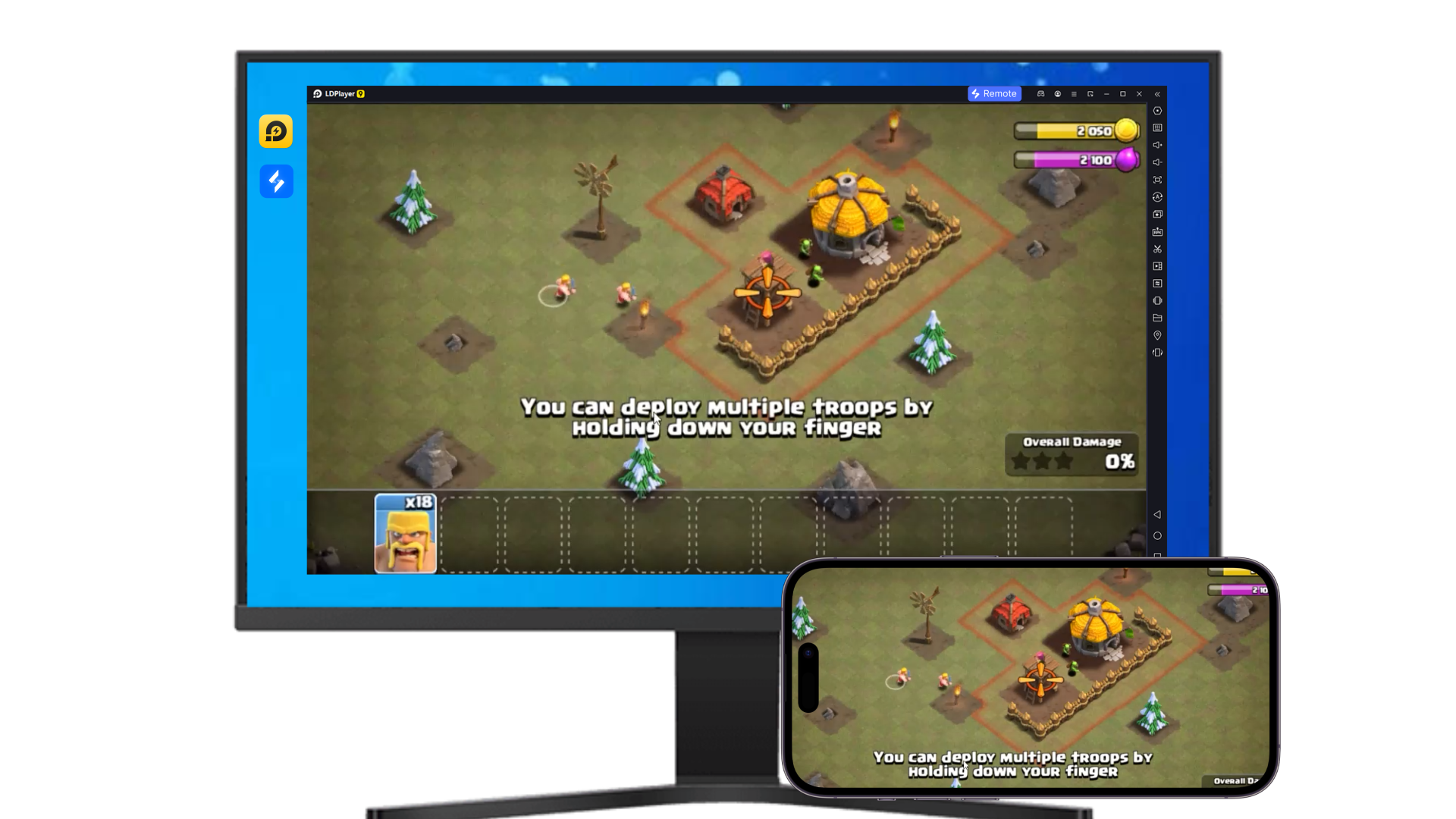
 Remote Control
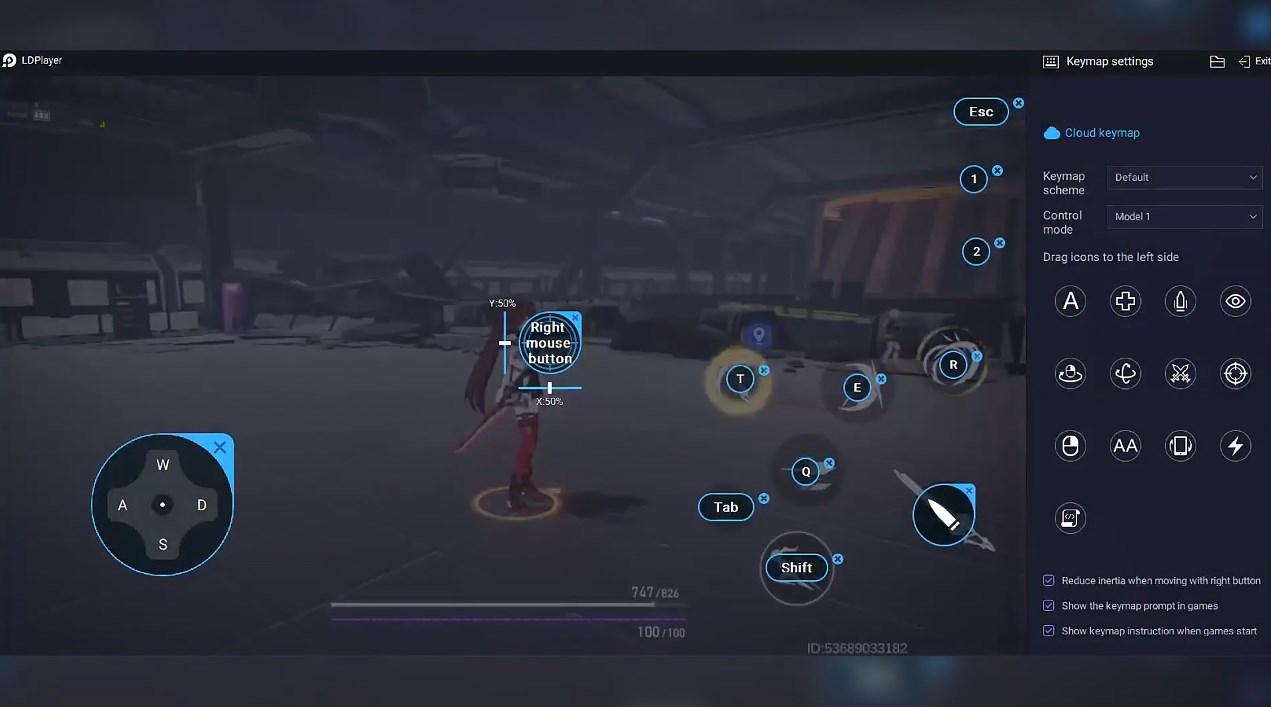
 Custom Controls
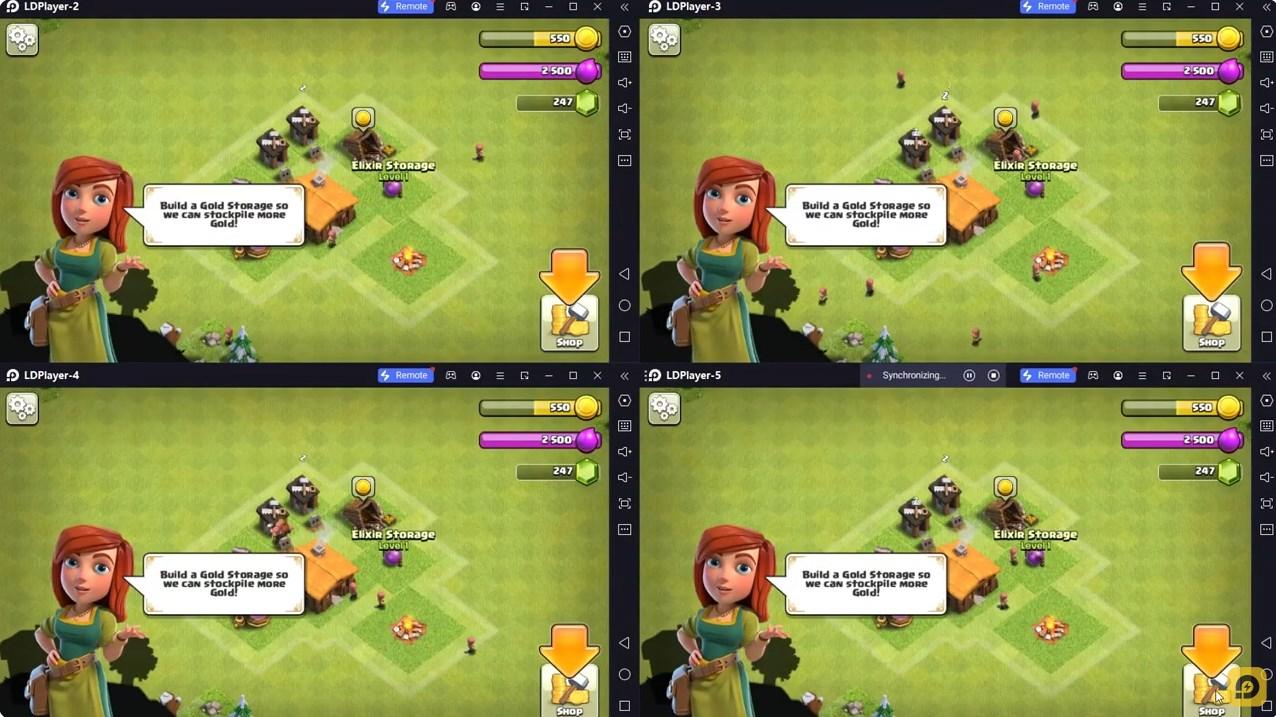

Effortlessly clone multiple instances and initiate synchronization until you draw the desired hero before binding your account, enhancing efficiency in rerolls in Town Clean Up - Cleaning girl.

High FPS
With support for high FPS, Town Clean Up - Cleaning girl's game graphics are smoother, and actions are more seamless, enhancing the visual experience and immersion of playing Town Clean Up - Cleaning girl.
Video Recorder
Easily capture your performance and gameplay process in Town Clean Up - Cleaning girl, aiding in learning and improving driving techniques, or sharing gaming experiences and achievements with other players.
How to Download&Play Town Clean Up - Cleaning girl on PC?
 1
1Download and install LDPlayer on your computer
 2
2Locate the Play Store in LDPlayer's system apps, launch it, and sign in to your Google account
 3
3Enter "Town Clean Up - Cleaning girl" into the search bar and search for it
 4
4Choose and install Town Clean Up - Cleaning girl from the search results
 5
5Once the download and installation are complete, return to the LDPlayer home screen
 6
6Click on the game icon on the LDPlayer home screen to start enjoying the exciting game