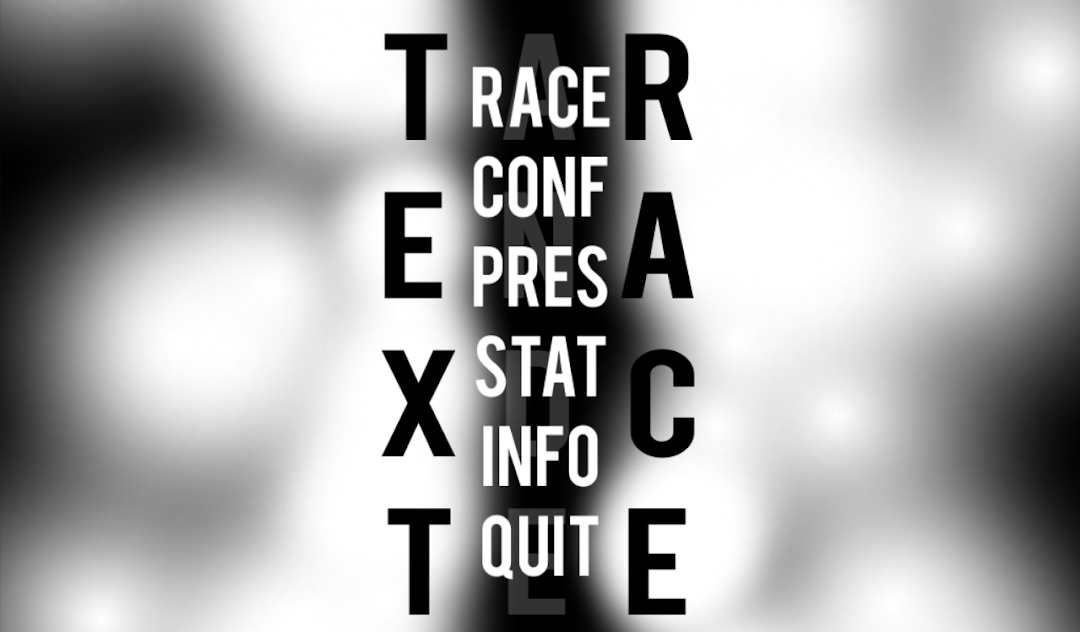
TextRace is a Word application developed by Ancient Abyss, but with the best Android emulator-LDPlayer, you can download and play TextRace on your computer.
Running TextRace on your computer allows you to browse clearly on a large screen, and controlling the application with a mouse and keyboard is much faster than using touchscreen, all while never having to worry about device battery issues.
With multi-instance and synchronization features, you can even run multiple applications and accounts on your PC.
And file sharing makes sharing images, videos, and files incredibly easy.
Download TextRace and run it on your PC. Enjoy the large screen and high-definition quality on your PC!
Boost your memory and reflexes to the maximum!Unlock the mysteries of the galaxy! An intense game that will occupy your full concentration! Simultaneously train your reflexes and your memory in a fun and challenging way!
WARNING: Not for the impatient!
NOTE: This is the pro edition for those of you who want so support us. It contains additional features marked with 'pro'. Find the free version on http://ancientabyss.net
* Race using quotes from Chuck N, or facts from cats! (pro)
Or just use the embedded quotes library.
* Customize your racing experience! (pro)
Add stars or matrix effects and change colors to your pleasing.
* Cross platform.
Enjoy TextRace on your favourite device. For the time being, Android, Windows and Windows Phone have been tested, contact us if you are interested in other platforms.
* Challenging gameplay.
TextRace aims in being demanding for both your memory as also your reflexes. Use and train both of this skills at the same time! While not for the impatient, TextRace offers a playful way of self-improvement.
* Free version available on our homepage, no ads, no spyware.
We don't collect information from your phone besides the one you provide us and anonymous usage information. Please tell us if you feel uncomfortable or notice anything suspicious. No strange permissions, just internet access for highscore.
* Online highscore.
Make yourself a name in the hall-of-fame. No name has been lost.