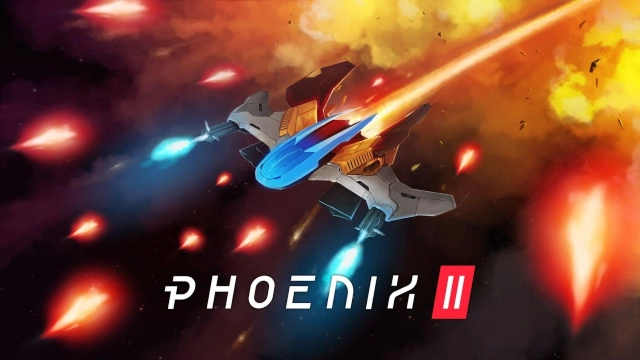
Phoenix 2 is a Arcade application developed by Firi Games, but with the best Android emulator-LDPlayer, you can download and play Phoenix 2 on your computer.
Running Phoenix 2 on your computer allows you to browse clearly on a large screen, and controlling the application with a mouse and keyboard is much faster than using touchscreen, all while never having to worry about device battery issues.
With multi-instance and synchronization features, you can even run multiple applications and accounts on your PC.
And file sharing makes sharing images, videos, and files incredibly easy.
Download Phoenix 2 and run it on your PC. Enjoy the large screen and high-definition quality on your PC!
Save the galaxy in this classic arcade shooter that everyone can enjoy! Blast wave after wave of menacing invaders in exciting missions to achieve glorious victory. Start playing Phoenix 2 right now with all these great features.* Blast invaders with over 100 unique ships.
* Build your own ship collection and upgrade your favorites.
* Experience an action packed campaign with 30 exciting story missions.
* Discover special abilities like Mega Laser, Missile Swarm and Personal Shield.
* Short game sessions: Launch whenever you have a minute to play.
* Complete daily missions of different skill levels, from casual to bullet hell.
* Get the high score on global leaderboards and show you are the best of the best.
* Engage with an active community to help each other and discuss ship tactics.
* New missions are generated every day.
* Stunning and smooth 120FPS graphics powered by our custom game engine.
* Create a group for your friends and play your own unique missions.
* Cross-platform saving and cross-platform play.
Phoenix 2 is developed by a passionate indie studio in The Netherlands and delivers the handcrafted experience of a retro space shoot’em up with modern gameplay. Phoenix 2 is your new daily visit to the arcade!
* Internet connection required to play.