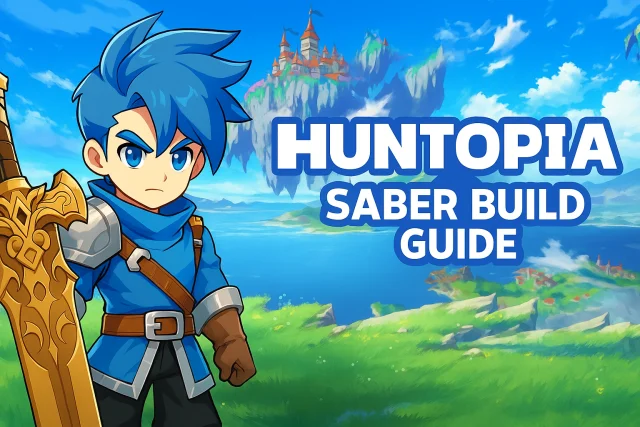
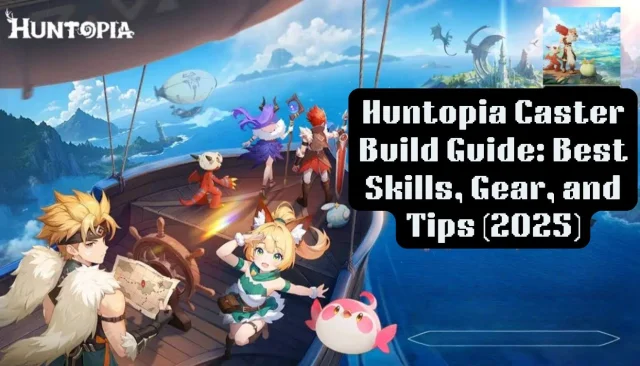
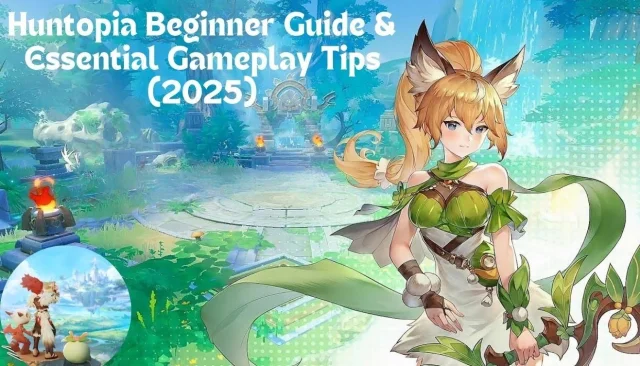
Huntopia is an attractive tribal MMORPG developed by Leniu Technology Co., Limited. The game is available now! Let's traverse Pamons, a vast world once governed by deities and ancient dragons. However, the world was drown into endless darkness by evil dragon Niro. You will write down the legend as the outstanding Dragon Slayer with your exclusive pets. Start your journey to encounter more partners and shoulder the responsibility of defending the Pamons!
Game Features
[Intriguing and Intricate World]
The youngest grand warrior! Explore the world and defeat numorous bosses. Find out and challenge evil dragon Niro with companions to save the world and bring light back to the world.
[Free and Openning Social System]
The openning world offers the opportunity of meeting all players and making friends. You can invite your intimate friends, join the tribe and defend the world with gathering power!
[Different and Powerful Classess]
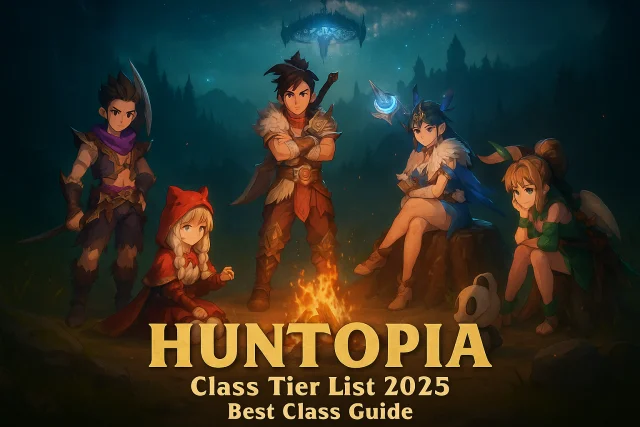
There are strong warriors, priests who heal companions, sassy rangers, mysterious assassins, and many other classes here. Besides, the class will ascend and transform into stronger one. Select your favourite class and maximize their strength with your strategy and operation.
[Friendly and Charming Pets]
Huntopia forges unique pet system that helps you get rid of loneliness. Different types of pets provide more funny synergies and compositions. Evolve and ascend your pets makes your combat easier!
[Multiple Power Up Measures]
Five classes of weapons and gears enhance your power, while rarity equal to the difficulty of how to obtain them. Level up, star up and rank up your equipments to dominate Huntopio.
Why Play Huntopia on PC with LDPlayer
Enjoy Huntopia on PC with LDPlayer, it is the best platform for playing Huntopia on Windows PC, offering powerful features for an immersive experience, such as multi-instance&sync, keyboard mapping, Customizable FPS and etc. Download LDPlayer now for the smoothest gaming experience.
Multi-instance & Sync: Create multiple instance and execute the same operation simultaneously, save your time to gather massive rare materials.
Keyboard Mapping: Place combat units, release skills and unleash powerful combos more conveniently and accurately. Without scratching the screen, keyboard allows you to reduce mistakes and defeat the bosses efficiently.
Customizable FPS: Unlock fixed FPS settings, customize your optimal FPS and enjoy smoothest gameplay. Enjoy Huntopia with high-definition resolution and relieve your CPU/GPU usage pressure.