Cub8 is a Arcade application developed by Rikzu Games, but with the best Android emulator-LDPlayer, you can download and play Cub8 on your computer.
Running Cub8 on your computer allows you to browse clearly on a large screen, and controlling the application with a mouse and keyboard is much faster than using touchscreen, all while never having to worry about device battery issues.
With multi-instance and synchronization features, you can even run multiple applications and accounts on your PC.
And file sharing makes sharing images, videos, and files incredibly easy.
Download Cub8 and run it on your PC. Enjoy the large screen and high-definition quality on your PC!
Cub8 – A Hypnotic Precision Rhythm ChallengeTap with precision. Rotate cubes with the beat. Enter the infinite loop.
Cub8 is a mesmerizing, fast-paced, and precision-based rhythm arcade game that will put your focus and reflexes to the ultimate test. One mistake and it’s game over!
With a striking neon aesthetic, ever-changing mechanics, and a seamless, infinite zooming effect, Cub8 creates a one-of-a-kind arcade experience that feels both hypnotic and high-stakes. Can you master the beat and survive through all 8 stages?
🎮 How to Play
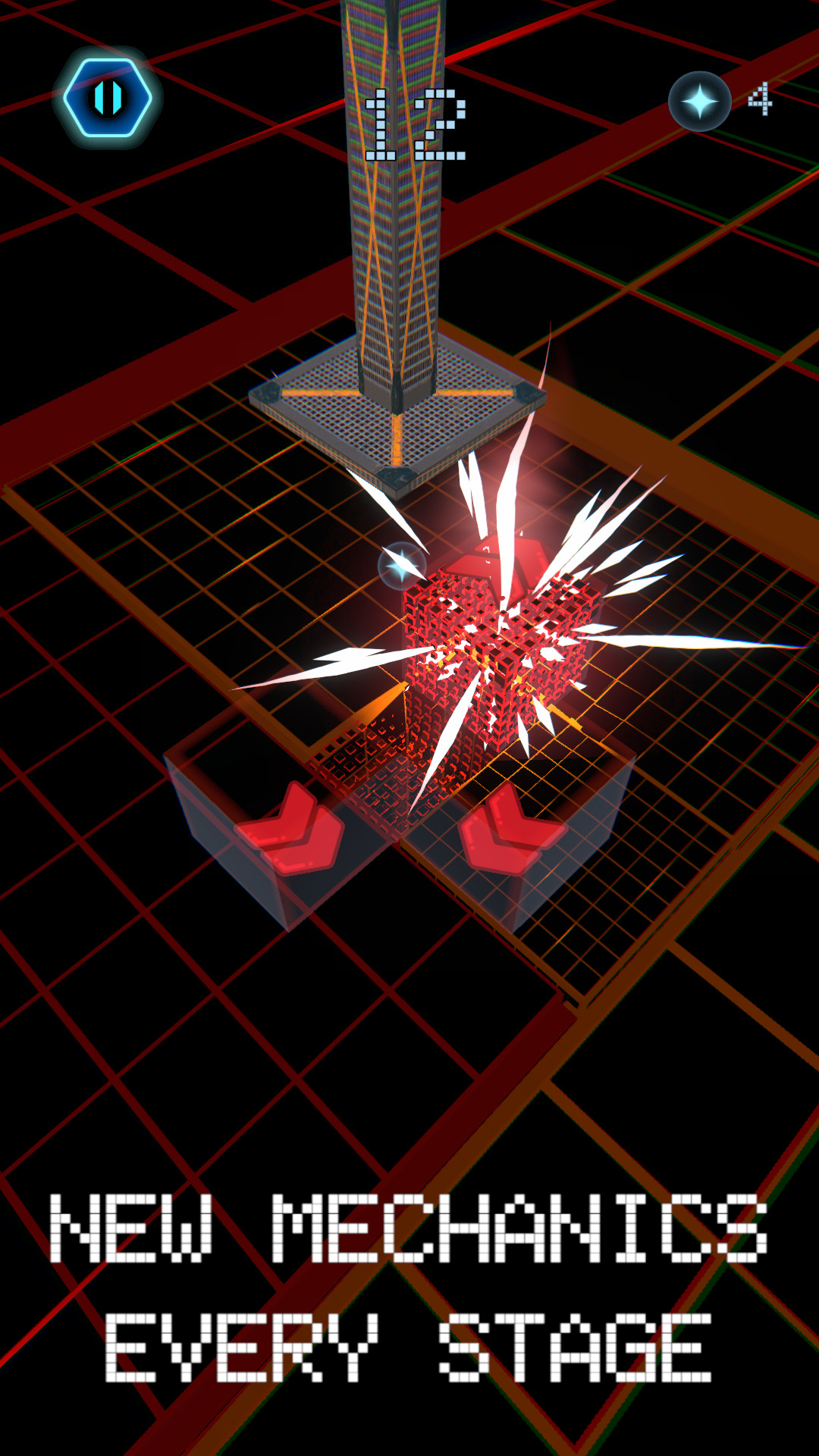
Tap on the beat to activate the hydraulic press when the cube is perfectly aligned with the hole.
If you miss even once, the game ends!
With each 10 successful presses, you enter a new stage with fresh music, new mechanics, and increased intensity.
The further you go, the more challenging it becomes—adapt fast or fail!
🔥 Features
✅ Precision-Based Rhythm Gameplay – No “Perfect” or “Good” timing—either you hit it or you lose!
✅ Never-Ending Zoom – The camera dynamically zooms into the next cube after every press, creating a fluid, infinite loop.
✅ 8 Unique Stages – Each stage introduces new mechanics, including:
- Hazard Cubes that redirect movement
- Fake Cubes that try to trick you
- More surprises as you progress!
✅ Minimalist, Neon Aesthetic – A striking visual style with dynamic colors for each stage.
✅ Immersive Soundtrack – A carefully crafted techno, percussive, and glitchy electronic soundtrack that syncs perfectly with the gameplay.
✅ Global Leaderboards – Compete with players worldwide. How far can you go?
✅ Customization & Upgrades – Unlock skins for your hydraulic press and power-ups to help you survive longer.
⚡ Think Fast, Tap Perfectly, and Keep the Loop Going!
Cub8 is easy to learn but brutally hard to master—a hypnotic rhythm challenge that will keep you hooked. Download now and see how deep you can go!
🎧 Best played with headphones for full immersion!