
Meme Box: Мемная музыка
Meme Box: Meme music - click and listen to epic sounds from memes!

Overview

FAQ
Use LDPlayer to Play Meme Box: Мемная музыка on PC
Meme Box: Мемная музыка is a Simulation application developed by xFoxStudio, but with the best Android emulator-LDPlayer, you can download and play Meme Box: Мемная музыка on your computer.
Running Meme Box: Мемная музыка on your computer allows you to browse clearly on a large screen, and controlling the application with a mouse and keyboard is much faster than using touchscreen, all while never having to worry about device battery issues.
With multi-instance and synchronization features, you can even run multiple applications and accounts on your PC.
And file sharing makes sharing images, videos, and files incredibly easy.
Download Meme Box: Мемная музыка and run it on your PC. Enjoy the large screen and high-definition quality on your PC!
Meme Box: Meme Music is a unique game created specifically for those who love memes and want to get into a good mood! Here you will find all the most popular, funny and memorable meme sounds that will brighten your day. Simple mechanics, a lot of fun and your favorite sounds in one place - that’s what makes this game a real find for lovers of humor.How is the game different from others?
- Interactive gameplay. All you have to do is click on the screen to activate a variety of meme sounds. Each click can be the beginning of a new wave of laughter!
- Huge collection of sounds. The game contains all the most famous memes, from classics to modern trends. Turn on your sense of humor to the maximum!
- Ease of control. Simplicity is the key to success. There are no complex mechanics or unnecessary elements. Click, listen and enjoy!
What awaits you in the game?
1. Tons of meme sounds. Every sound brings a smile and gives a feeling of nostalgia for the best moments of the Internet.
2. Content updates. The game is regularly updated with new memes to keep you on trend.
Who is this game for?
- For lovers of memes and the Internet.
- For those who want to cheer themselves up.
- For groups of friends who like to laugh together.
- For everyone who wants to escape from routine and plunge into the world of fun!
Why is it worth a try?
Meme Box: Meme Music is not just a game, it's a whole world filled with memes and fun. It's ideal for both a quick break during the day and a long immersion in the atmosphere of Internet culture. Simple controls, colorful design and a collection of iconic sounds will make it your favorite way to lift your spirits.
Download Meme Box: Meme music, click, listen and create funny moments every day! Internet humor has never been so interactive!
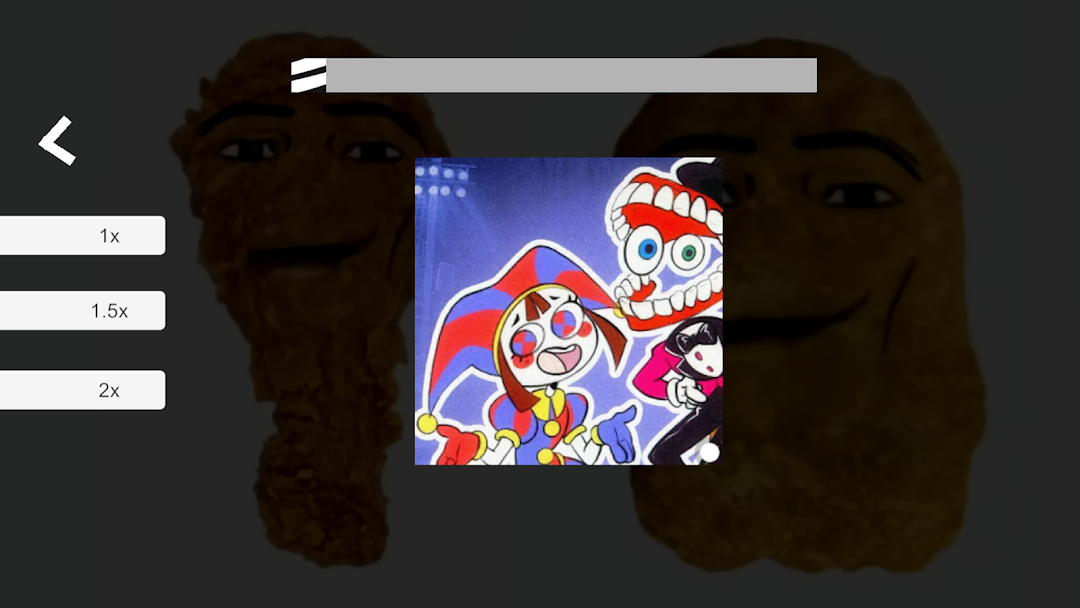
Screenshots and Videos of Meme Box: Мемная музыка PC



Why Play Meme Box: Мемная музыка on PC with LDPlayer?
 Multi-Instance & Sync
 Remote Control
 Custom Controls




Effortlessly clone multiple instances and initiate synchronization until you draw the desired hero before binding your account, enhancing efficiency in rerolls in Meme Box: Мемная музыка.

High FPS
With support for high FPS, Meme Box: Мемная музыка's game graphics are smoother, and actions are more seamless, enhancing the visual experience and immersion of playing Meme Box: Мемная музыка.
Video Recorder
Easily capture your performance and gameplay process in Meme Box: Мемная музыка, aiding in learning and improving driving techniques, or sharing gaming experiences and achievements with other players.
How to Download&Play Meme Box: Мемная музыка on PC?
 1
1Download and install LDPlayer on your computer
 2
2Locate the Play Store in LDPlayer's system apps, launch it, and sign in to your Google account
 3
3Enter "Meme Box: Мемная музыка" into the search bar and search for it
 4
4Choose and install Meme Box: Мемная музыка from the search results
 5
5Once the download and installation are complete, return to the LDPlayer home screen
 6
6Click on the game icon on the LDPlayer home screen to start enjoying the exciting game


