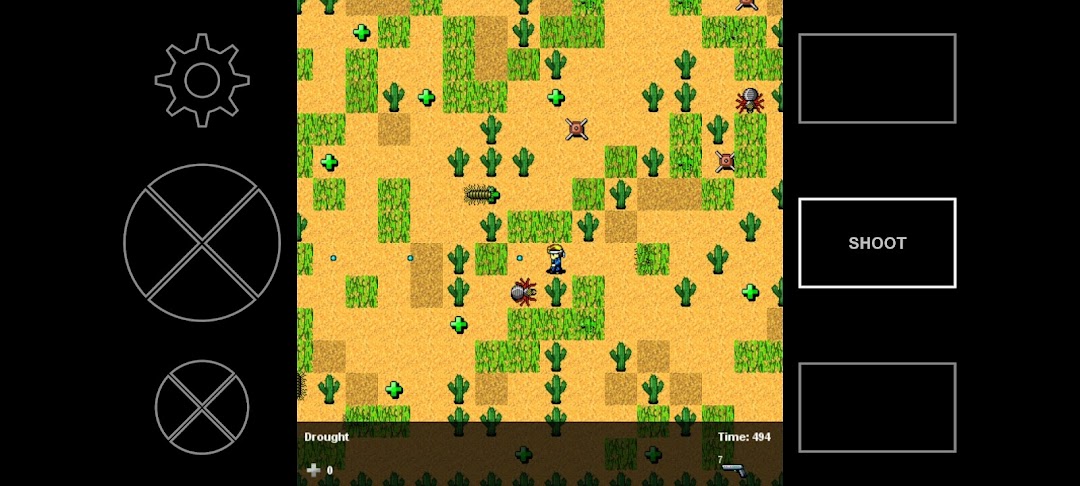
Challenge Go is a Puzzle application developed by CMHawke LLC, but with the best Android emulator-LDPlayer, you can download and play Challenge Go on your computer.
Running Challenge Go on your computer allows you to browse clearly on a large screen, and controlling the application with a mouse and keyboard is much faster than using touchscreen, all while never having to worry about device battery issues.
With multi-instance and synchronization features, you can even run multiple applications and accounts on your PC.
And file sharing makes sharing images, videos, and files incredibly easy.
Download Challenge Go and run it on your PC. Enjoy the large screen and high-definition quality on your PC!
The goal in Challenge Go is simple: fight your way through each level to the portal to reach the next area. Get lost in forests, swamps, deserts. Walk over the sky in ever-changing weather and light, and even navigate the depths of space. Sneak through cursed ruins, war zones, dark labyrinths and haunted houses. Use items to run faster, open doors, pass hazards, and destroy. 100 levels total to challenge even the most dexterous.