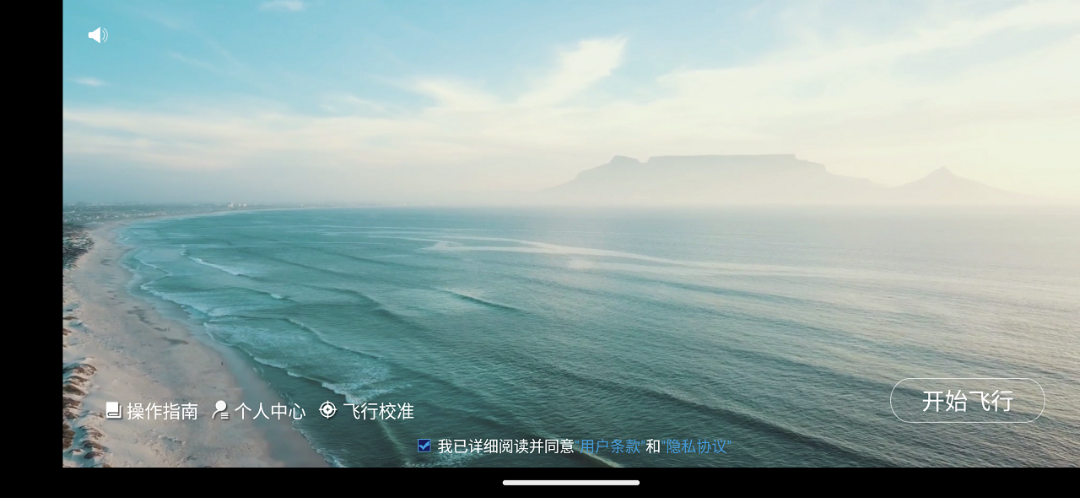
HFun Pilot is a Entertainment application developed by HFun, but with the best Android emulator-LDPlayer, you can download and play HFun Pilot on your computer.
Running HFun Pilot on your computer allows you to browse clearly on a large screen, and controlling the application with a mouse and keyboard is much faster than using touchscreen, all while never having to worry about device battery issues.
With multi-instance and synchronization features, you can even run multiple applications and accounts on your PC.
And file sharing makes sharing images, videos, and files incredibly easy.
Download HFun Pilot and run it on your PC. Enjoy the large screen and high-definition quality on your PC!
This application contains aerial photograph, V sign, face tracking. And these function of preview, take photos , picture recording can come true by HuiYuan's UAV. You can also through the classic, body feeling or rocker model to control the UAV.[PS:Some mobile phone models cannot access the WiFi LAN when opening mobile internet data. If you are having trouble opening the image, you can try turning off the mobile internet data switch.]