Fitdrop is a Social application developed by Fitdrop, but with the best Android emulator-LDPlayer, you can download and play Fitdrop on your computer.
Running Fitdrop on your computer allows you to browse clearly on a large screen, and controlling the application with a mouse and keyboard is much faster than using touchscreen, all while never having to worry about device battery issues.
With multi-instance and synchronization features, you can even run multiple applications and accounts on your PC.
And file sharing makes sharing images, videos, and files incredibly easy.
Download Fitdrop and run it on your PC. Enjoy the large screen and high-definition quality on your PC!
Your outfits, your friends.Fitdrop is an app making fashion social! We’re making it easier to share your outfits, with your friends.
Everyday, fitcheck!
Whenever you got an outfit on - share it with your friends! You can post your fits on our app, and tag each clothing item with details like the name, clothing type, and the link to the store.
Connect with your friends
Putting on an outfit is more than just looking good - it’s a medium for self-expression. Add your friends on Fitdrop, and connect by sharing your fits!
Real fashion inspiration
Looking for real outfits, from real people? Check out our discovery page where you can see outfits posted from people all around the world - no influencers, no models, but real people wearing real outfits.
No More Gatekeeping:
Users can tag clothes on Fitdrop and leave information about every piece of clothing, like the name, brand, and the direct link to purchase the product!
Your virtual closet:
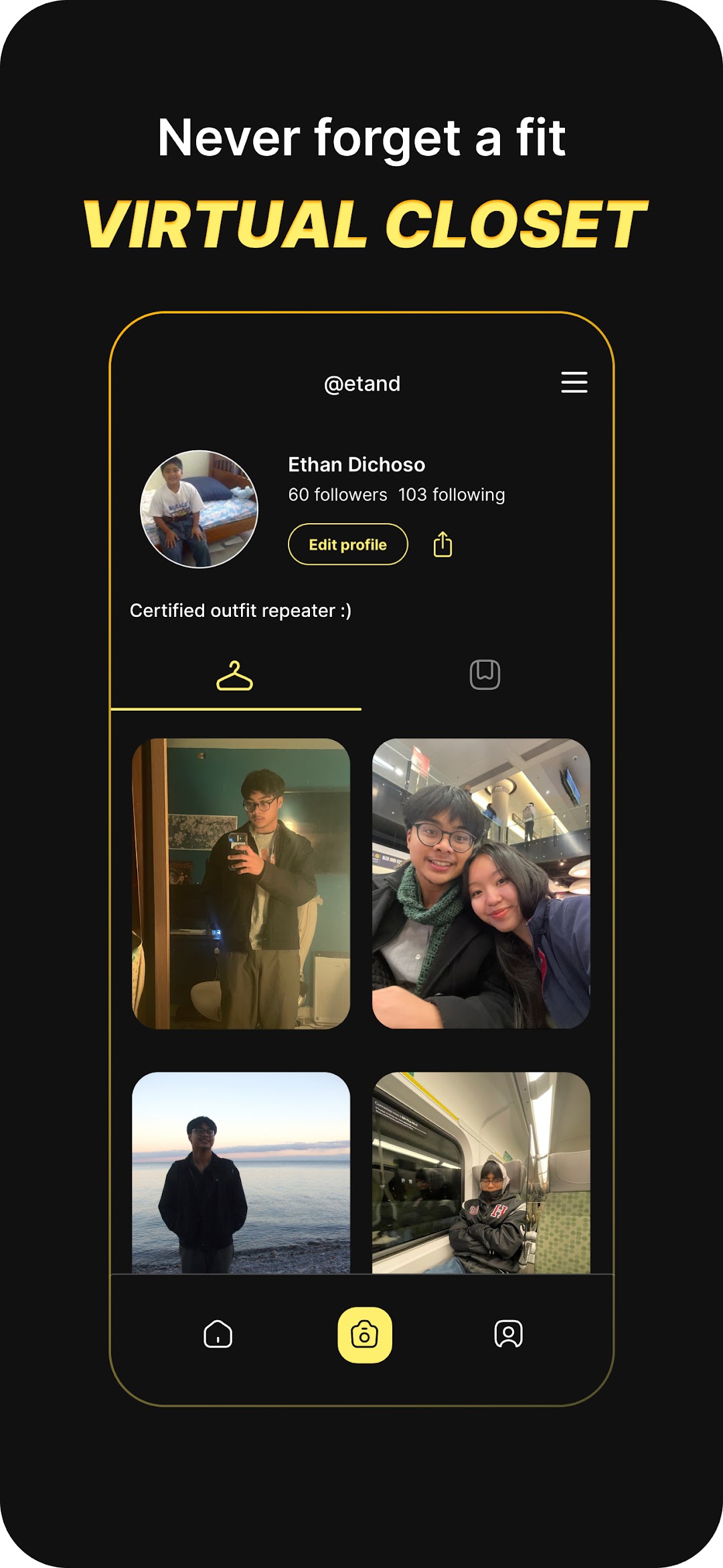
When you post on Fitdrop - you can look back on your profile and see all the previous fits you put together in the past, so you will never forget an outfit combination.
We hope you find joy in connecting with others, and sharing your fits!
Made with love - Team Fitdrop