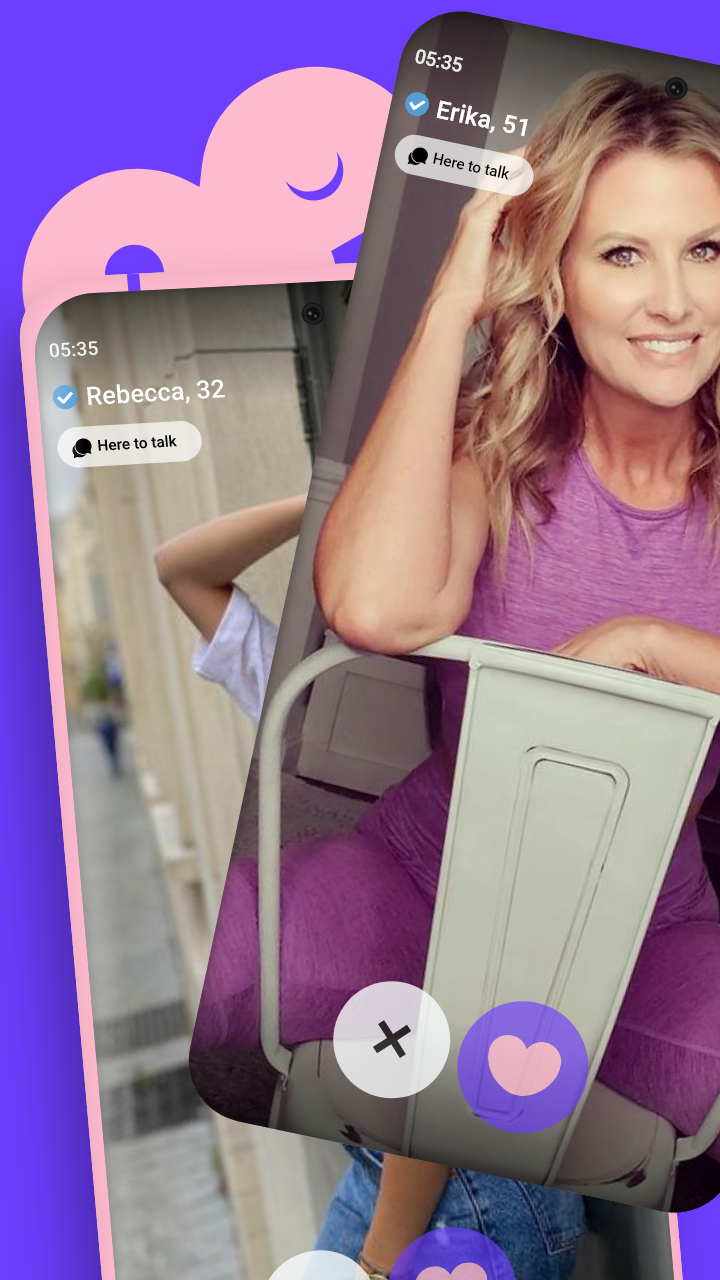
Bodu is a Social application developed by Linnn85, but with the best Android emulator-LDPlayer, you can download and play Bodu on your computer.
Running Bodu on your computer allows you to browse clearly on a large screen, and controlling the application with a mouse and keyboard is much faster than using touchscreen, all while never having to worry about device battery issues.
With multi-instance and synchronization features, you can even run multiple applications and accounts on your PC.
And file sharing makes sharing images, videos, and files incredibly easy.
Download Bodu and run it on your PC. Enjoy the large screen and high-definition quality on your PC!
Looking for a platform to quench your thirst for socializing? Bodu has got you covered! With a variety of socializing options like Likes, Chats, and Matches, this app satisfies your natural urge to connect with like-minded individuals. Bodu brings together people who share your passions and worldview, making it easier than ever to build a meaningful social circle. Install the app and get ready to be matched with people who are on your same wavelength. Gain meaningful friendships and watch your happiness soar!